From zero to a
working typed API
One command scaffolds a .NET 10 project with Identity Auth, typed clients, AutoQuery CRUD and built-in UIs already wired up. This page is the shortest path through it — pick a starting point below, or take the four-step tour.
Nothing to install. Requires the .NET SDK.
public class Hello : IReturn<HelloResponse>
{
    public required string Name { get; set; }
}
That one DTO gives you
Read the walkthrough: Your first WebService explained
Where would you like to start?
Three ways in. They all end up in the same place — pick whichever matches how you like to learn.
Just let me build
Scaffold a production-ready project on your stack of choice and start writing APIs in the next five minutes.
Show me how it works
Start from the message-based design that makes a single C# class into an API, typed client and UI.
I already have a database
Point ServiceStack at an existing RDBMS and get typed CRUD APIs plus an instant admin UI generated for you.
The 4-step tour
Your first API, end to end
Follows the docs' Create your first WebService walkthrough. Each step links to the reference if you want to go deeper.
-
1
Create your project
One command scaffolds a complete .NET 10 App.
webis the Empty template — swap it forreact-spa,vue-mjs,blazoror any other template name.$npx create-net web MyAppBrowse every template -
2
Run a watched build
Press Ctrl+F5 in your IDE, or run a watched build from the terminal so your App rebuilds and restarts on every save.
$dotnet watchProject structure explained -
3
Call your API
Your project already exposes a working API from a single Request DTO. Browse and call it from the built-in API Explorer at
/ui, or hit it from the command line.$x send https://localhost:5001 Hello {"name":"World"}API Explorer docs -
4
Consume it from your client
Generate typed DTOs for your front-end — C#, TypeScript, Dart, Kotlin, Swift, Python and more — so your client stays in sync with your API automatically.
$npx get-dtos typescript https://localhost:5001Add ServiceStack Reference
Prefer the full narrated version?
The docs walk through each file the template generates and why it's there.
What you get without writing any UI
Every ServiceStack App ships with these built in. They read your APIs' metadata, so they light up the moment you add a DTO — no configuration, no extra packages.
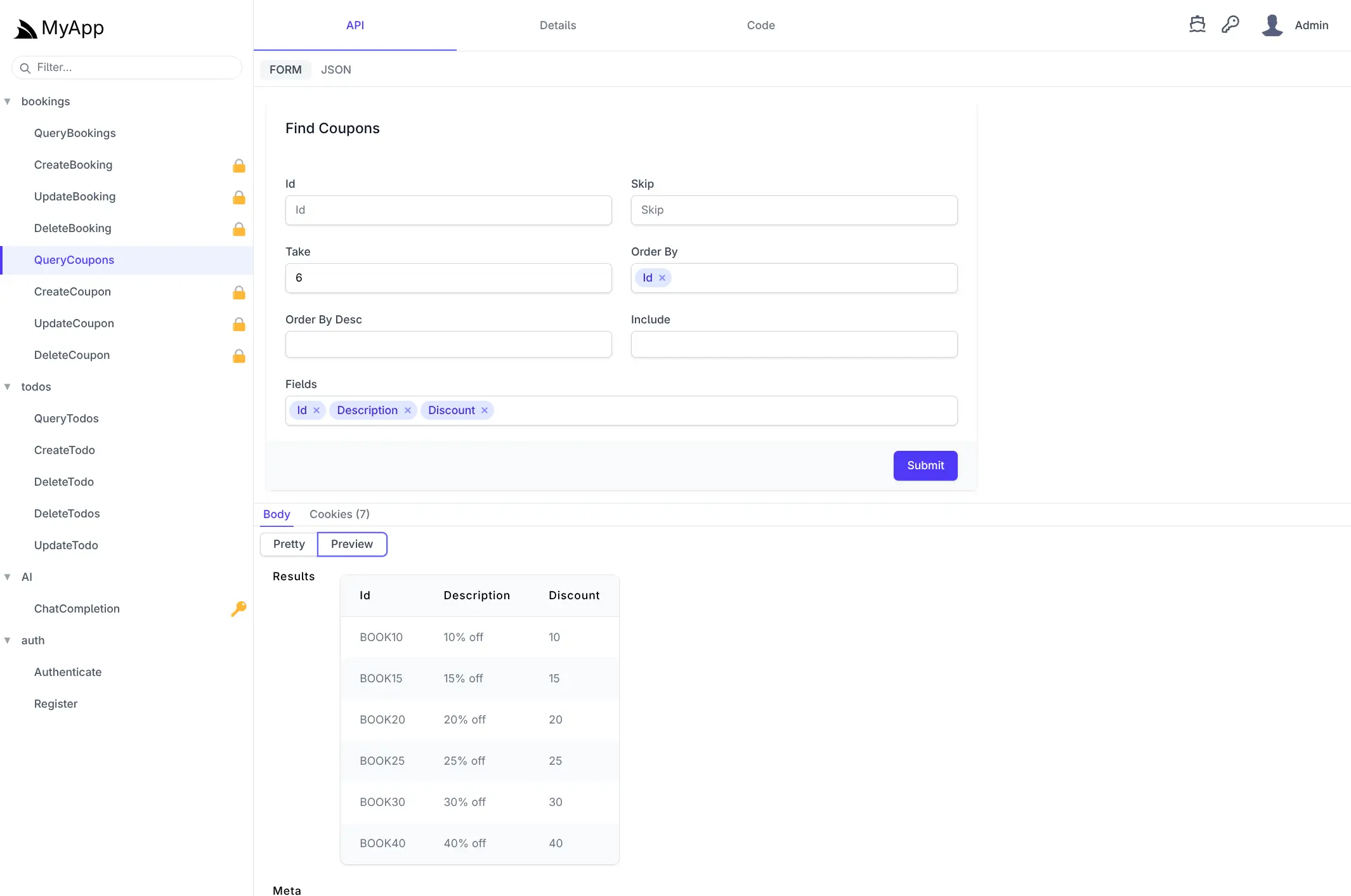
/ui
API Explorer
A generated UI for every API in your App - call them, inspect responses and copy working client code in 10+ languages.
Learn more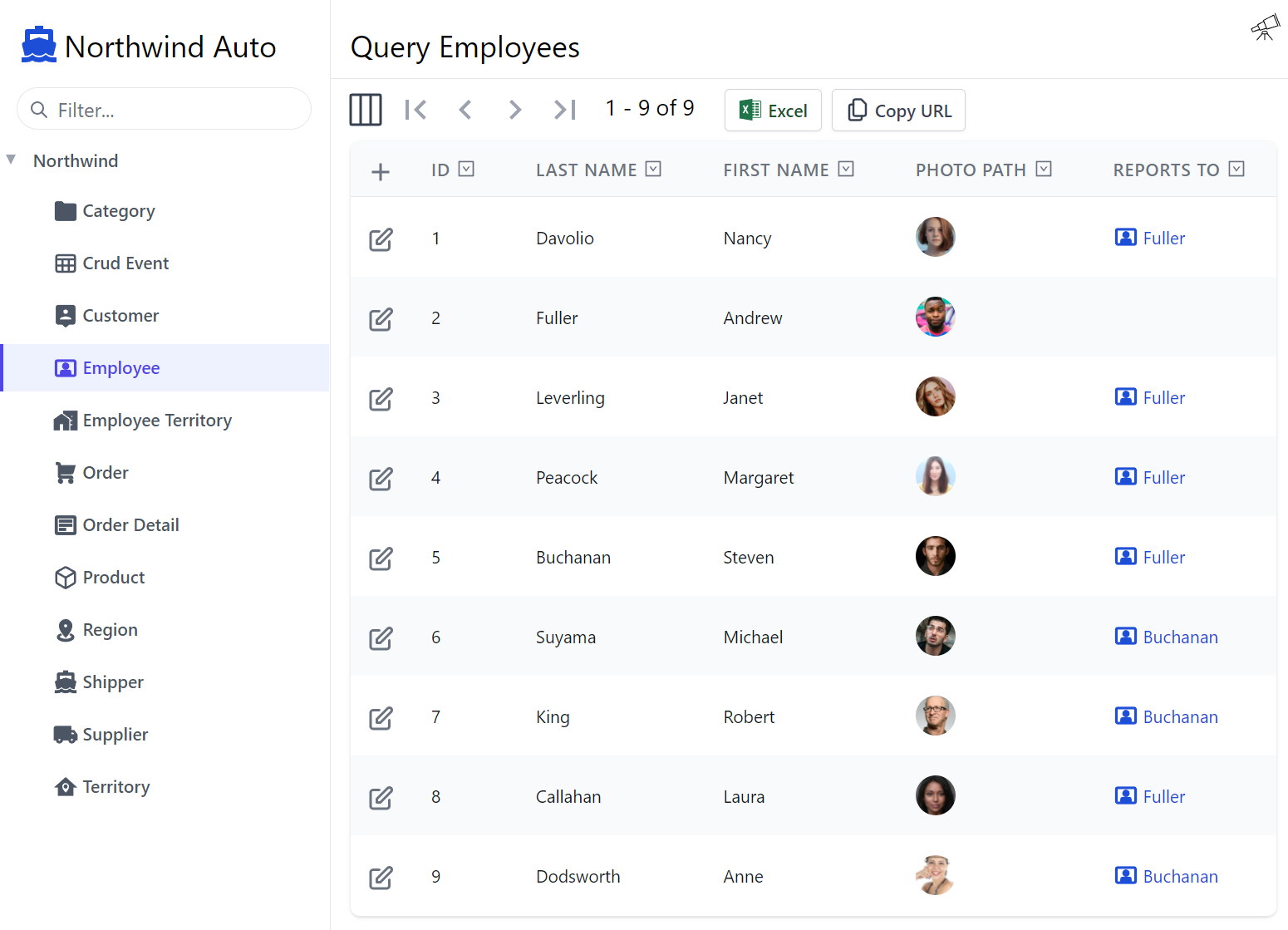
/locode
Locode
An instant, customizable CRUD app over your AutoQuery APIs. Enough to run a back-office without writing a front-end.
Learn more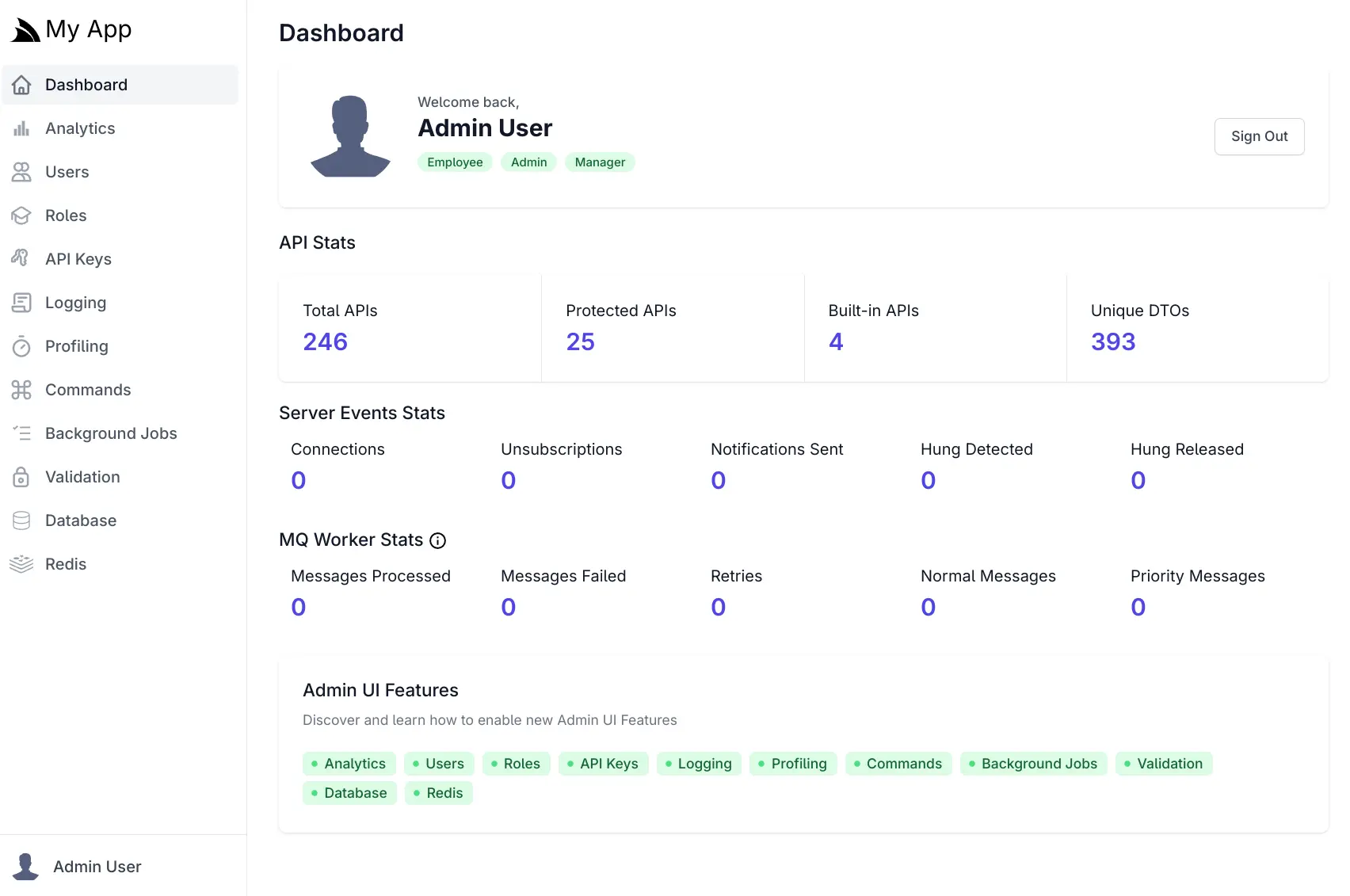
/admin-ui
Admin UI
Manage users and roles, browse your database and Redis, edit validation rules and inspect request logs - all from your running App.
Learn more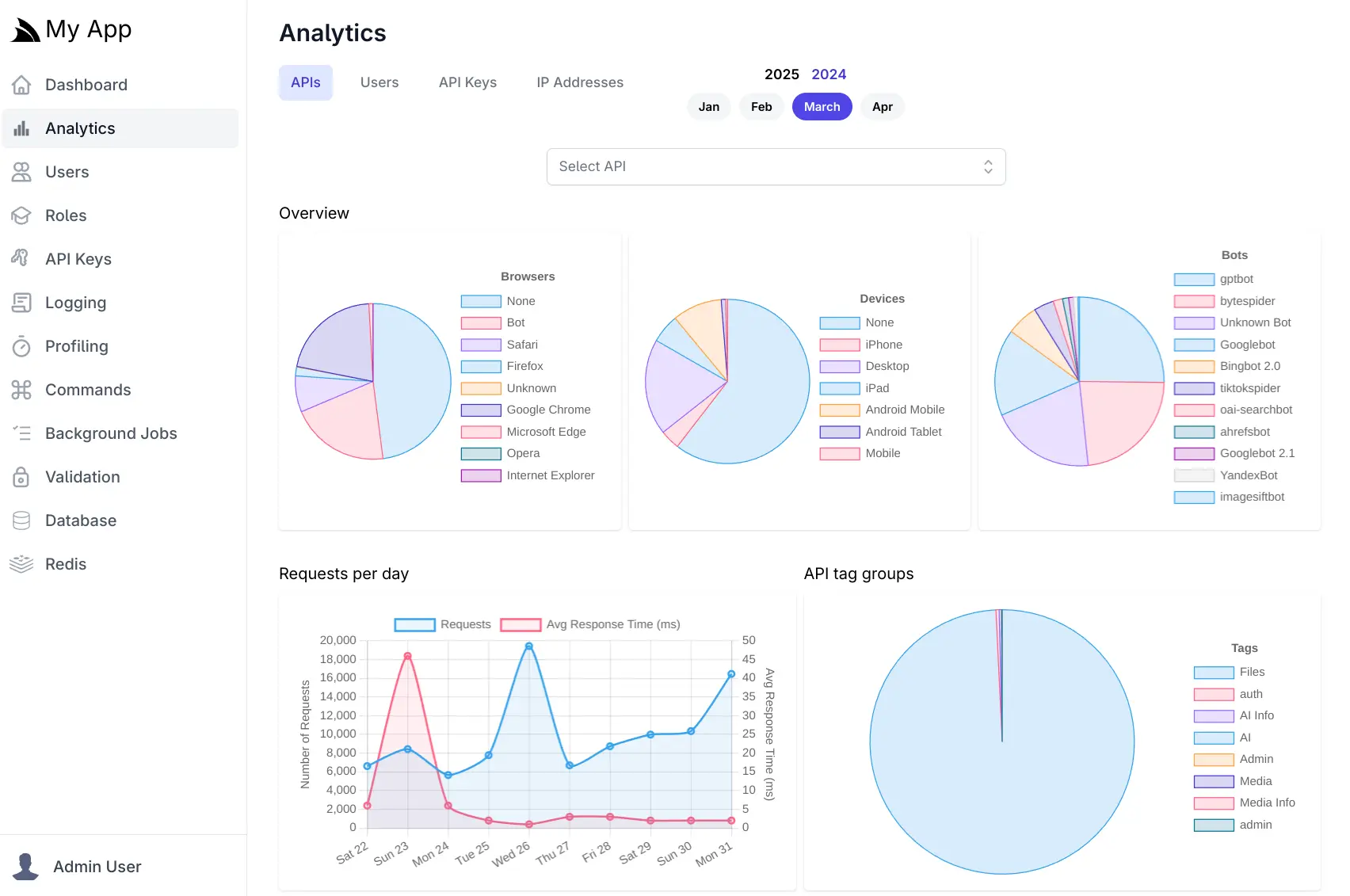
Built in
API Analytics
See which APIs are called, by whom, how often and how fast - captured automatically into an embedded SQLite database.
Learn more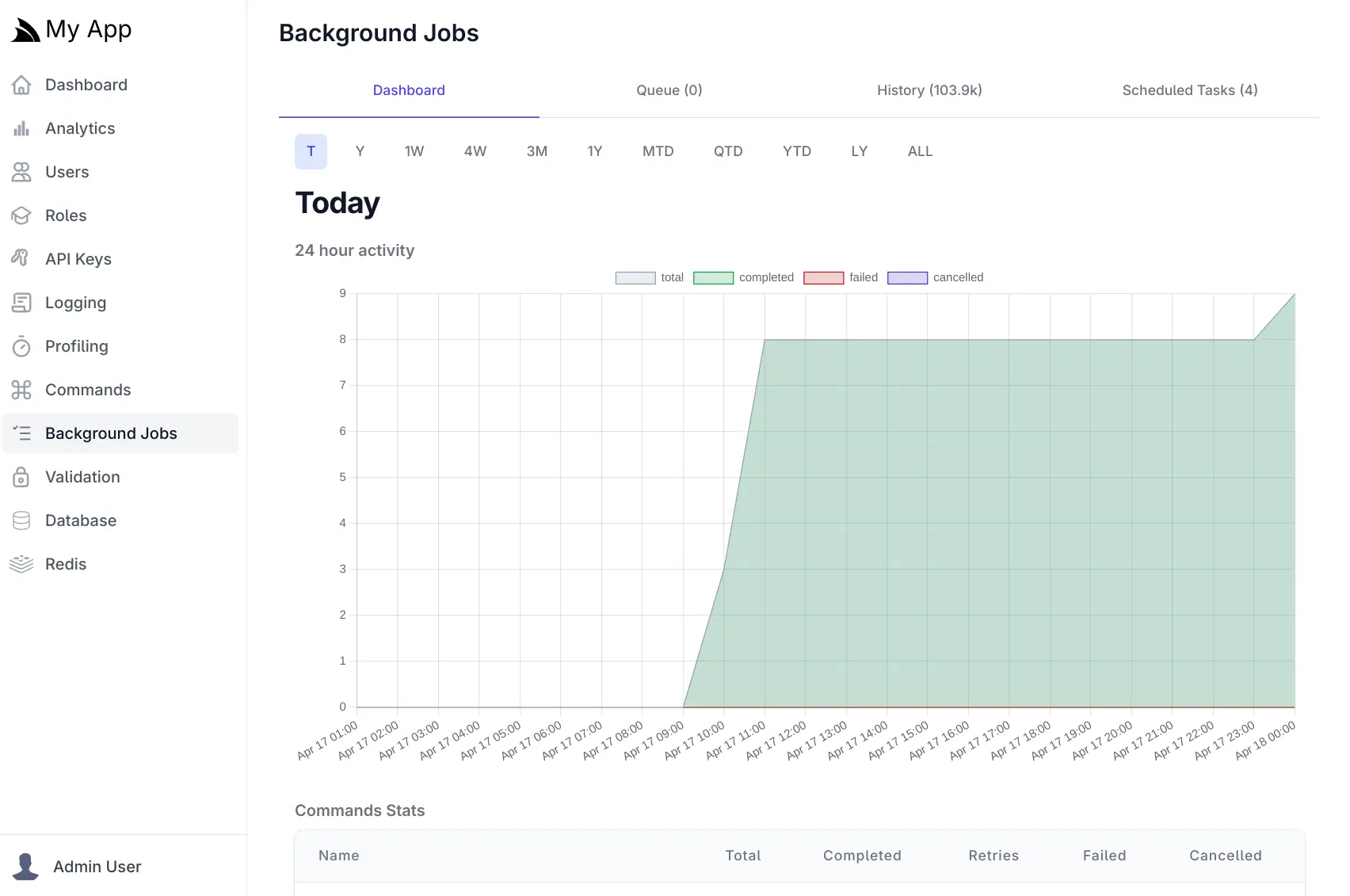
Durable
Background Jobs
Run and schedule durable background jobs backed by SQLite, with a UI to monitor, retry and inspect every execution.
Learn more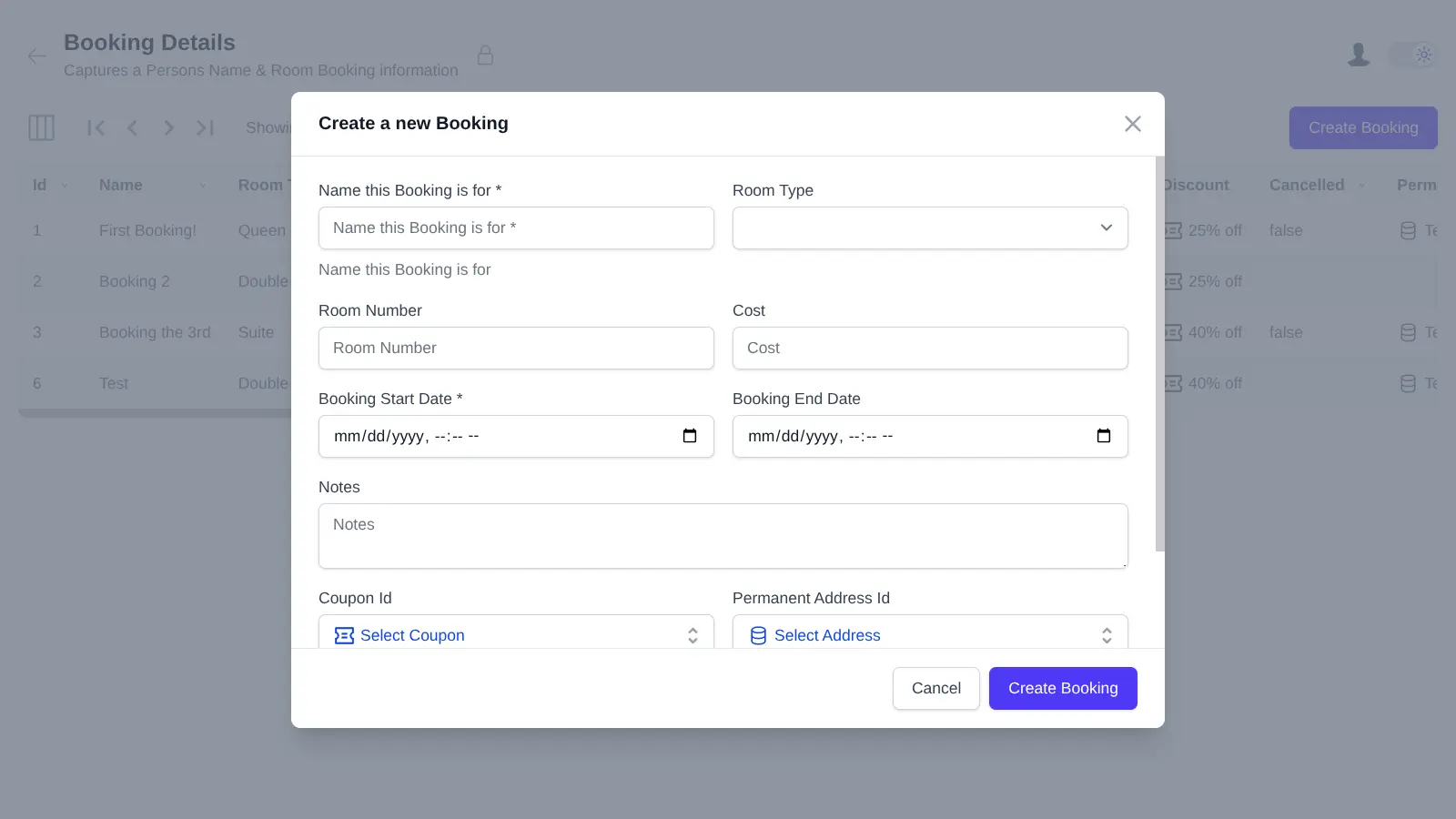
Zero boilerplate
AutoQuery CRUD
Declare a typed query API with a single class and get filtering, paging, sorting, auditing and full CRUD for free.
Learn moreBring your own front-end
The same .NET back-end, paired with whichever UI you already know. Each has a maintained template and an end-to-end guide.
… and call your APIs from any language
Add ServiceStack Reference generates native typed DTOs from your live API's metadata — no code-gen build step, no OpenAPI toolchain.













Then go as deep as you need
The parts of the docs most people reach for next, grouped by what you're trying to do.
Designing APIs
Data Access
Auth & Security
Running in Production
Keep learning — and get unstuck
Working demos to read, releases to follow, and real people to ask when something doesn't behave.
Live Demos
Dozens of complete, running Apps with source - the fastest way to see an idea implemented end to end.
OpenWhat's New
Every release, feature by feature, with the docs and demos that shipped alongside it.
OpenBlog & Videos
Deep dives, release walkthroughs and screencasts from the team building ServiceStack.
OpenTraining
Structured, instructor-led training for teams that want to get productive quickly.
OpenStuck on something?
Customers get prioritised support on the forums; everyone else is welcome on GitHub Discussions and StackOverflow. Bugs and feature requests belong on the issue tracker.
Ready when you are
Free and open source. Pick a template, run it locally, and see how far you get before you need anything else.