Your organization's own OpenRouter running in your .NET App
One plugin turns any ServiceStack App into a private AI gateway - one set of provider accounts and one bill for the whole organization, reaching only the models you've approved, behind the ASP.NET Identity Auth you already have.
No second user directory. No SSO integration project. The people who can already sign into your App are the people who can use it - and the ones who can't, can't.
Governed by your App
It's already your users
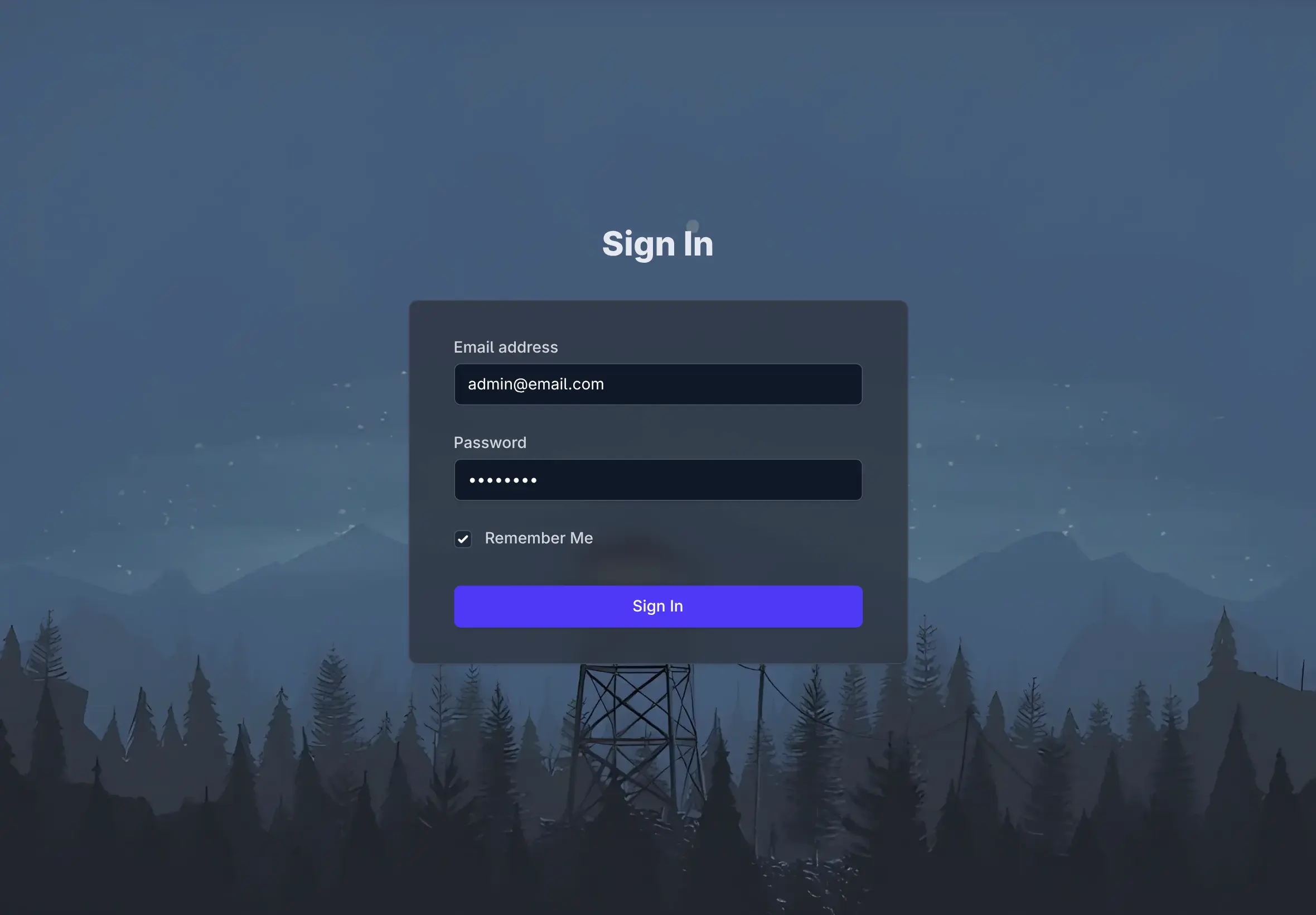
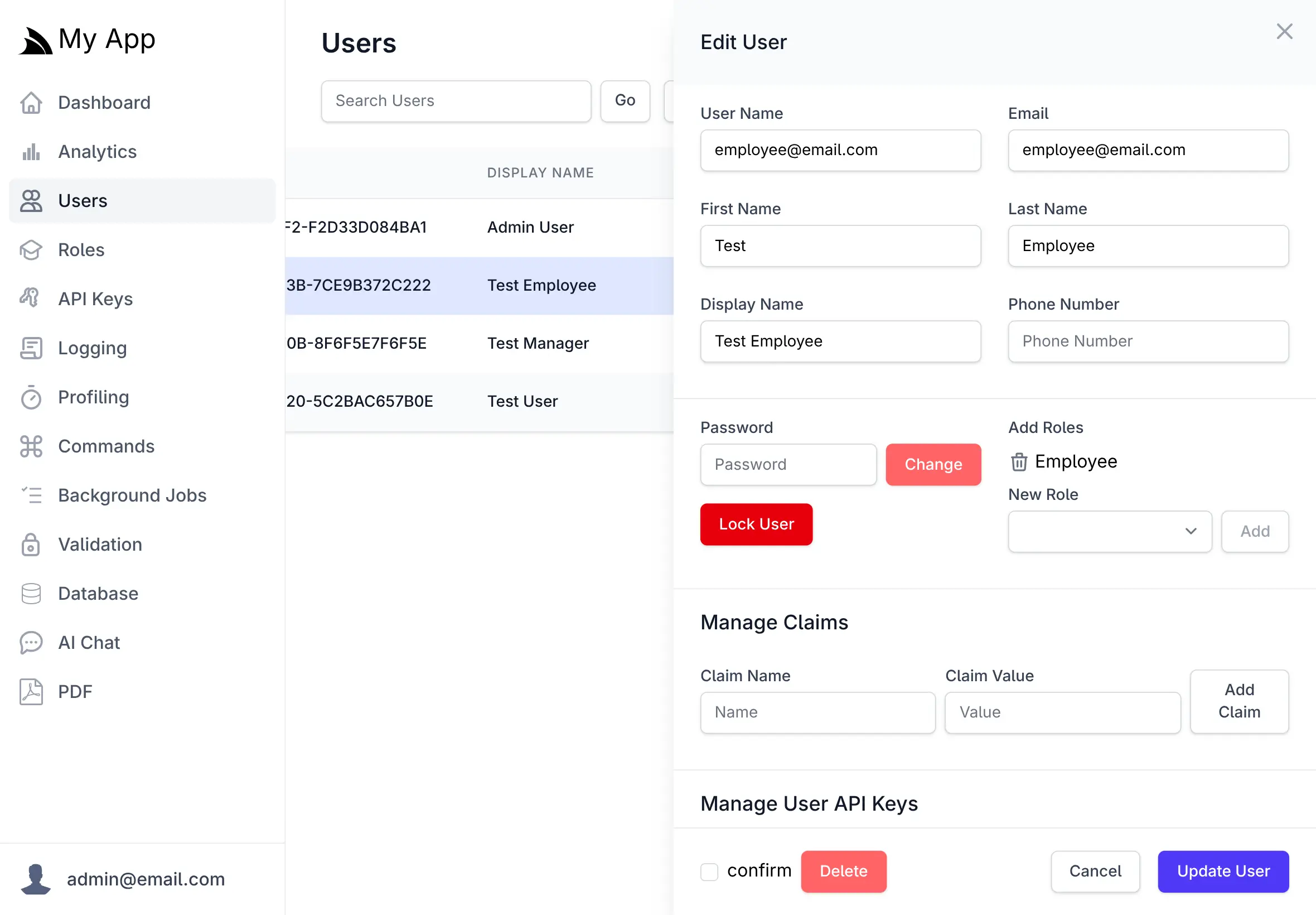
ChatFeature authenticates against the App it's hosted in. Signing in, roles, locking an account, revoking a key - all of it keeps working exactly as it does everywhere else in your App.
Restrict who gets in
Set RequiredRole and only users
holding that role reach the UI or any of its APIs. Everyone else is rejected at the door.
Keys for programmatic clients
With ApiKeysFeature registered,
/v1/chat/completions also accepts a
Bearer key - so scripts and services keep working alongside browser sign-in.
Multi-user from the start
Everyone gets their own workspace. Chat history, uploads and gallery, agent profiles, projects, skills, themes and PDF templates are all partitioned per user - on top of whatever you publish to the whole organization.
services.AddPlugin(new ChatFeature {
    RequireAuth  = true,
    RequiredRole = "Staff",       // only Staff can use it
    RoutePrefix  = "/chat",
    EnableProviders = ["openai", "anthropic", "google"],
});
One endpoint, every model
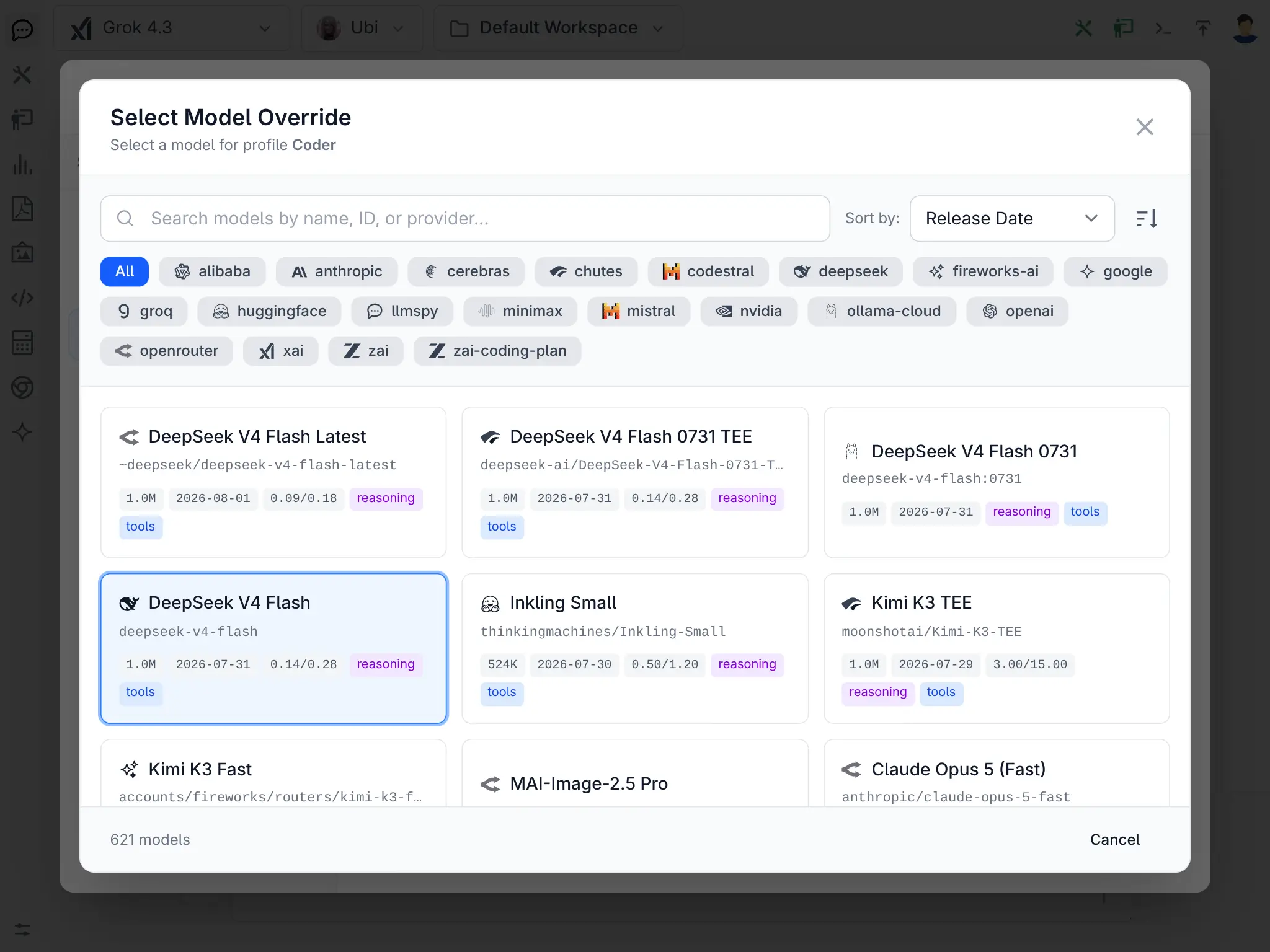
530+ models. 24 providers. Your rules.
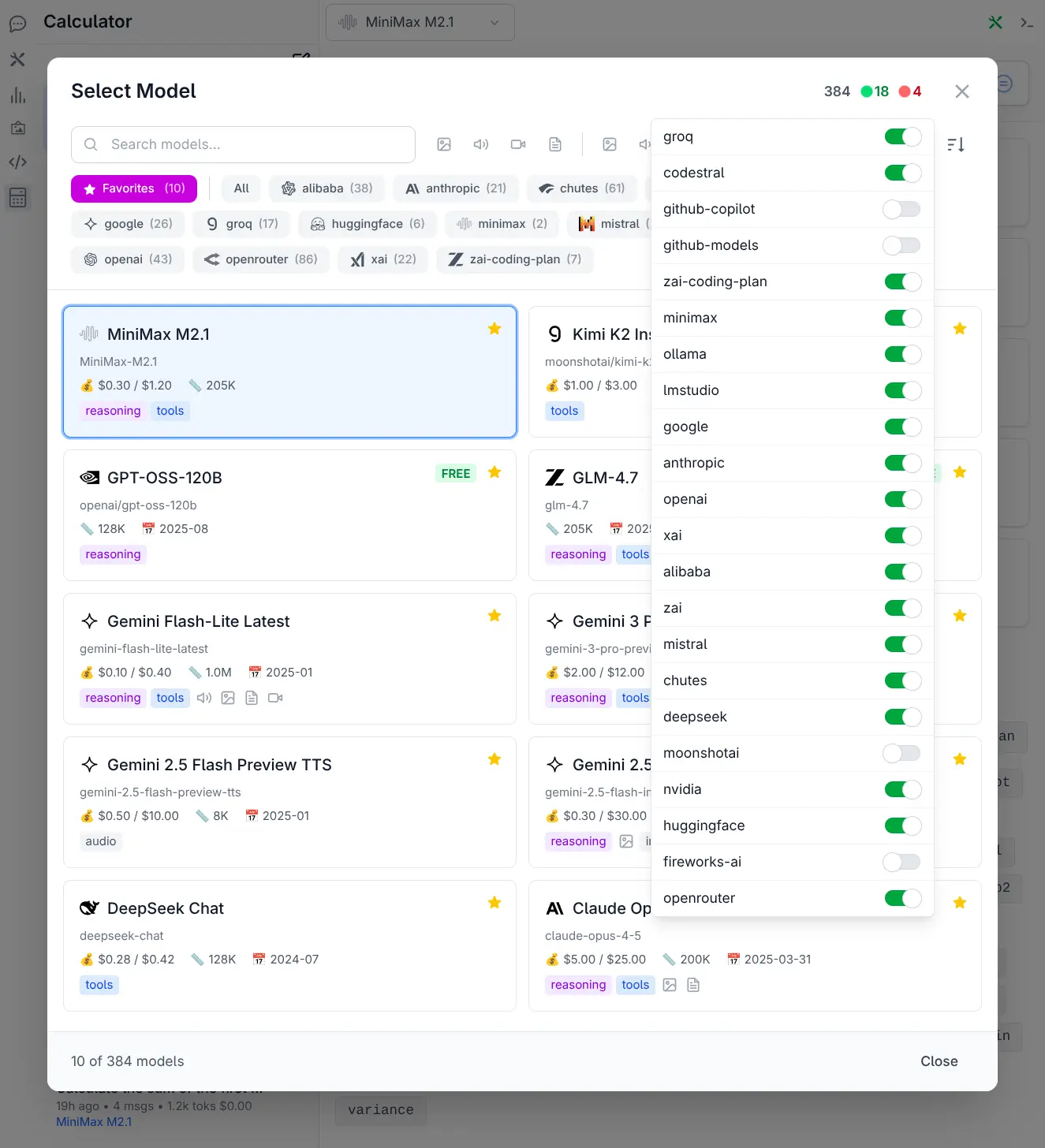
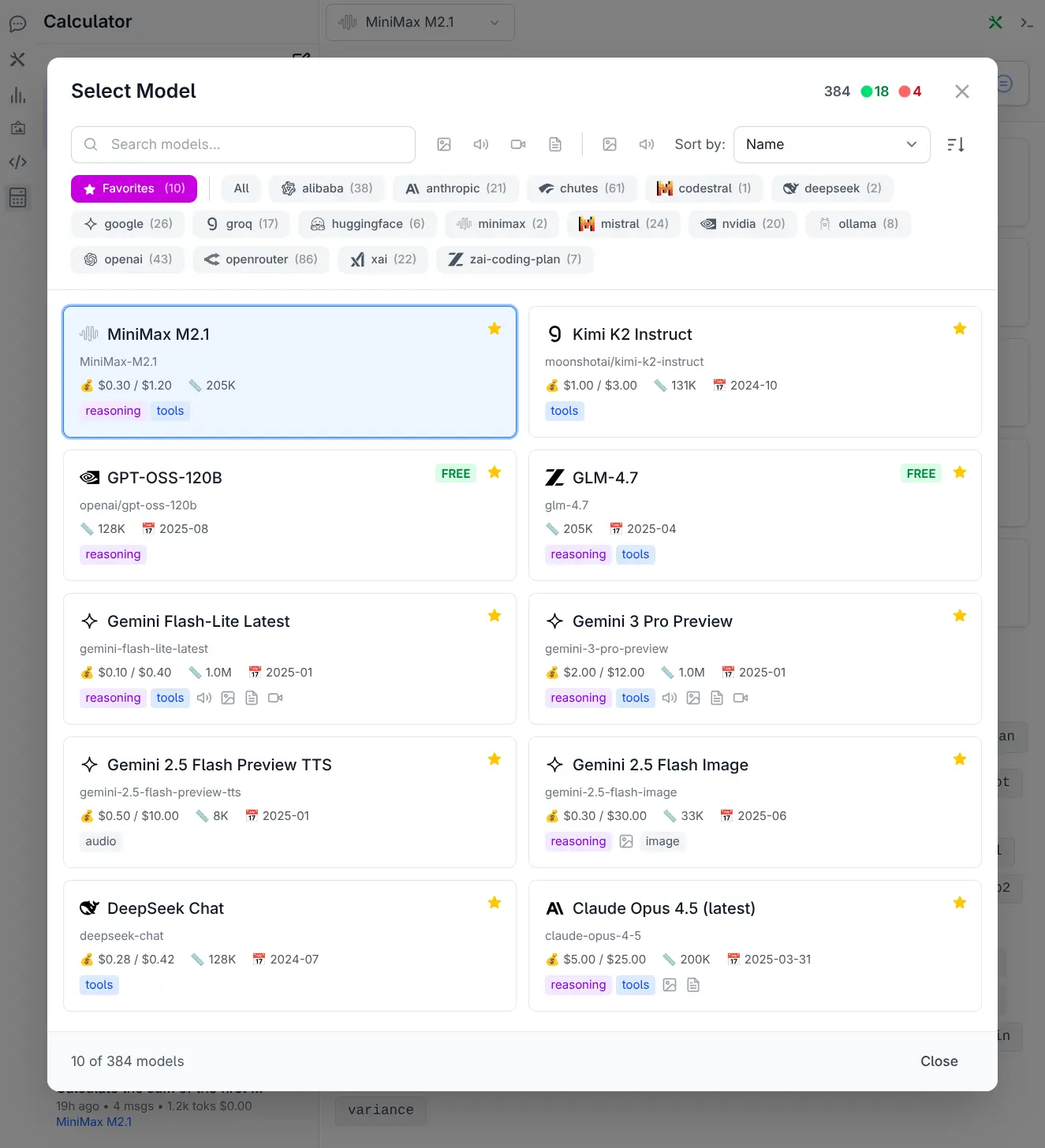
Give your organization one OpenAI-compatible endpoint that reaches every major provider - then decide which models it's allowed to reach, and who gets which ones.
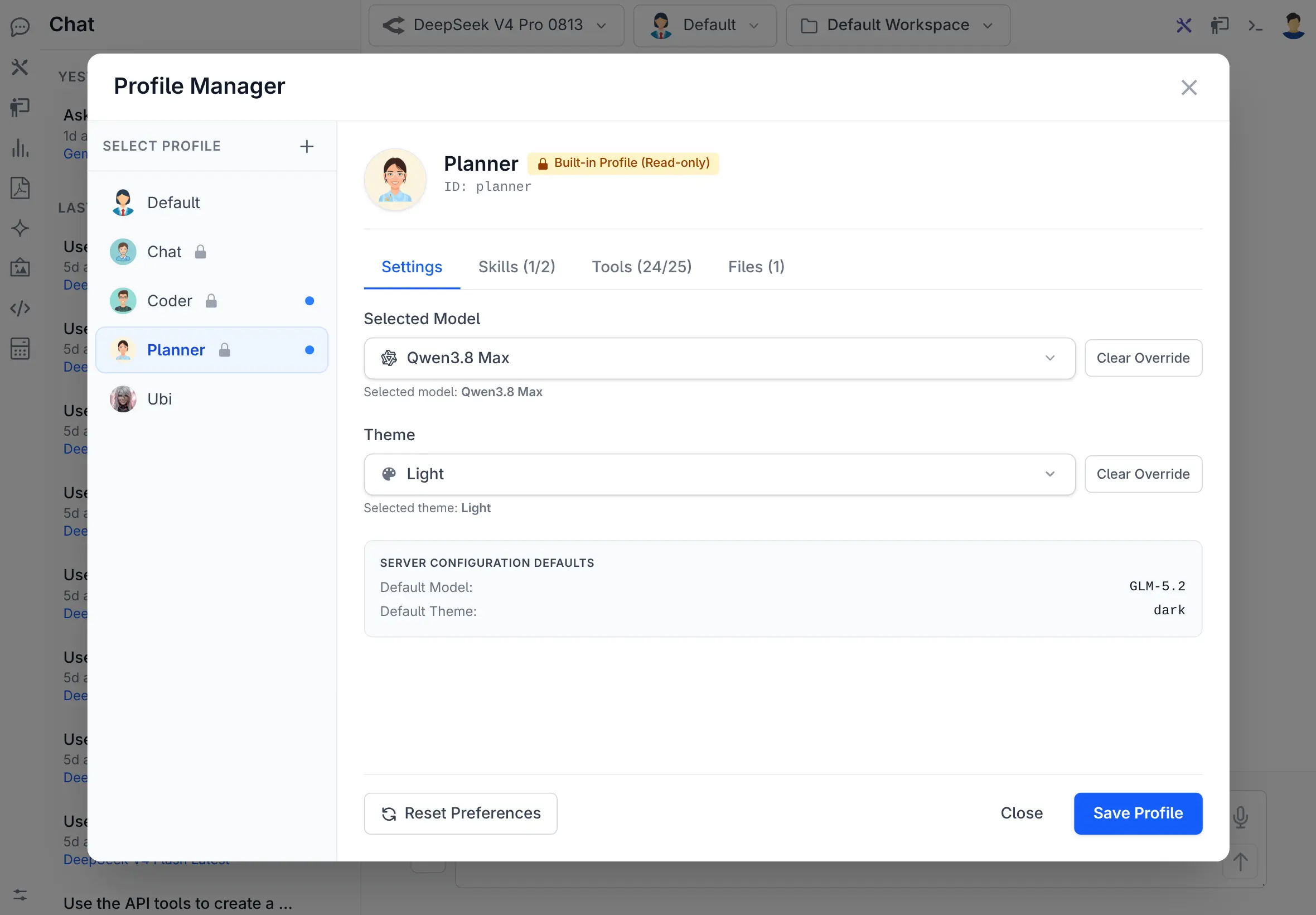
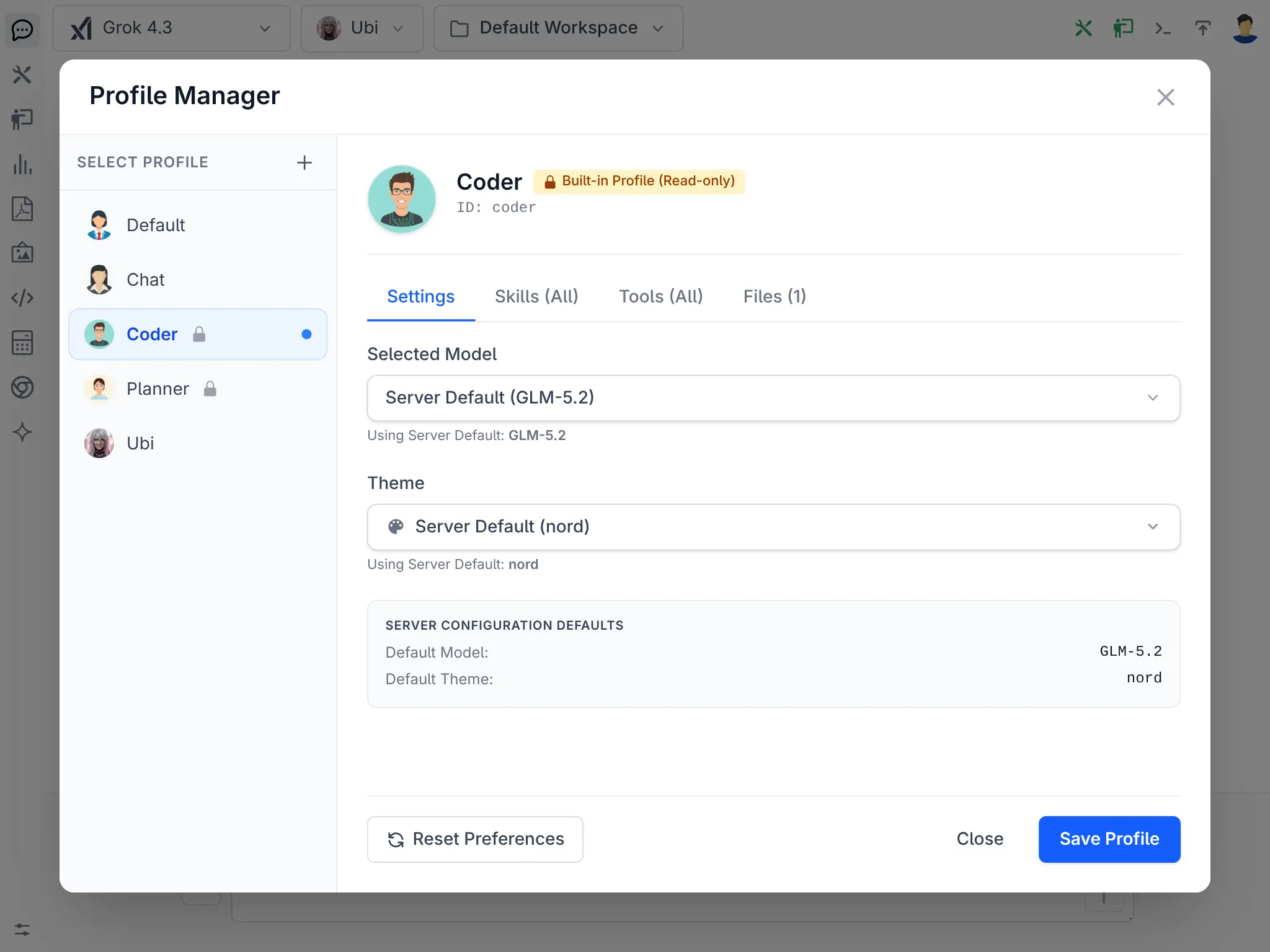
Profiles tailored per team
A profile bundles a system prompt, an allowed model list, its tools and a theme. Publish a read-only profile to the whole organization, or let each team shape its own.
Accounted for, and kept
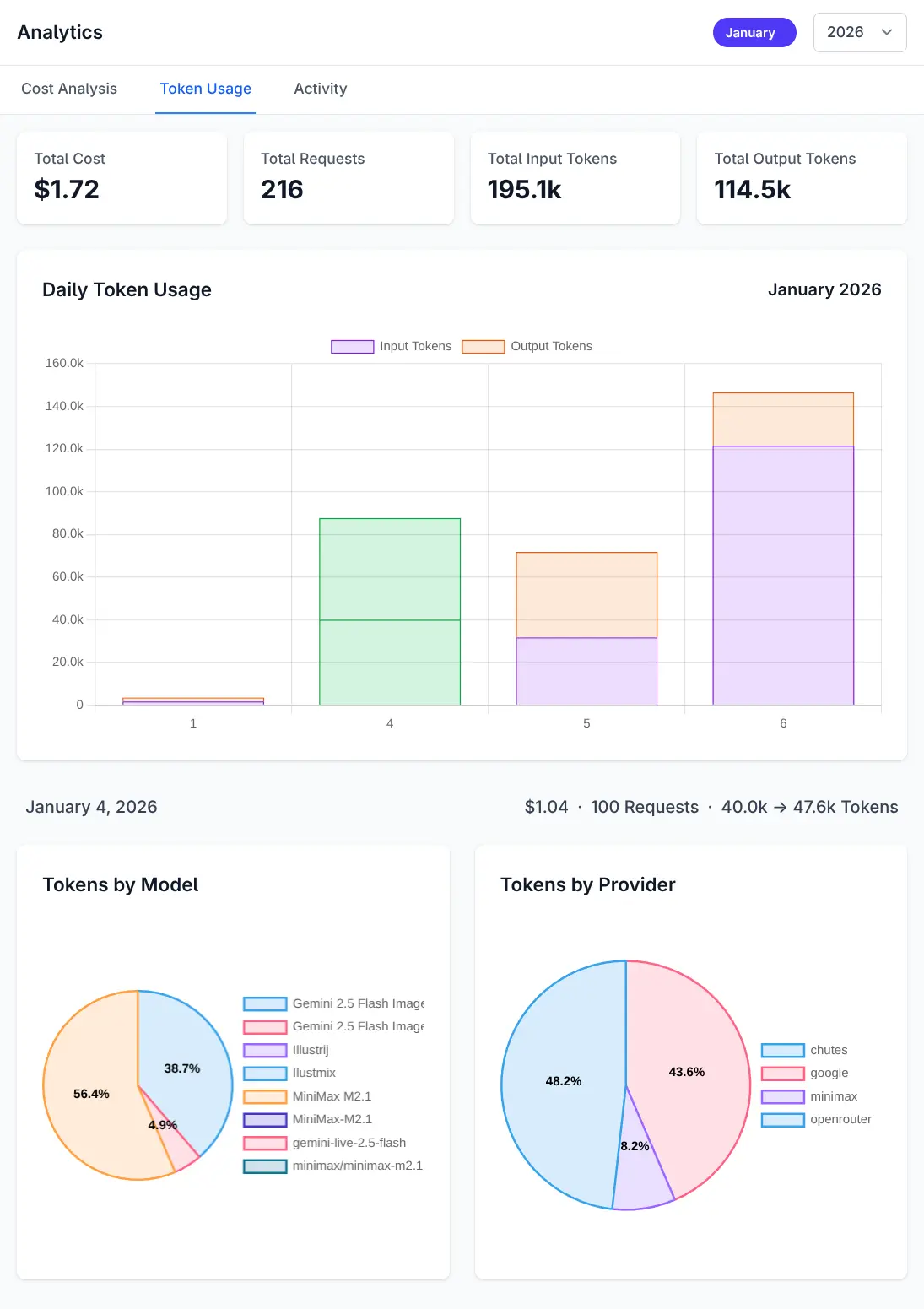
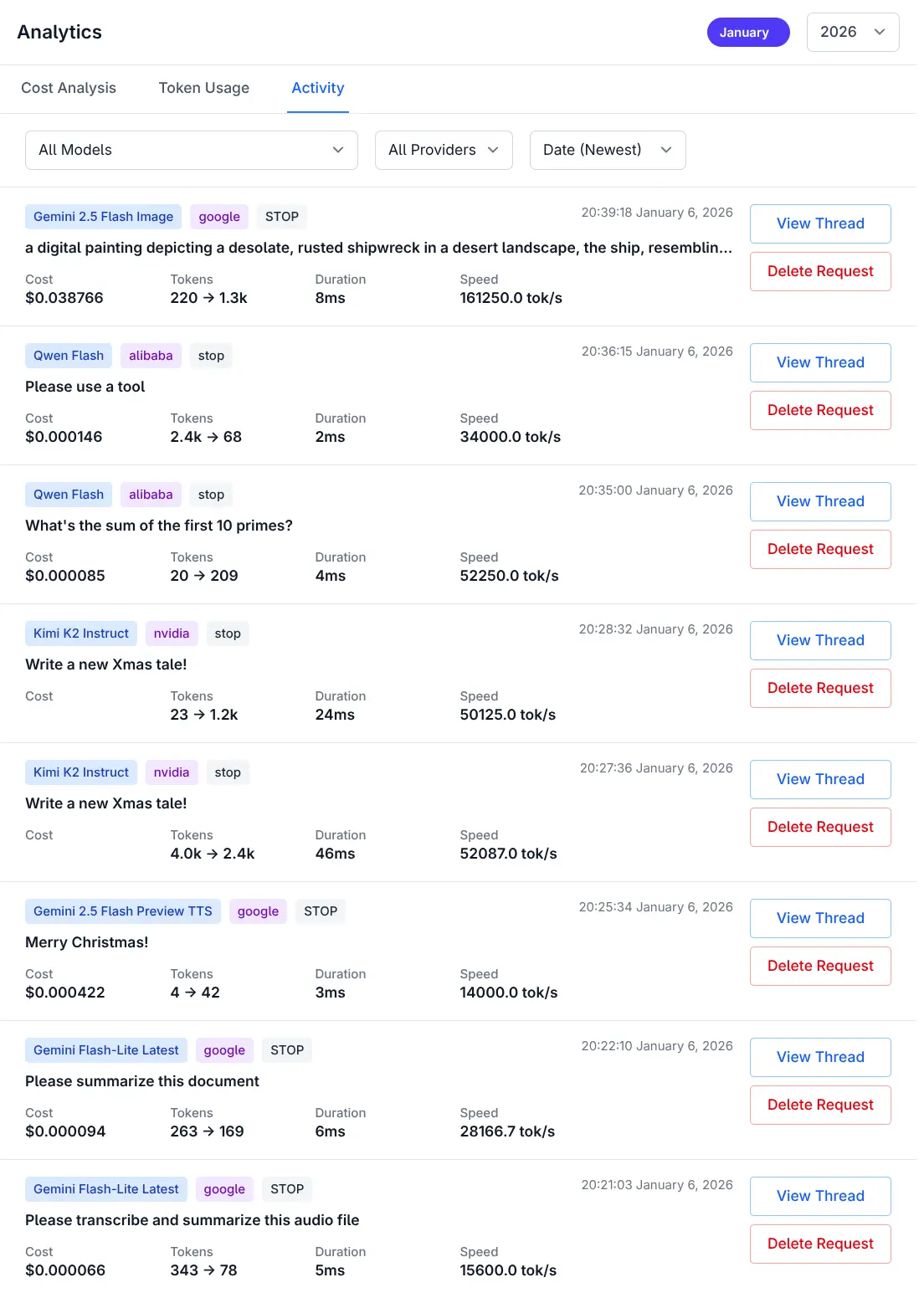
Know your costs, and who spent it
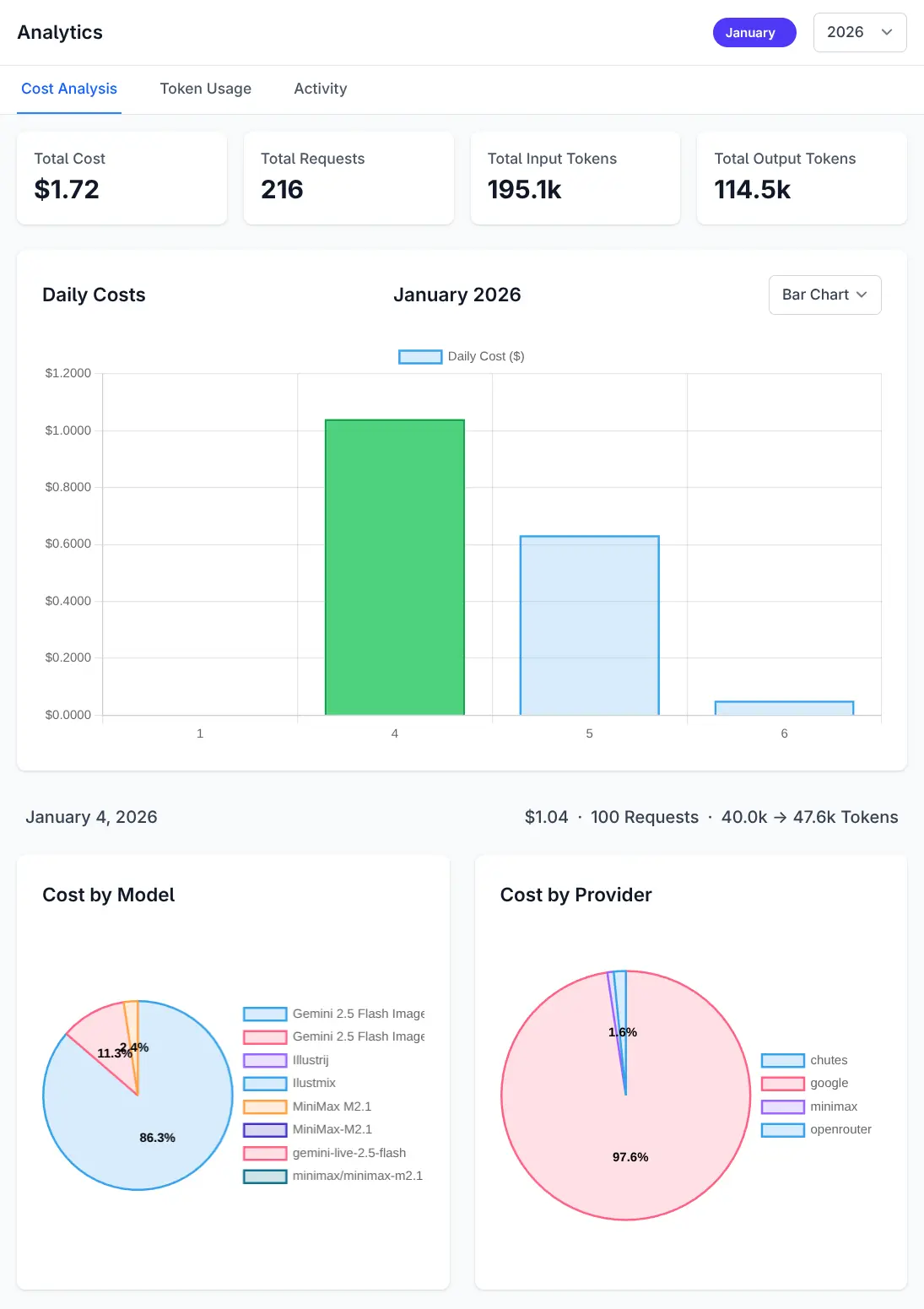
Every completion is recorded against the user who made it - model, provider, input and output tokens, and cost. It's a row in your own database, so you can bill a department, find a runaway agent, or answer "what are we spending on AI" without asking a vendor.
- Cost broken down by model and by provider
- Daily totals, token usage and activity over time
- Stored in your RDBMS via OrmLite - query it however you like
- Kept - every request stays queryable, not just this month's
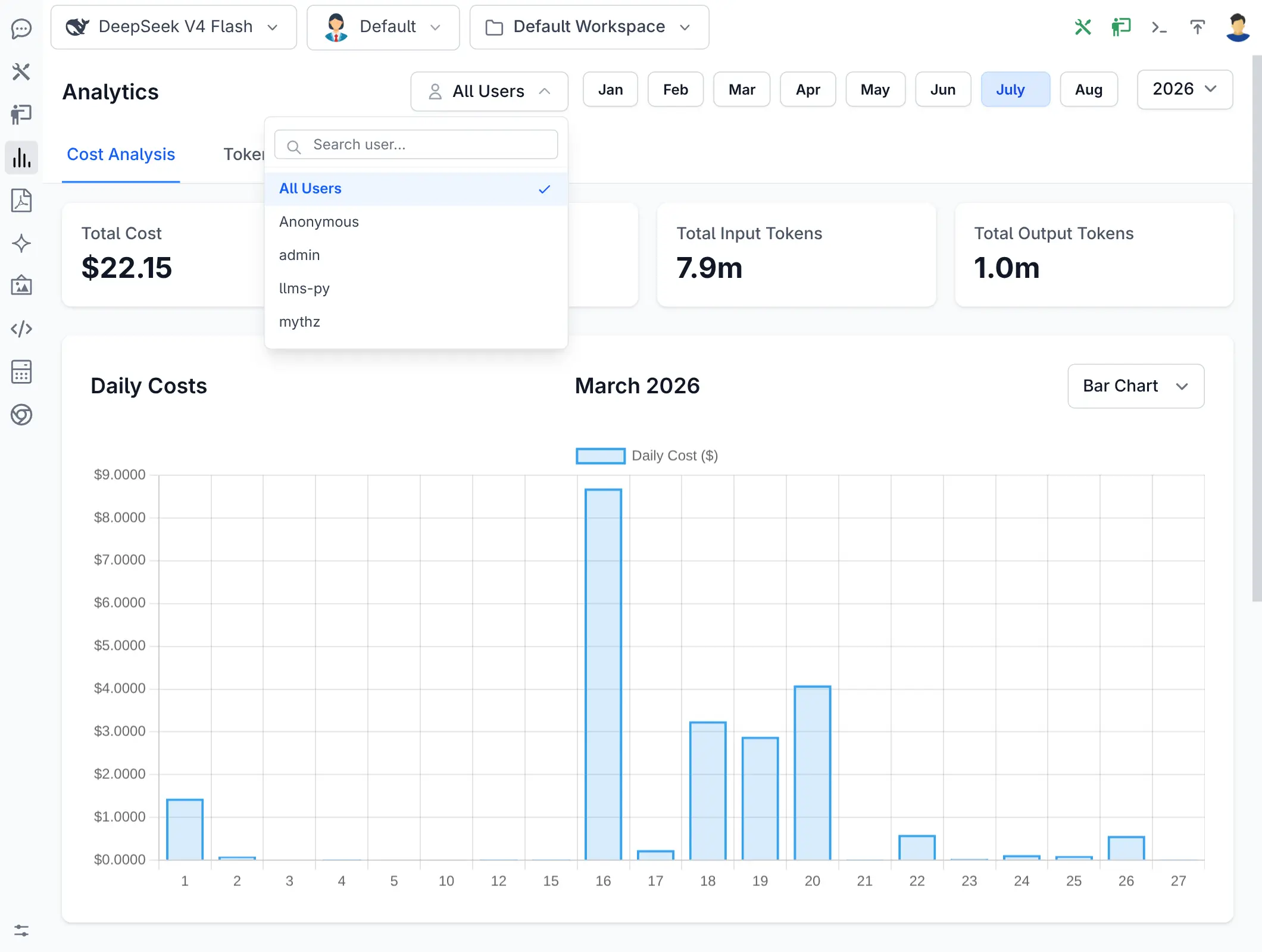
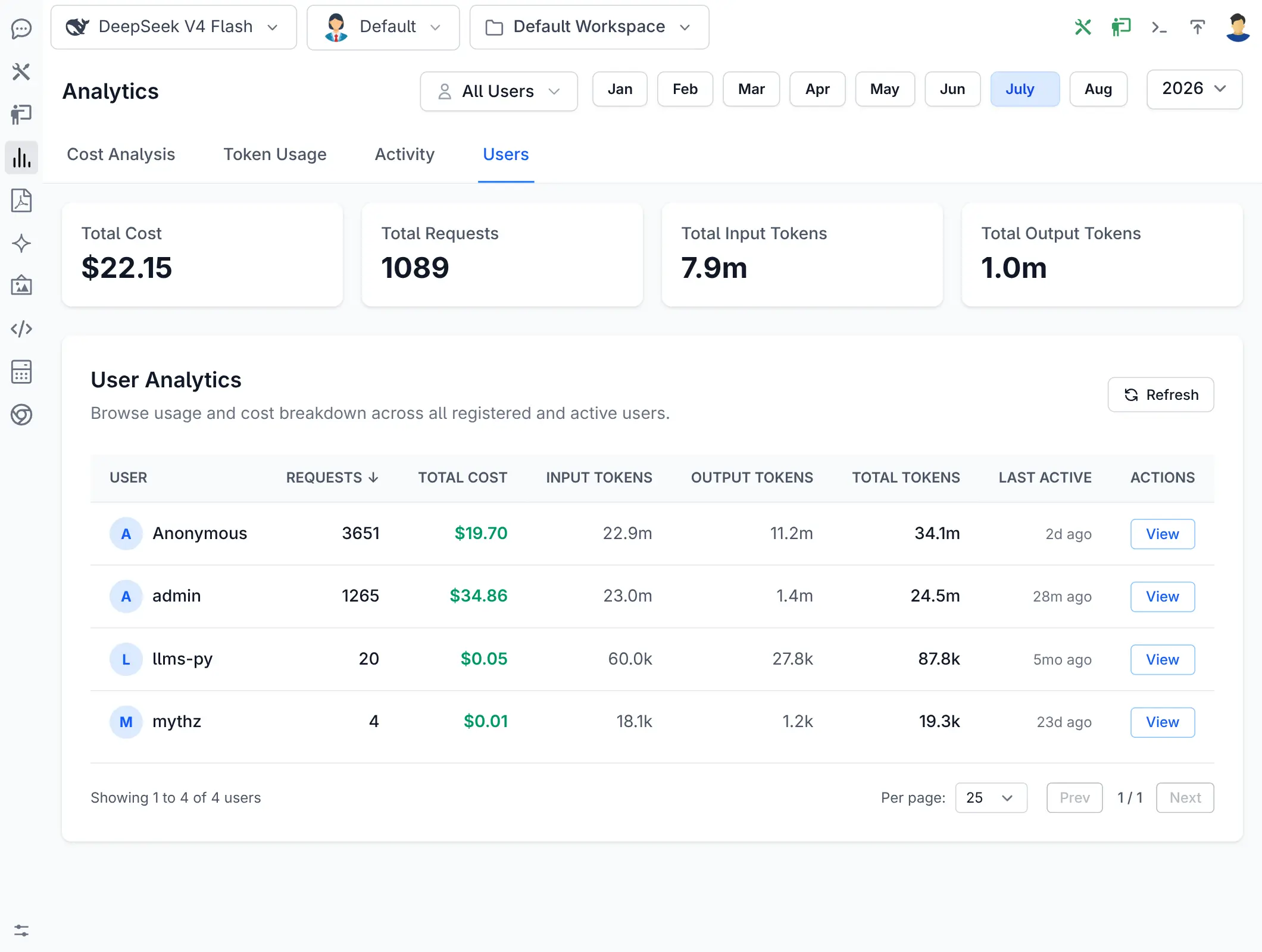
Admins see across every user
- Searchable user filter - point cost, tokens and activity at one user or all of them
- Users tab - requests, cost, input/output/total tokens and last active, per user
- Sort by any column - find the heaviest spender or who's gone quiet
- Open any transcript - read the conversation behind a request, straight from the activity log
API Tools & MCP
Point that intelligence at your own APIs
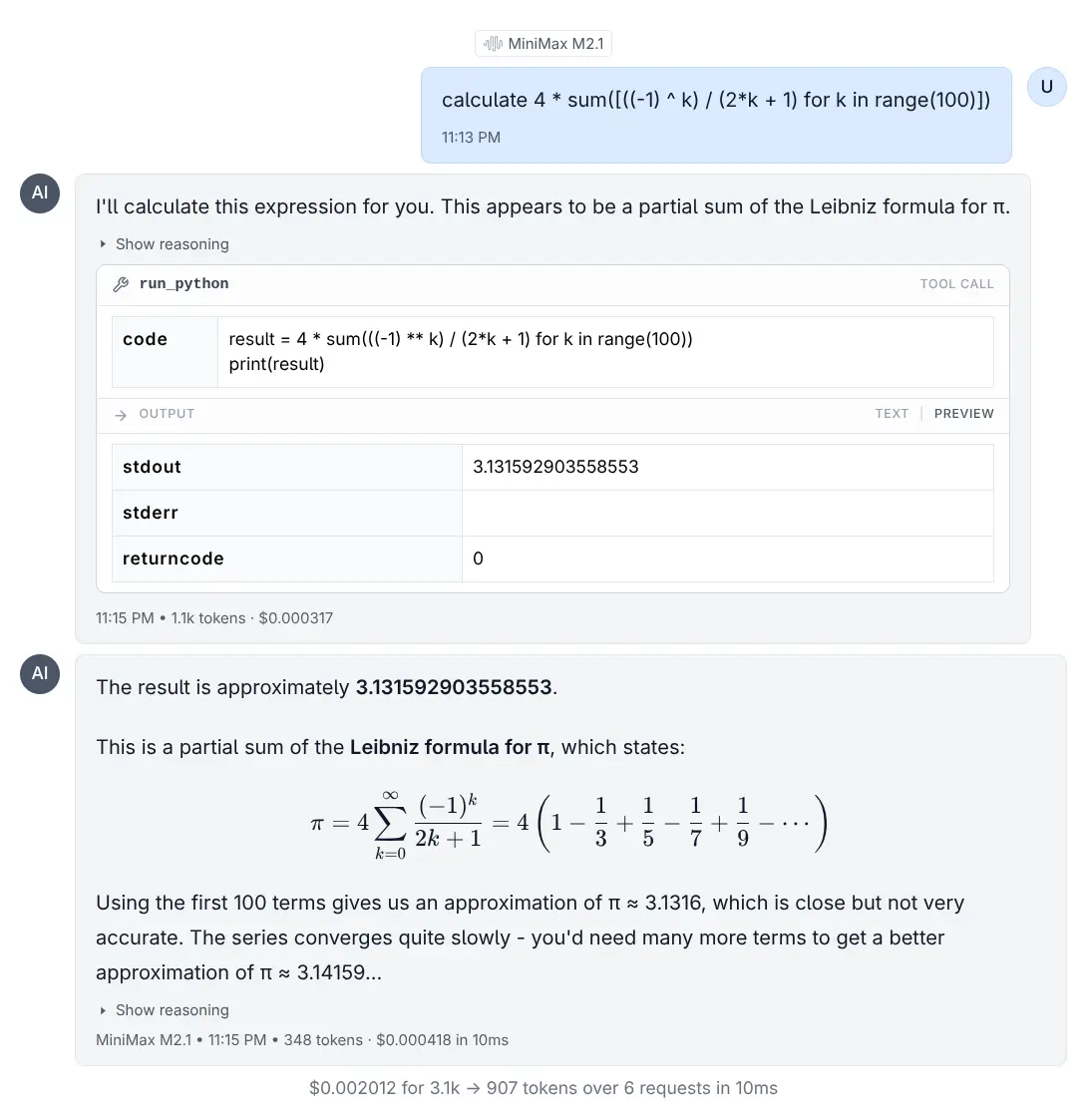
A model that can only talk is a demo. Let it call the APIs your App already exposes and it can answer questions about your business - then hand the same tools to the AI Assistant your developers already use.
Inside the Chat UI
Opt an API in with [Tool]
- or whole groups of them by [Tag] -
and the assistant can find it, read its schema and call it.
It runs as the signed-in user, so it can only ever do what that person is already allowed to do.
Three tools rather than one per API - a 270-API surface is about 156K tokens of schema, so only the APIs an agent actually uses ever cost it context.
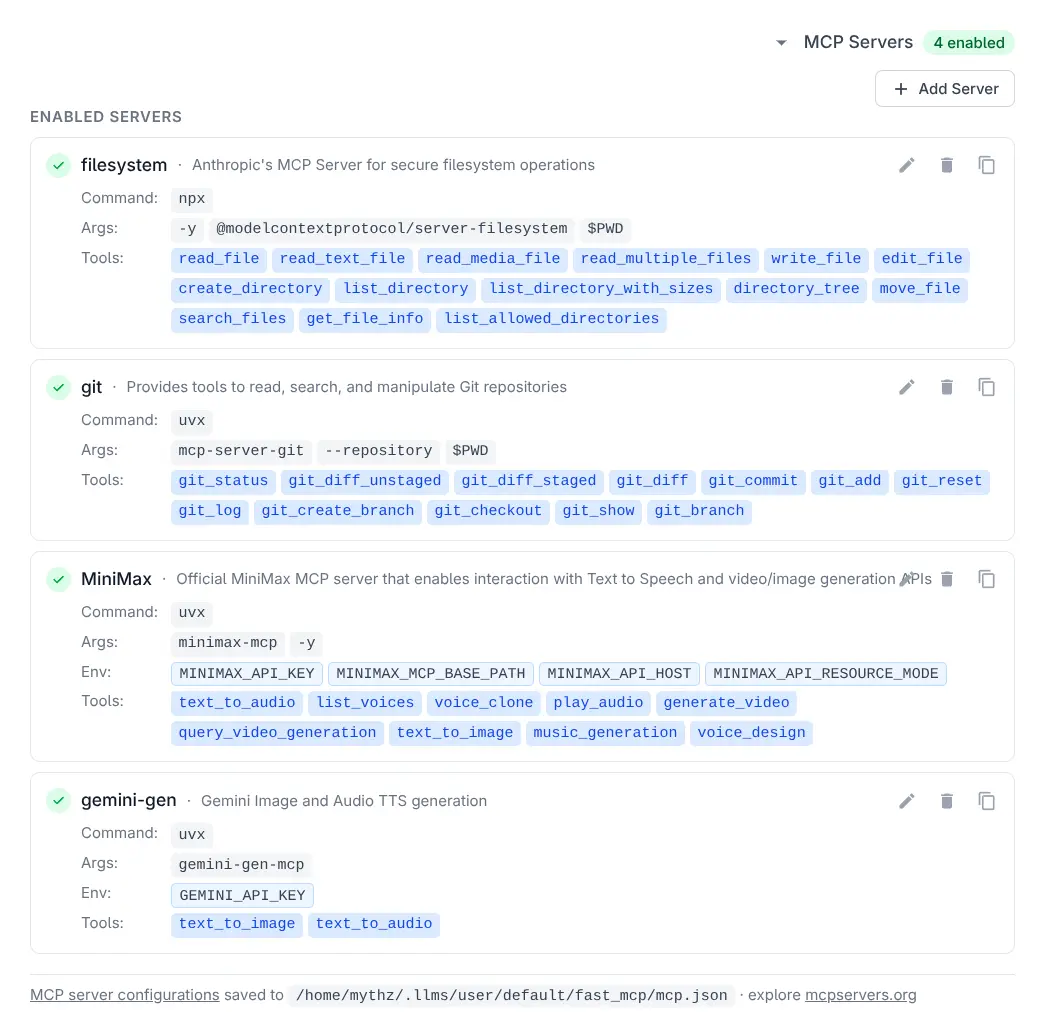
From any MCP Client
Expose the same tools as an MCP Server at
/chat/mcp and external
assistants - Claude Code, Cursor, VS Code - can work against your APIs directly.
Clients authenticate with a Bearer API Key and tools run as that key's user, not as the App. Nothing is exposed until you name it.
new ChatFeature {
    ToolsConfig = new() { EnableApiTools = true },
    Mcp = new() {
        ToolGroups = ["api_tools"],
    },
}
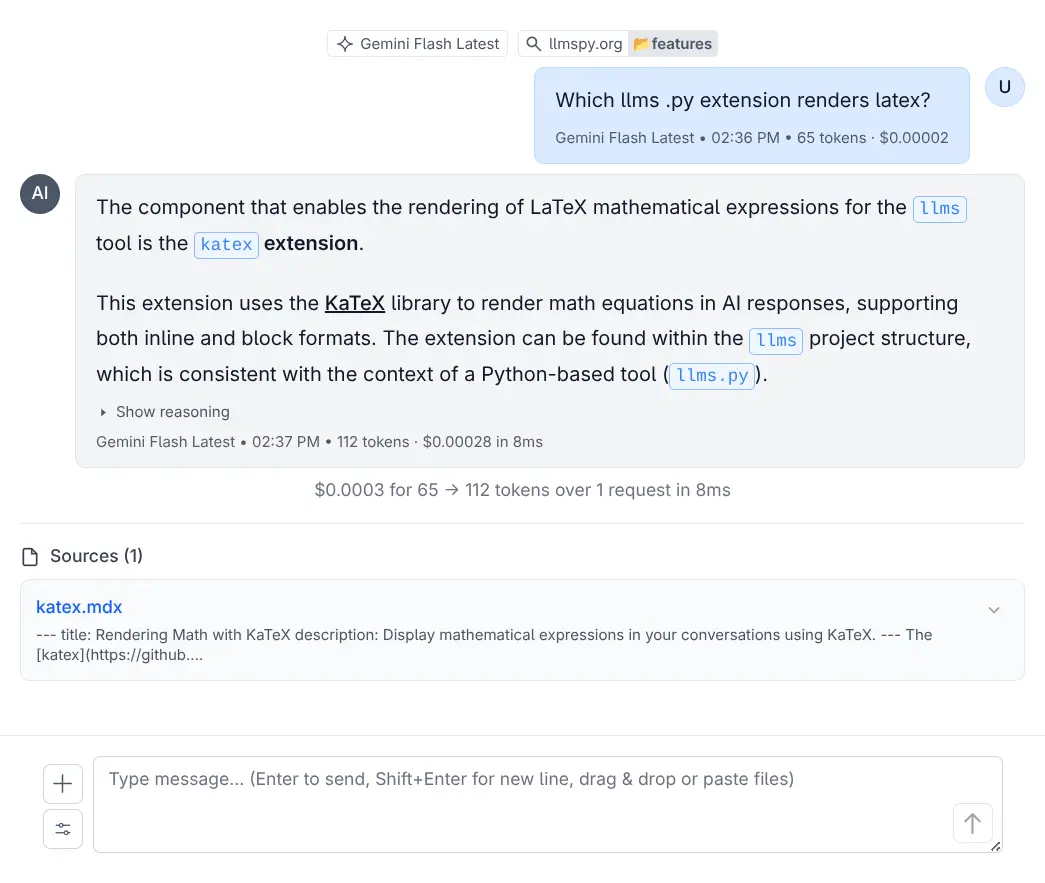
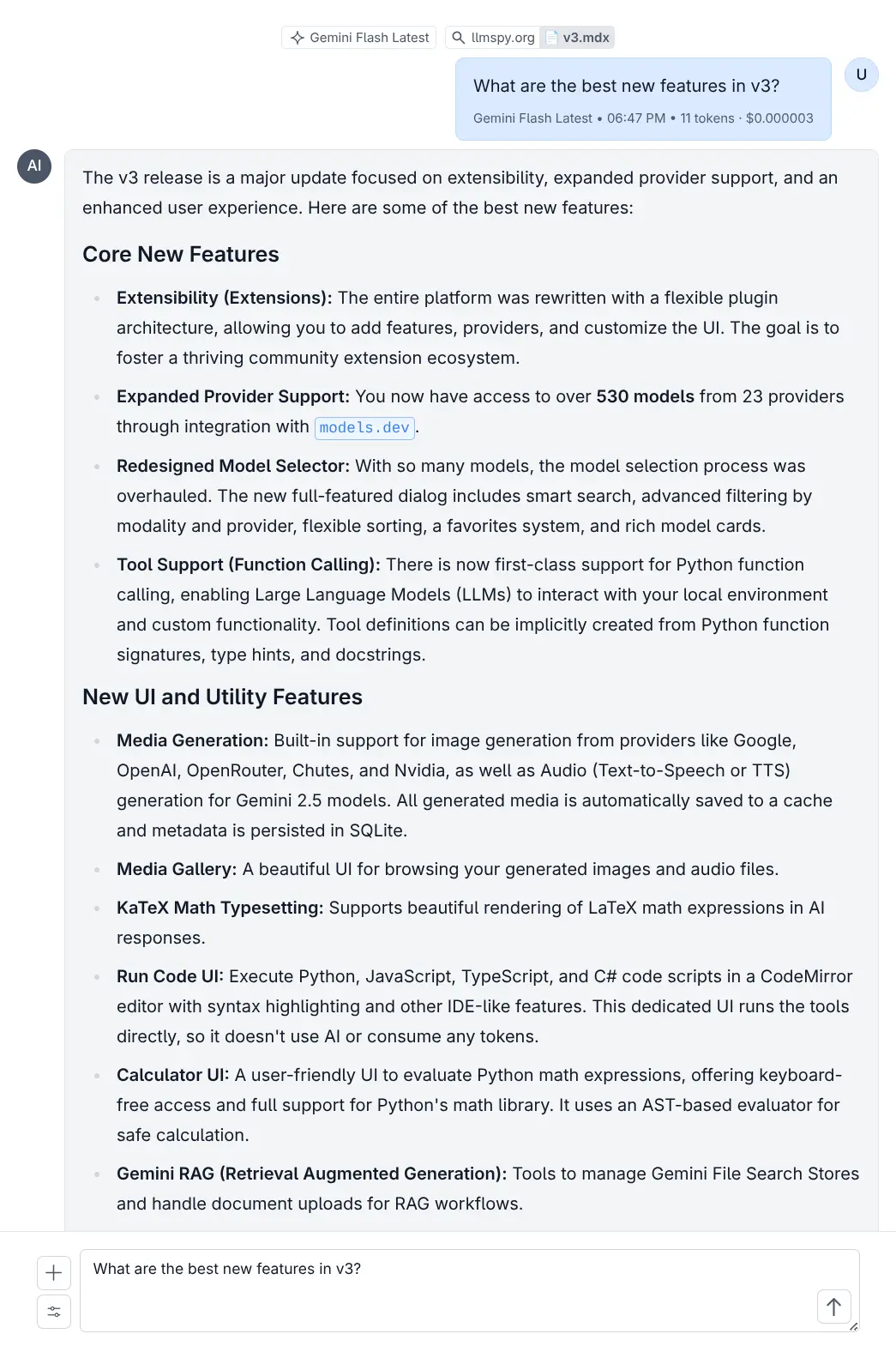
Gemini File Search
Answers from your own documents
Upload the documents your organization actually runs on and Gemini answers out of them - grounded in what you uploaded, not in what it read on the internet. No vector database to stand up.
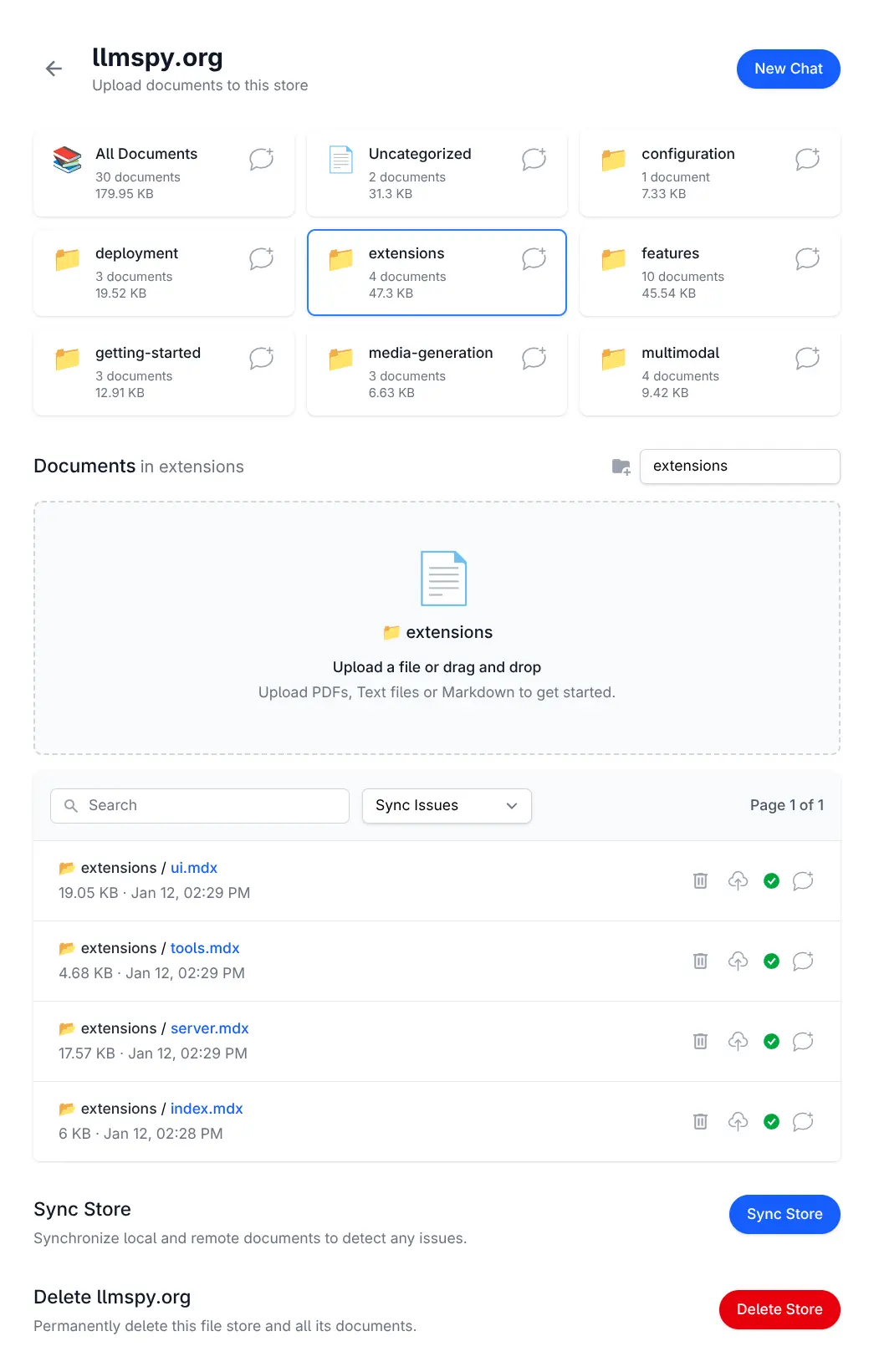
Drop in a folder, not a pipeline
No embedding job to run, no chunking strategy to tune, no index to operate. Upload a folder and it's searchable - Google hosts the store, you keep the catalogue.
Narrow the question
Ground a conversation on an entire store, on one category, or on a single document - so an answer about last year's policy can't be contaminated by this year's.
Uploaded once, kept honest
Documents are deduplicated by content hash and uploaded by a background worker. A sync reconciles your catalogue against the store and records anything that didn't line up.
Behind the same front door
Stores are reached through the same Identity Auth as everything else, and catalogued in your own RDBMS - so who can ask your knowledge base a question is a role, not a separate product's setting.
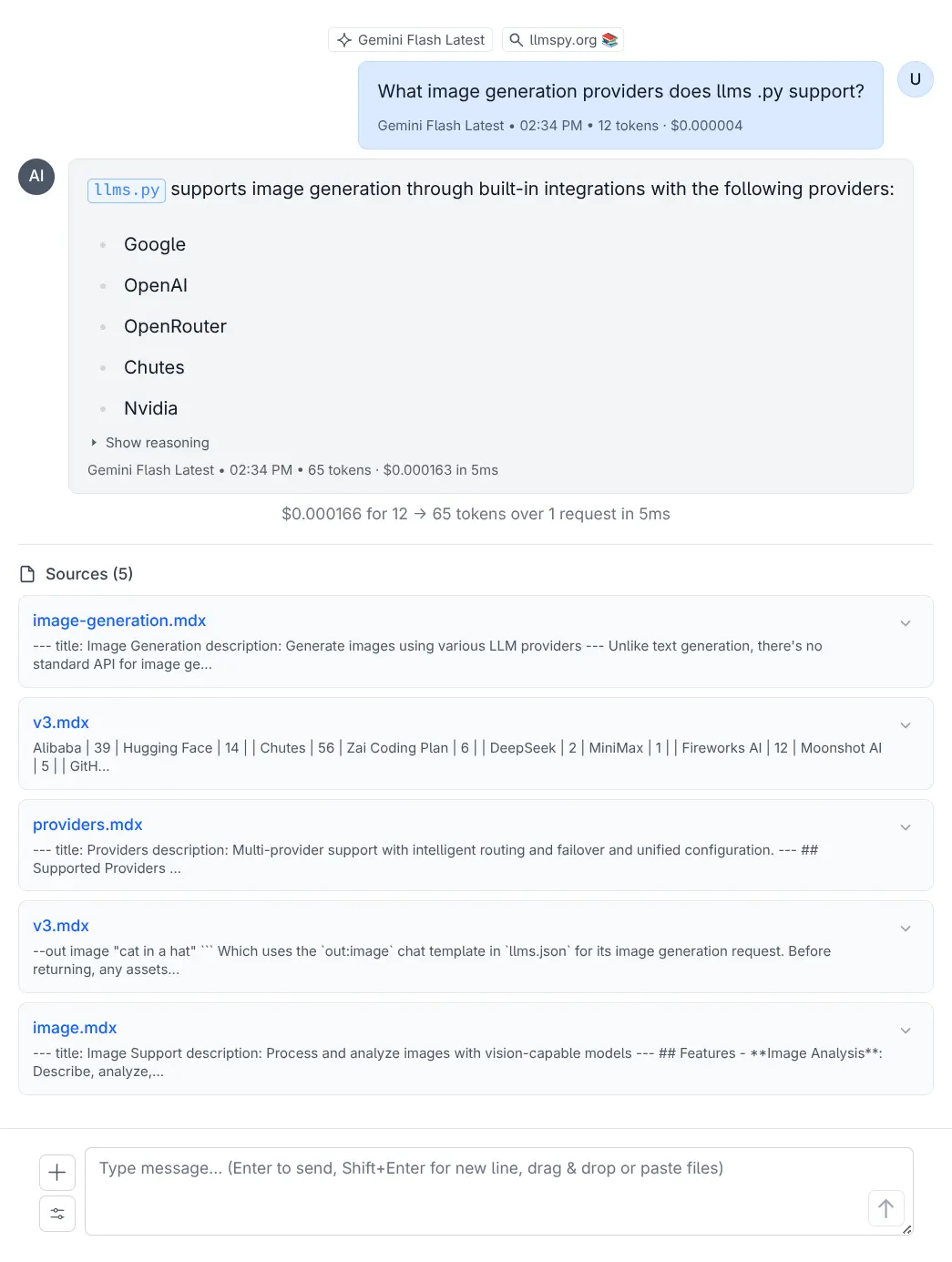
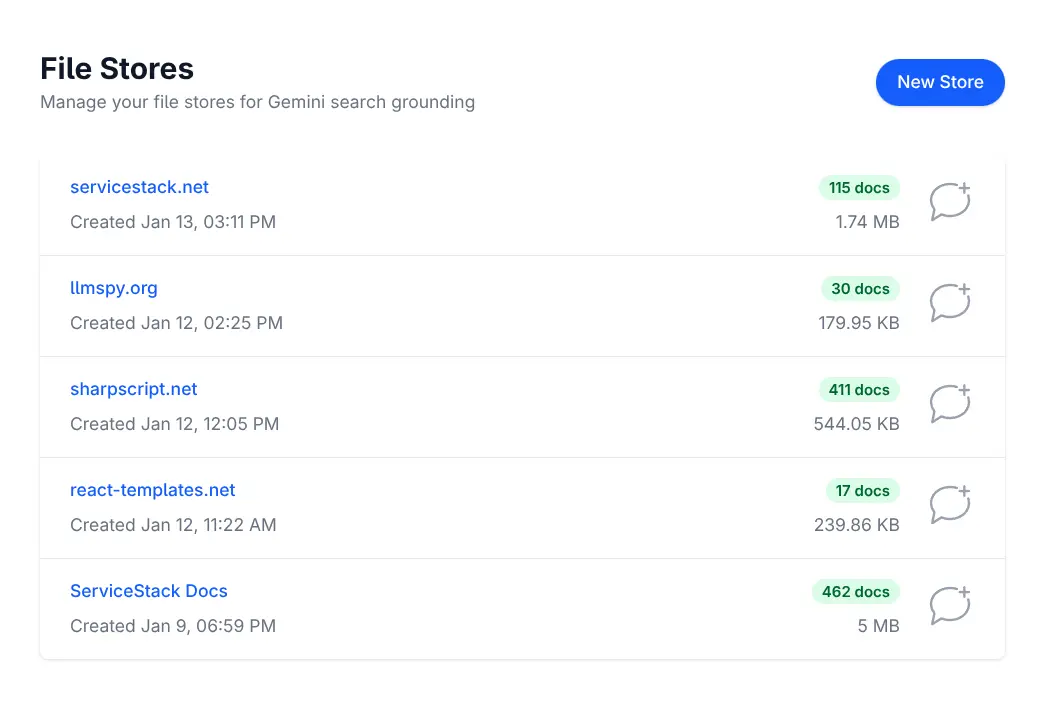
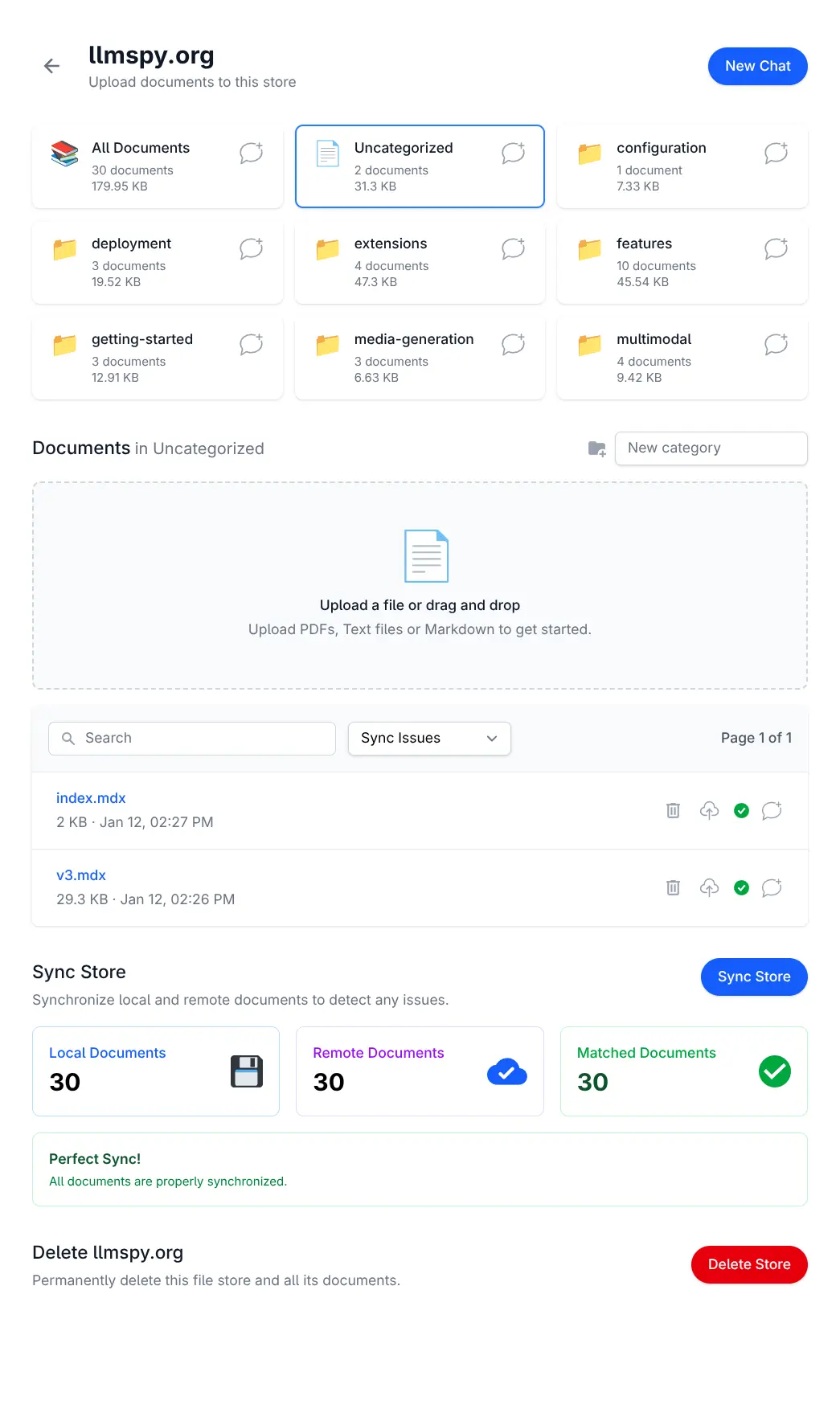
Set GEMINI_API_KEY and the extension
turns itself on; leave it unset and it disables itself. Stores and documents are recorded in the
ChatFilestore and
ChatDocument tables.
PDF Studio
Design and edit PDF templates with AI.
Render it with your own data, fast.
Many Apps eventually have to produce a real PDF. Design it with AI against a live preview, and get back a data-driven template your App fills with its own data - rendered by typst.
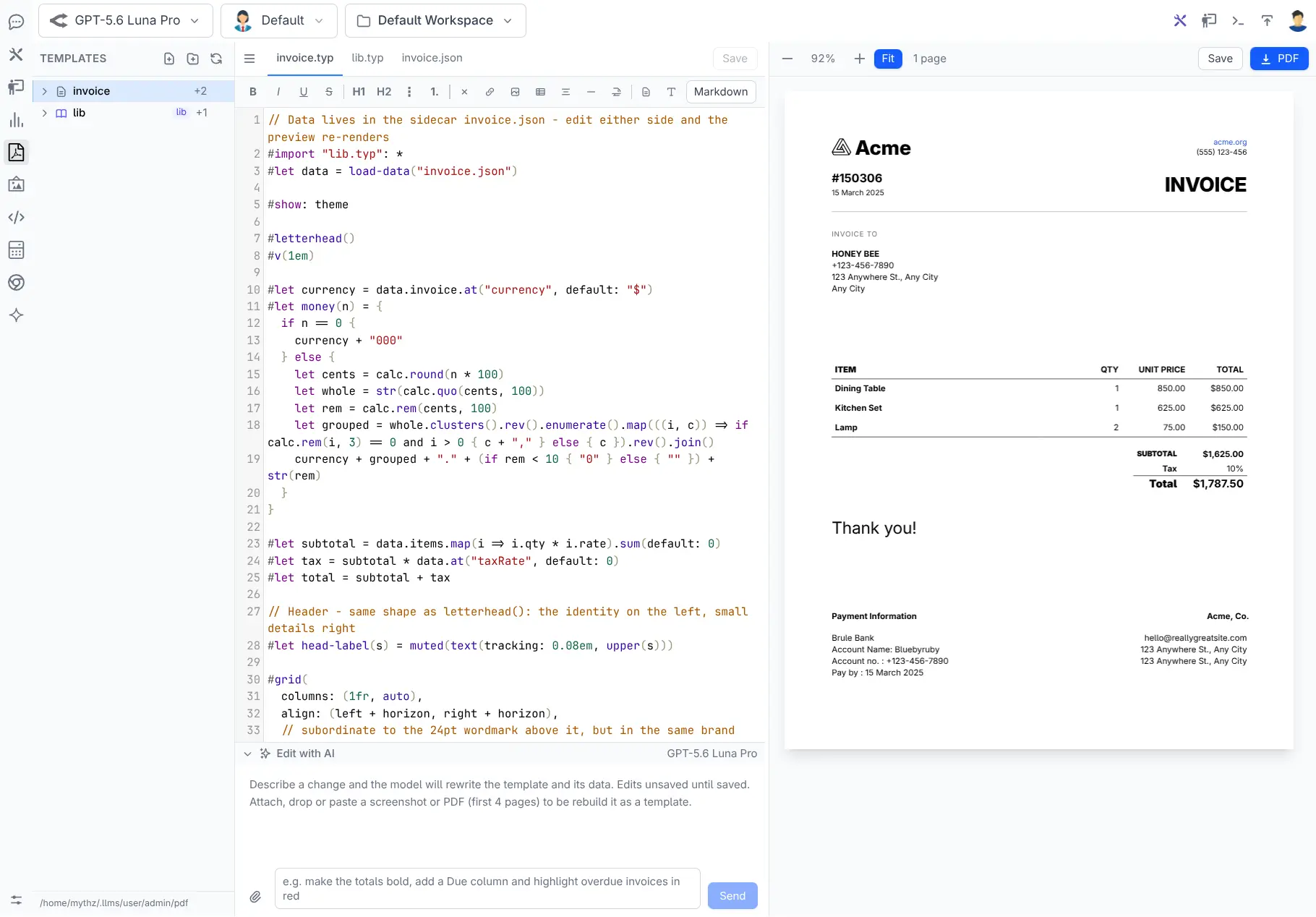
Rendered by typst
Templates are plain-text typst you can diff and review, compiled by a single fast Rust binary. No headless browser rendering differently on every machine, no Windows-only report designer.
Data-driven, not baked in
The data lives separately from the document. One template renders every invoice you'll ever send - your App supplies the data, so PDFs can be generated on the fly instead of designed one at a time.
Typed end to end
Publishing generates C# classes for the template's data, so rendering a PDF in an API - or attaching one to an email - is type-checked at compile time rather than hand-built JSON and a hope that the keys match.
A shared lib for common elements
Letterhead, footers and house styling live in a shared
lib template every document can
pull from - so rebranding is one edit, not one per document.
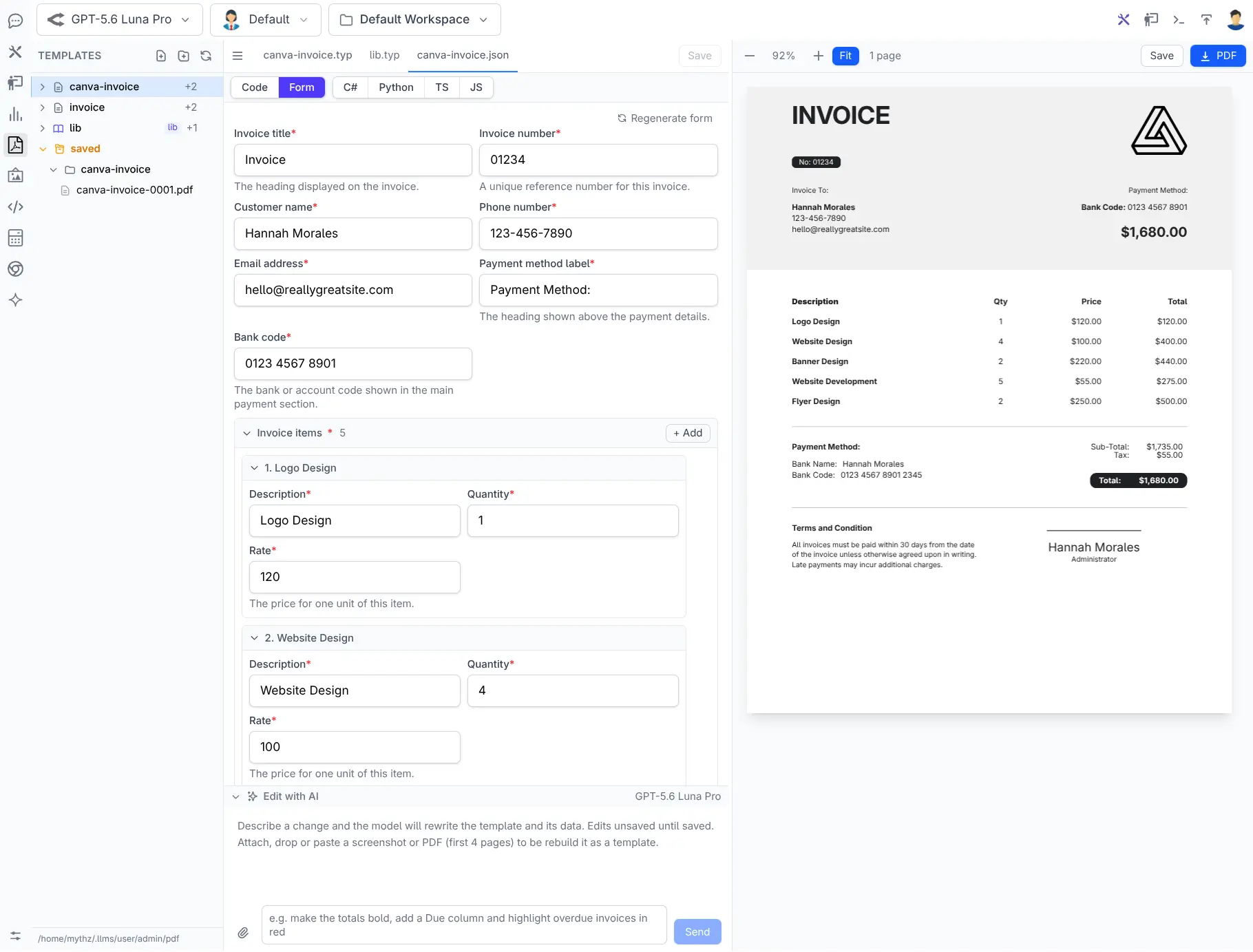
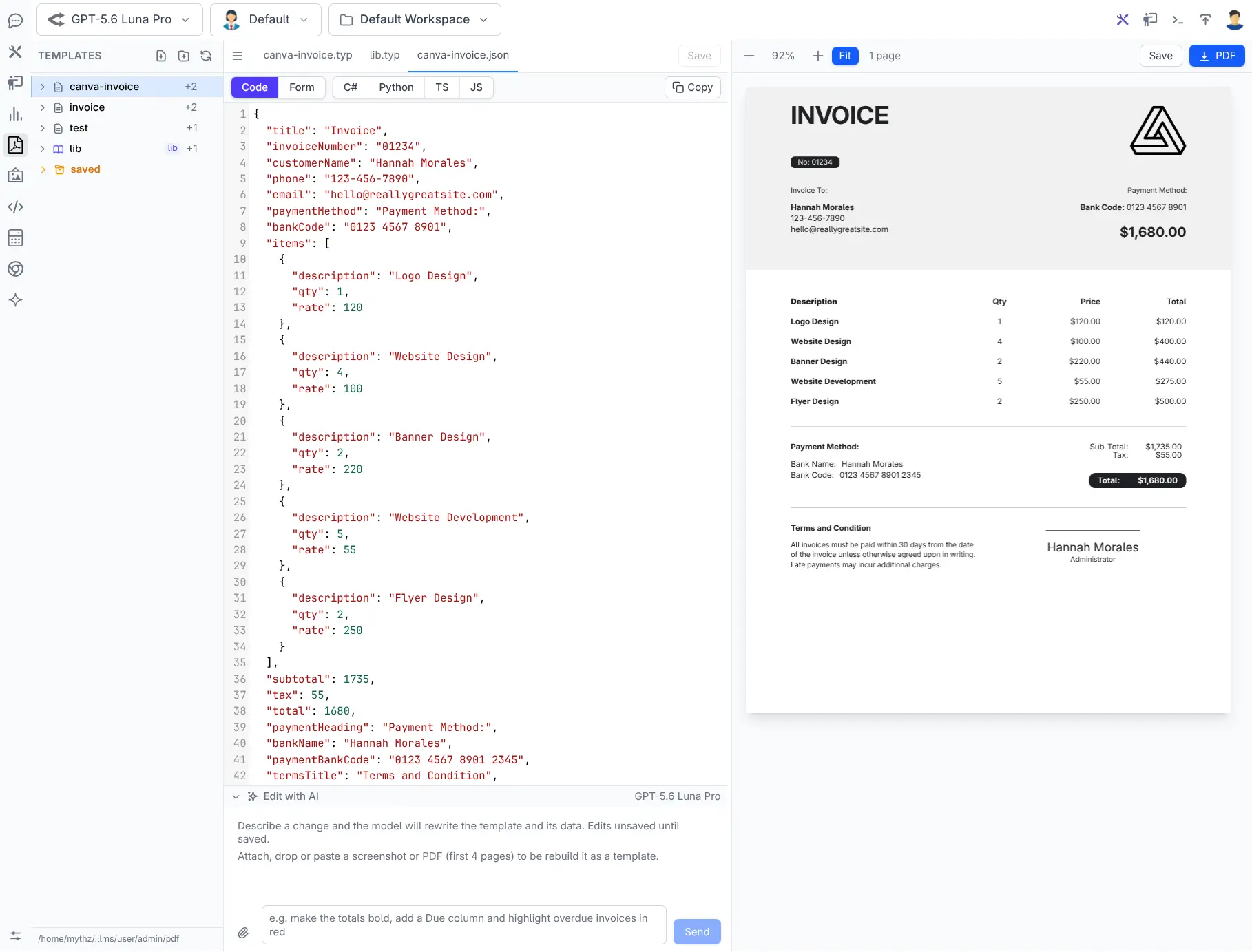
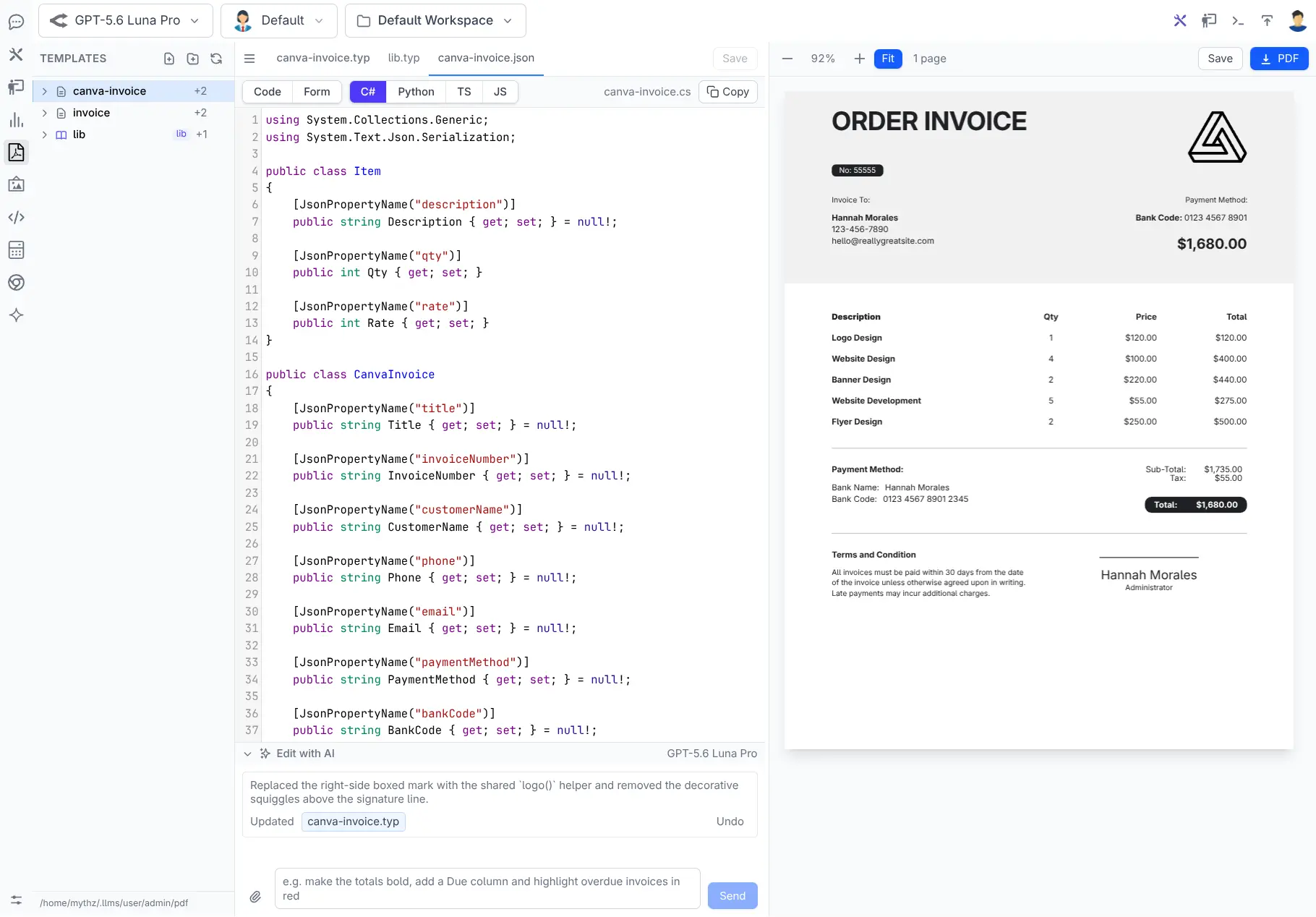
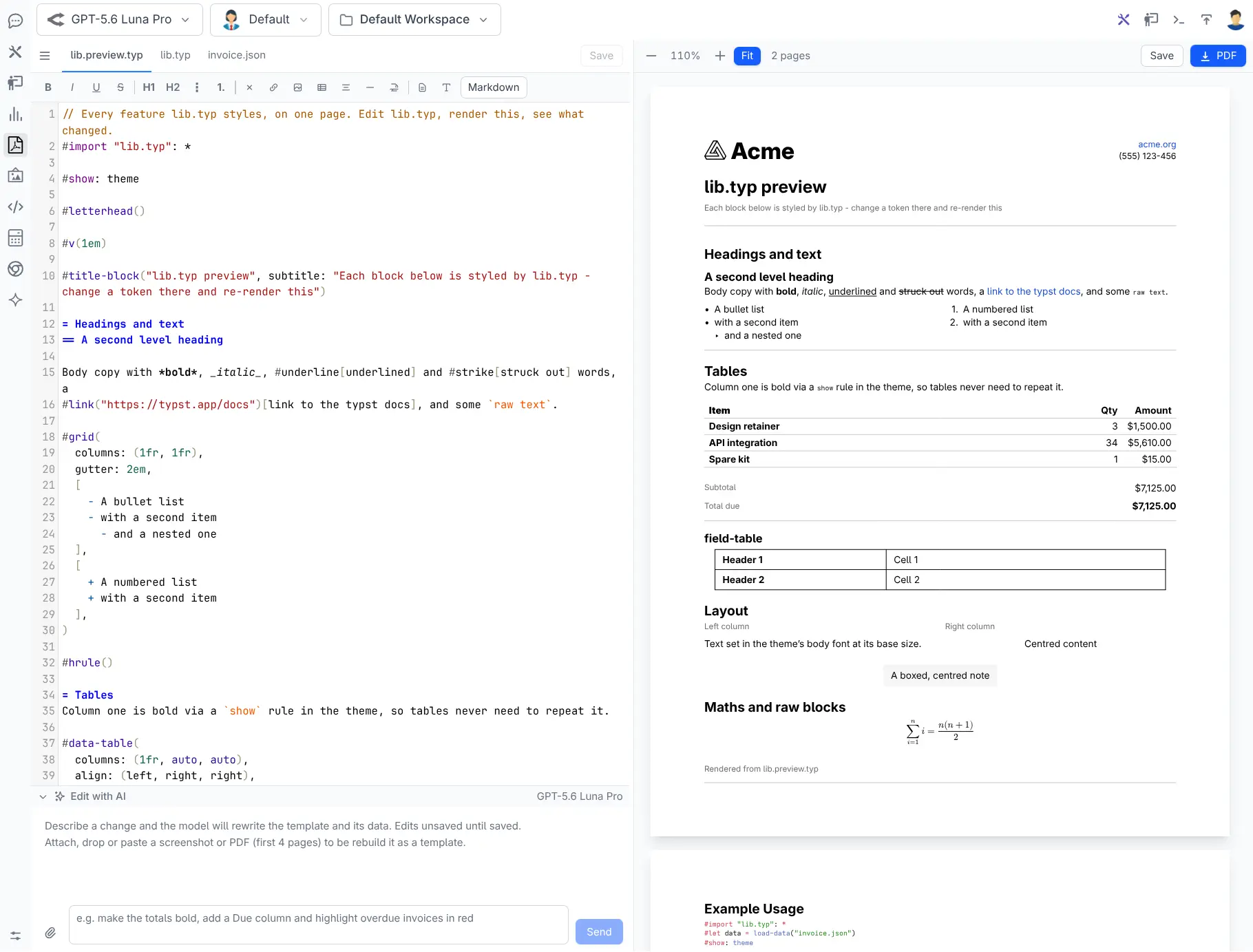
Edit with AI
Rebuild an existing document as a typst template, or start from nothing - then keep refining in place.
- Recreate what you already send - attach a screenshot or an existing PDF and get a template back
- Or start from scratch - describe the document you want in plain English
- Keep refining - each edit is another prompt against the live preview, not a rewrite
- Bring a better model - it's your gateway, so point it at the strongest one you have
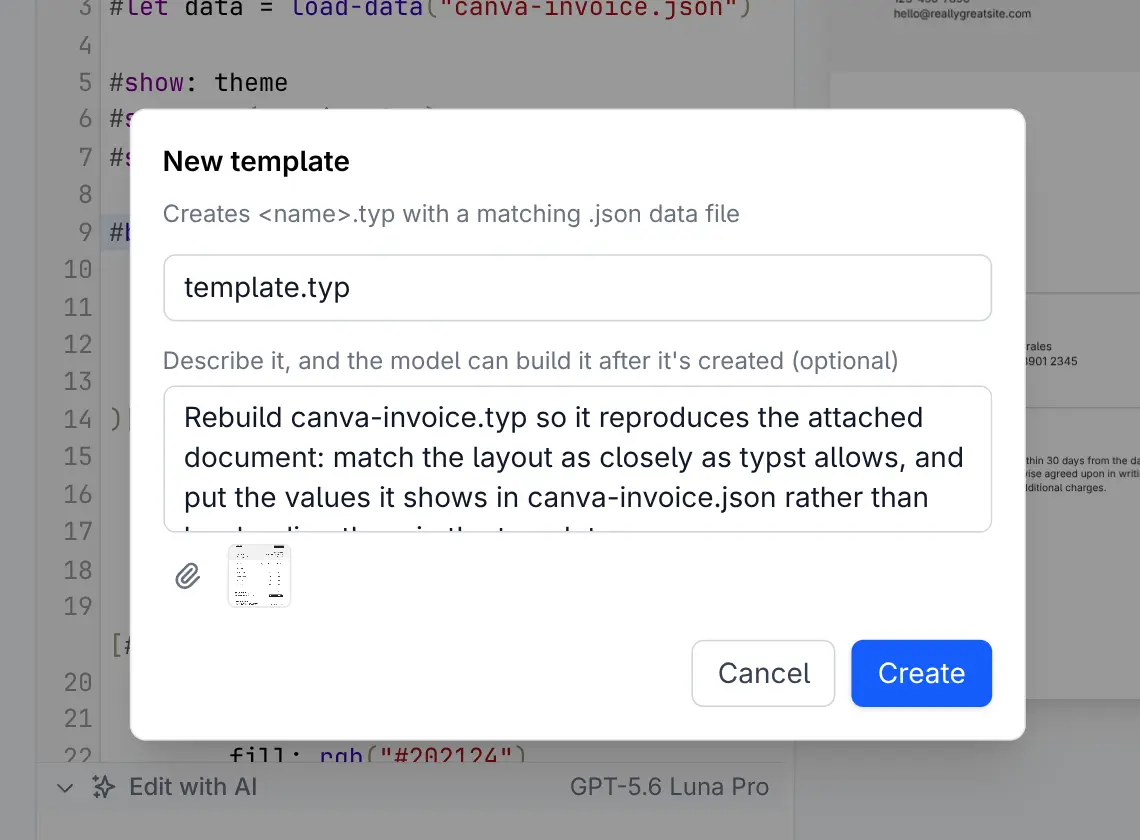
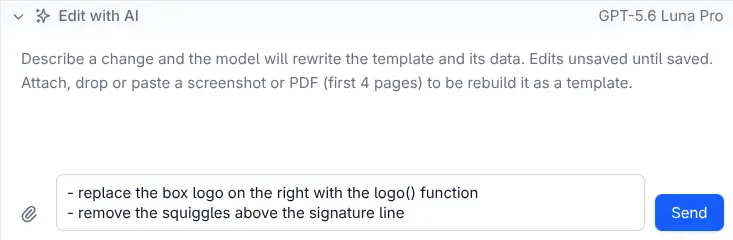
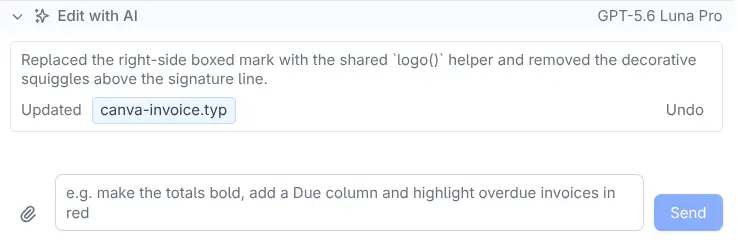
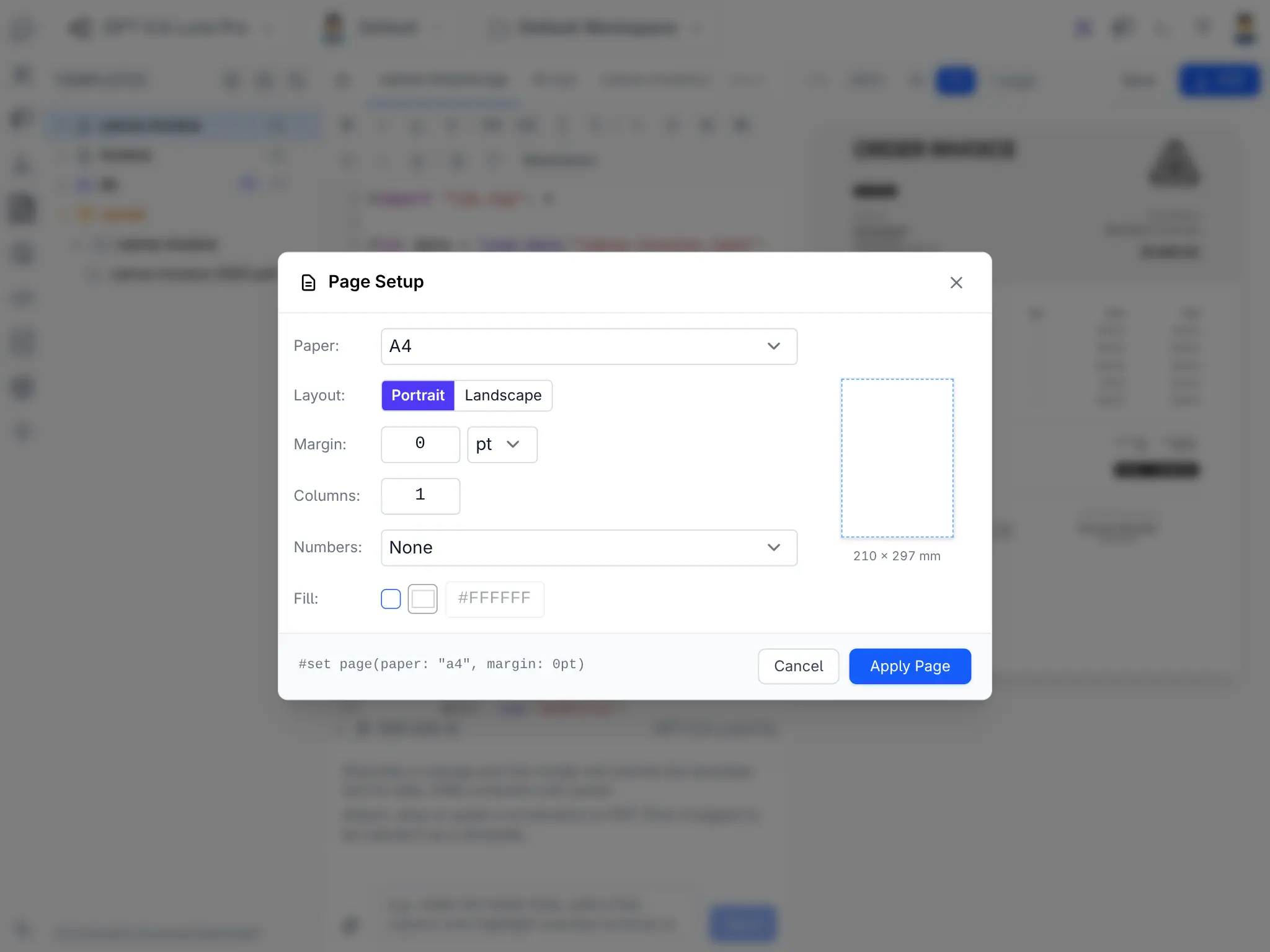
Authoring is ChatFeature; rendering is
PdfFeature, and it stands alone - deploy the renderer with no API key,
no model and no designer.
From template to inbox
The generated model is the whole integration. Populate it from your own tables, then either hand the bytes back as a download or attach them to an email - same template, same model, two lines apart.
Serve it as a download
public async Task<object> Get(DownloadInvoice request)
{
    var order = await Db.LoadSingleByIdAsync<Order>(request.Id);
    var invoice = order.MapToInvoice();

    return await pdf.PdfResultAsync(invoice,
        $"Invoice-{order.InvoiceNo}.pdf");
}Content-Disposition: attachment; filename="Invoice-INV-2026-042.pdf"
Attach it to an email
[Worker("smtp")]
public class SendInvoiceEmailCommand(IPdfRenderer pdf,
    SmtpConfig config, IDbConnectionFactory dbFactory)
    : AsyncCommand<SendInvoiceEmail>
{
    protected override async Task RunAsync(
        SendInvoiceEmail request, CancellationToken token)
    {
        using var db = await dbFactory.OpenAsync(token: token);
        var order = await db.LoadSingleByIdAsync<Order>(
            request.OrderId, token: token);

        // same model, rendered to bytes instead
        var pdfBytes = await pdf.RenderPdfAsync(
            order.MapToInvoice(), token);

        using var msg = new MailMessage(config.FromEmail, request.To) {
            Subject = request.Subject,
            Body    = request.BodyText,
        };
        msg.Attachments.Add(new Attachment(
            new MemoryStream(pdfBytes), "invoice.pdf", MimeTypes.Pdf));

        using var client = new SmtpClient(config.Host, config.Port);
        await client.SendMailAsync(msg, token);
    }
}jobs.EnqueueCommand<SendInvoiceEmailCommand>(new() {
To = order.Email,
Subject = $"Your invoice {order.InvoiceNo}",
OrderId = order.Id,
});Queue the id, not the bytes
Job arguments are persisted, so passing the rendered PDF into the queue writes it into your jobs table.
Pass the OrderId and render
inside the worker - SMTP is slow and flaky, which is exactly why it belongs in a background job that
can retry.
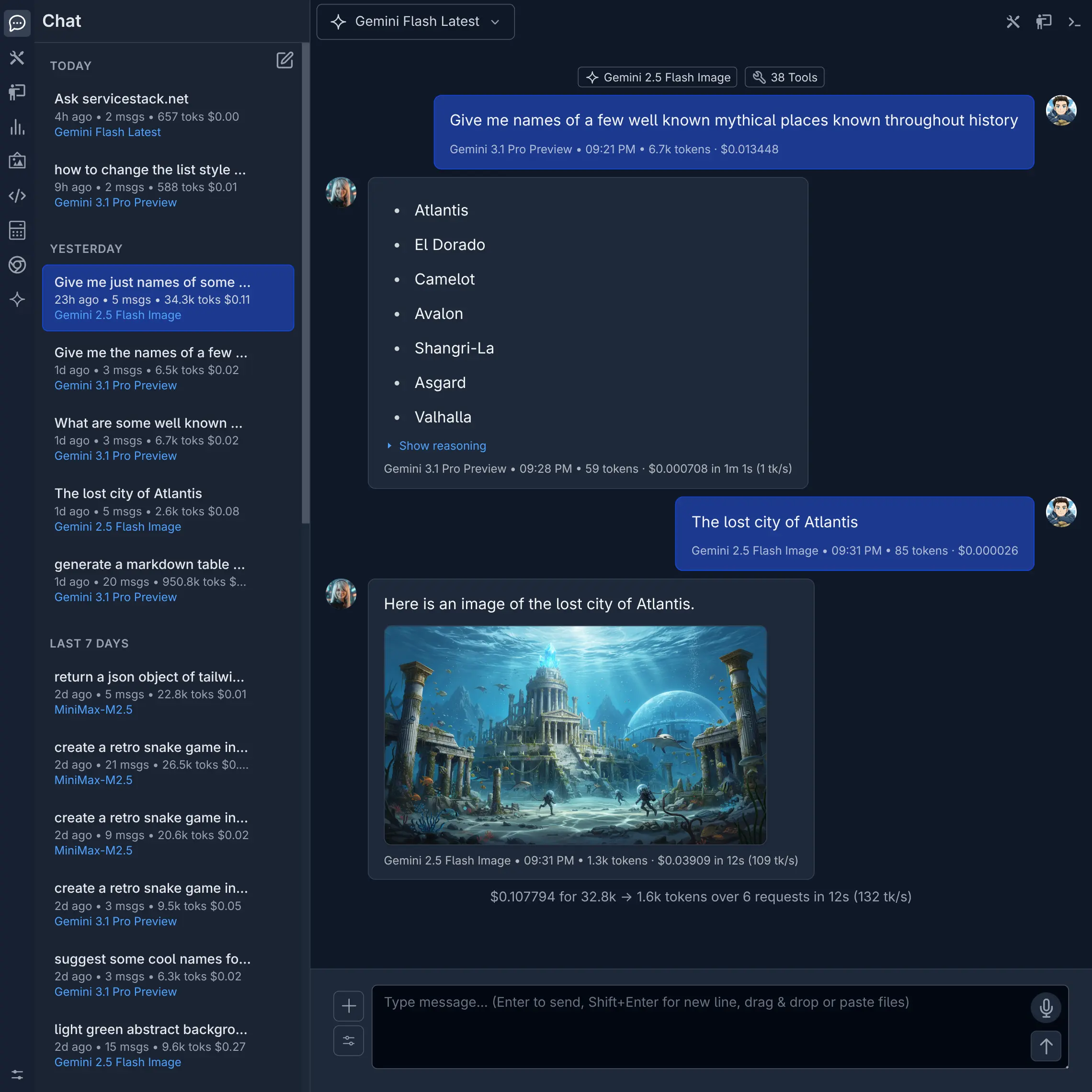
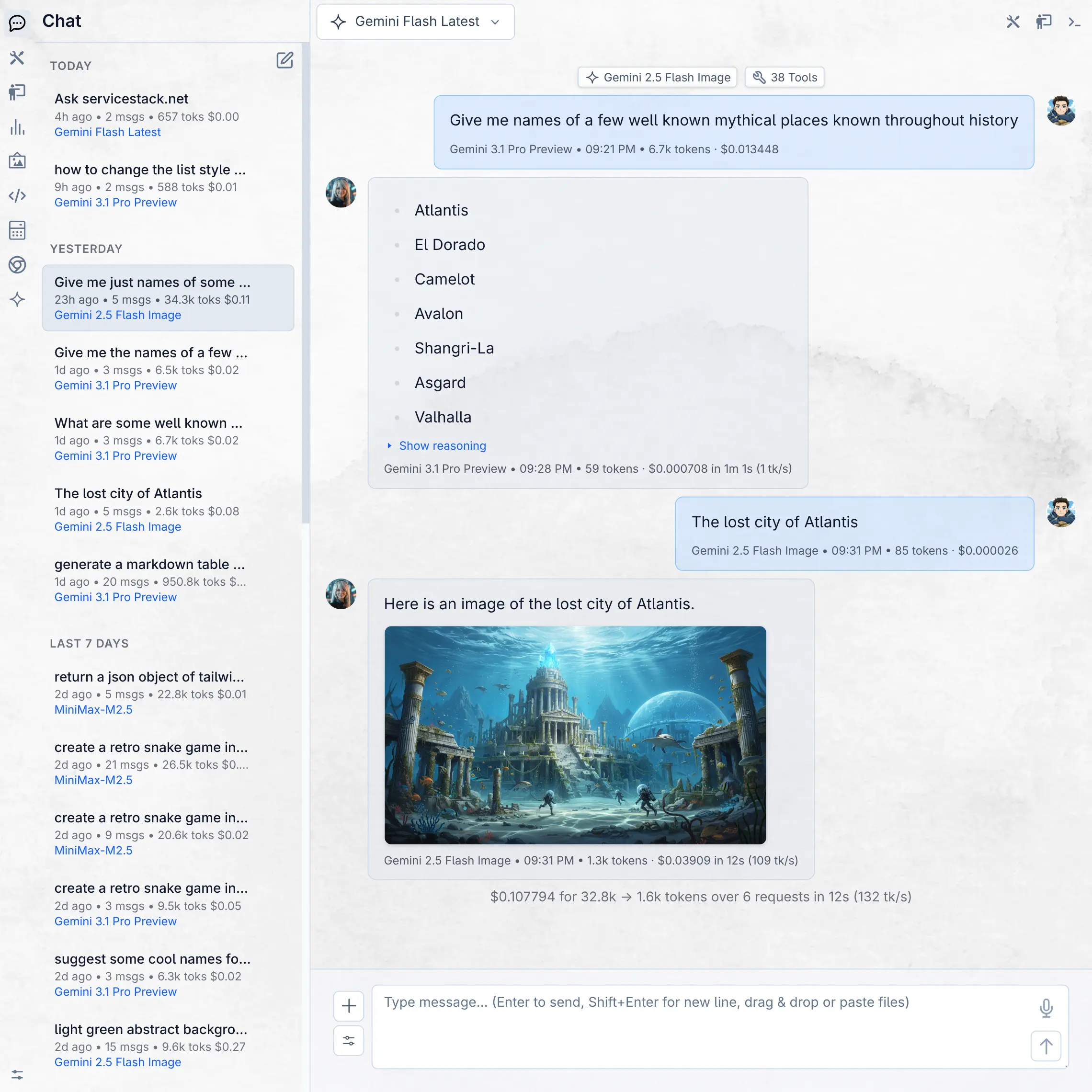
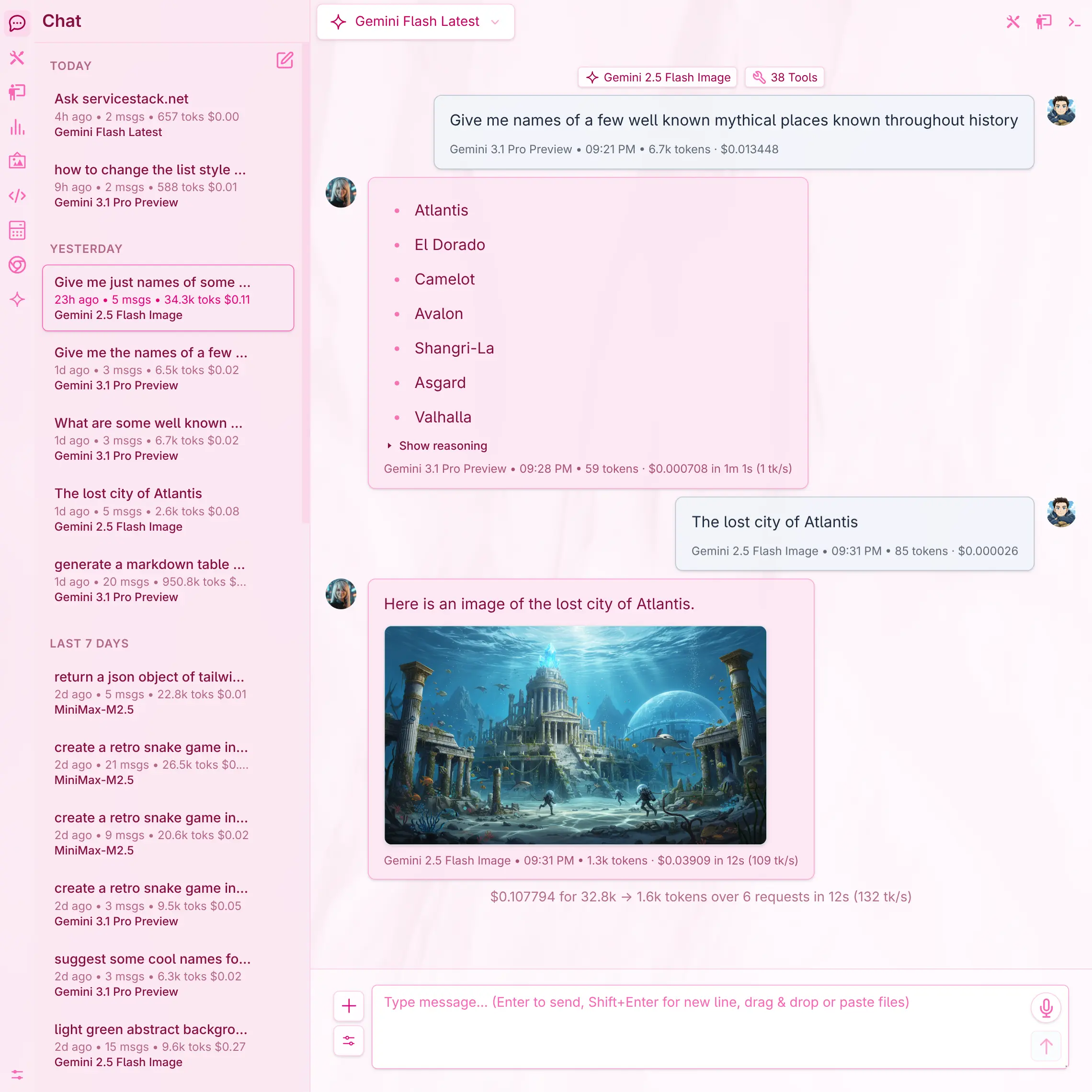
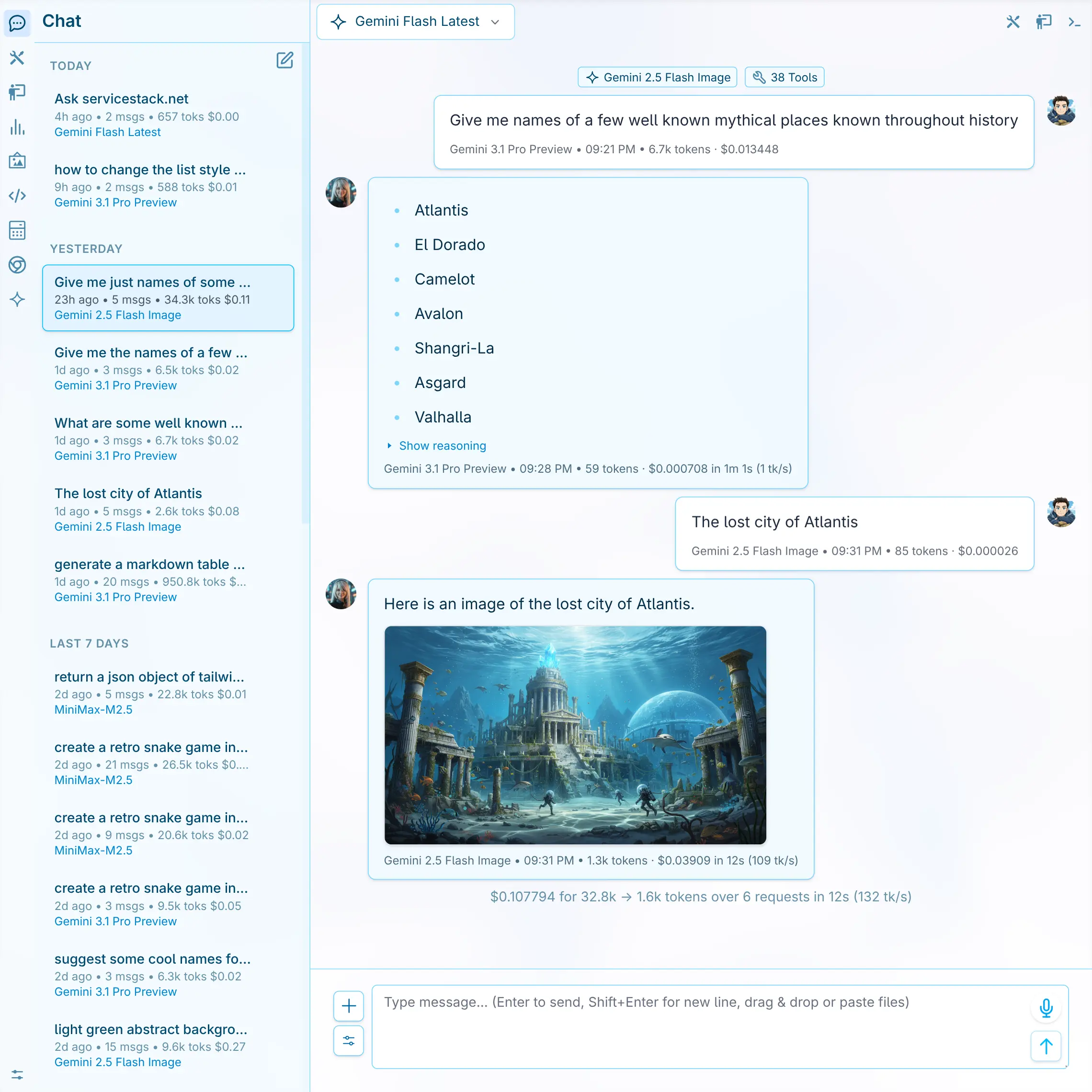
Beautiful themes
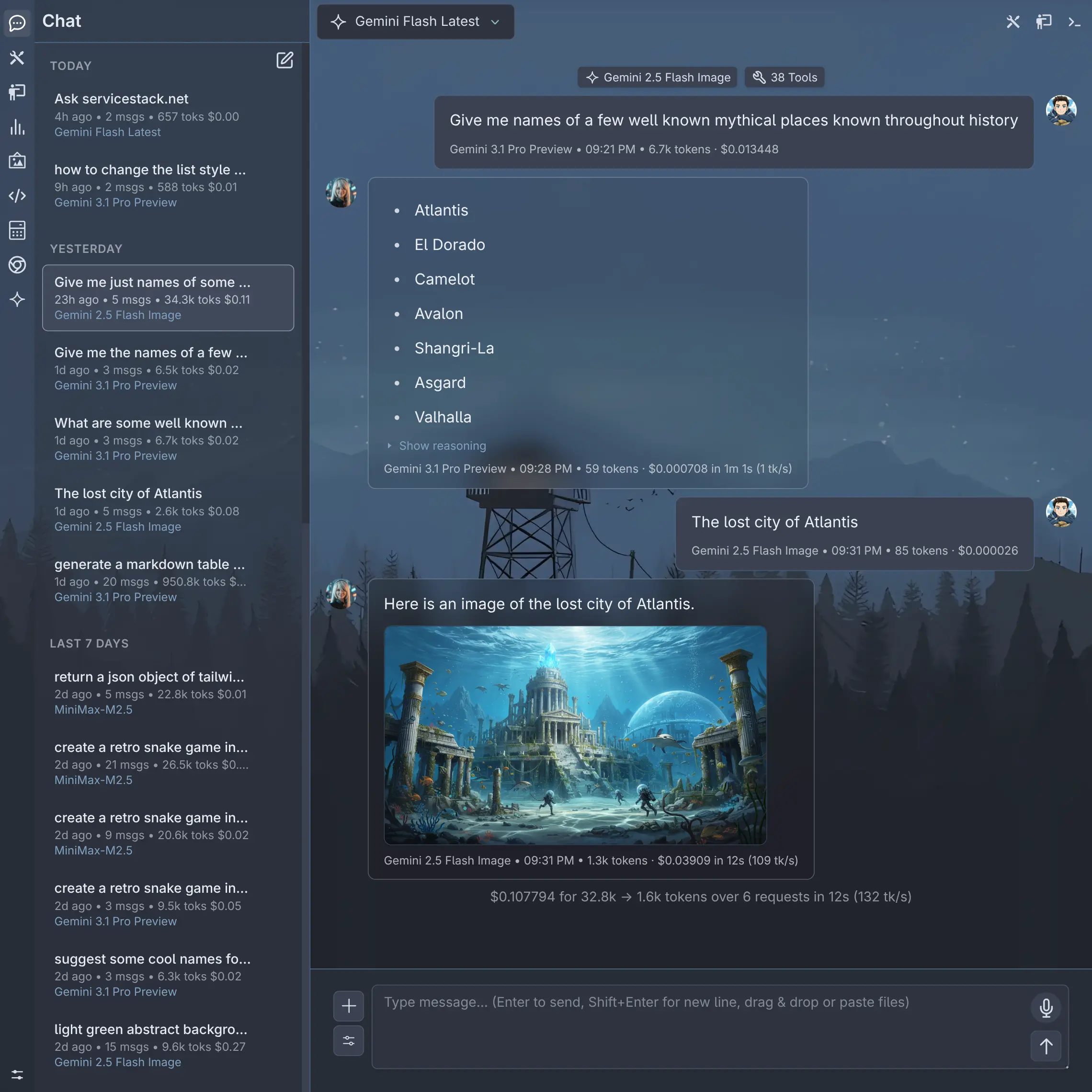
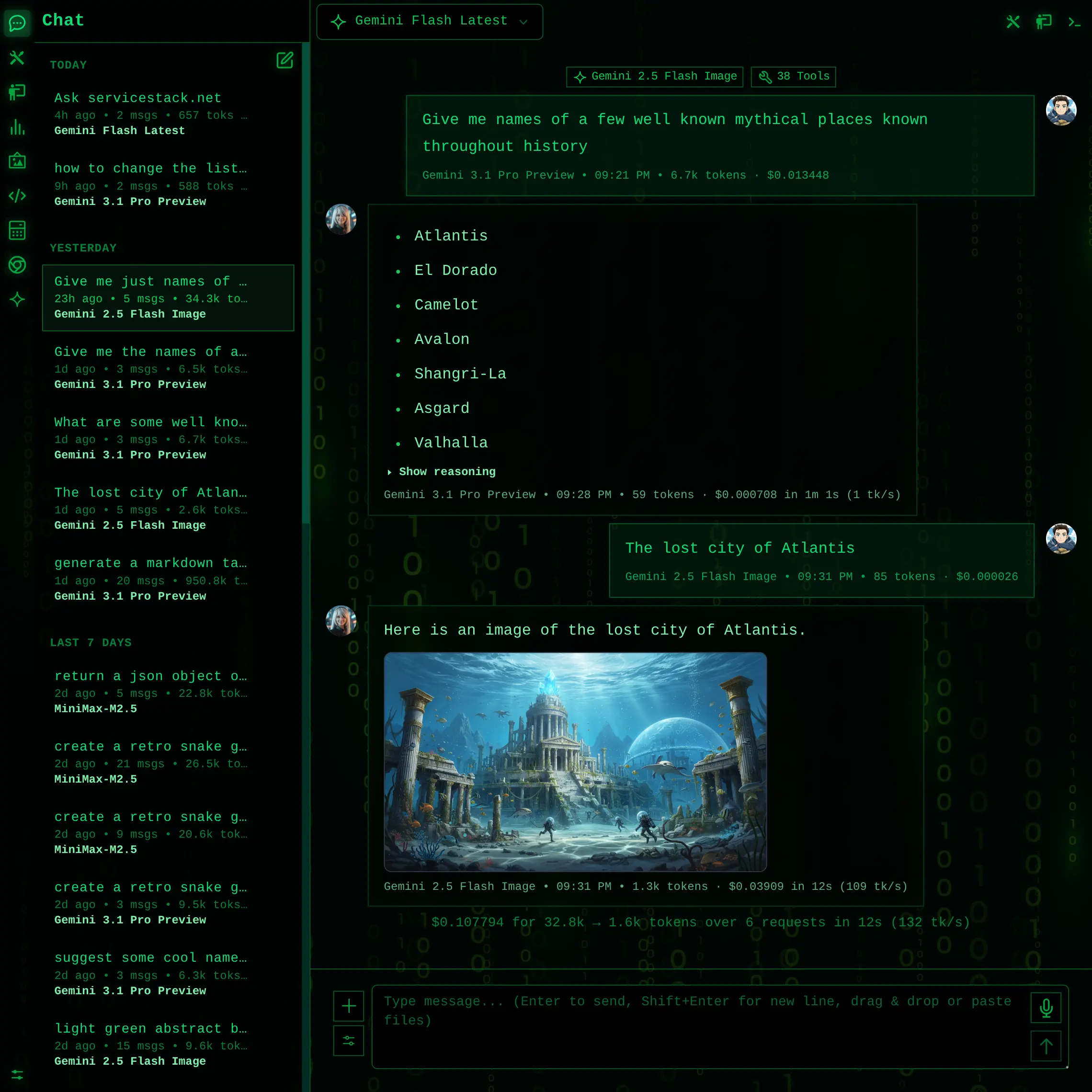
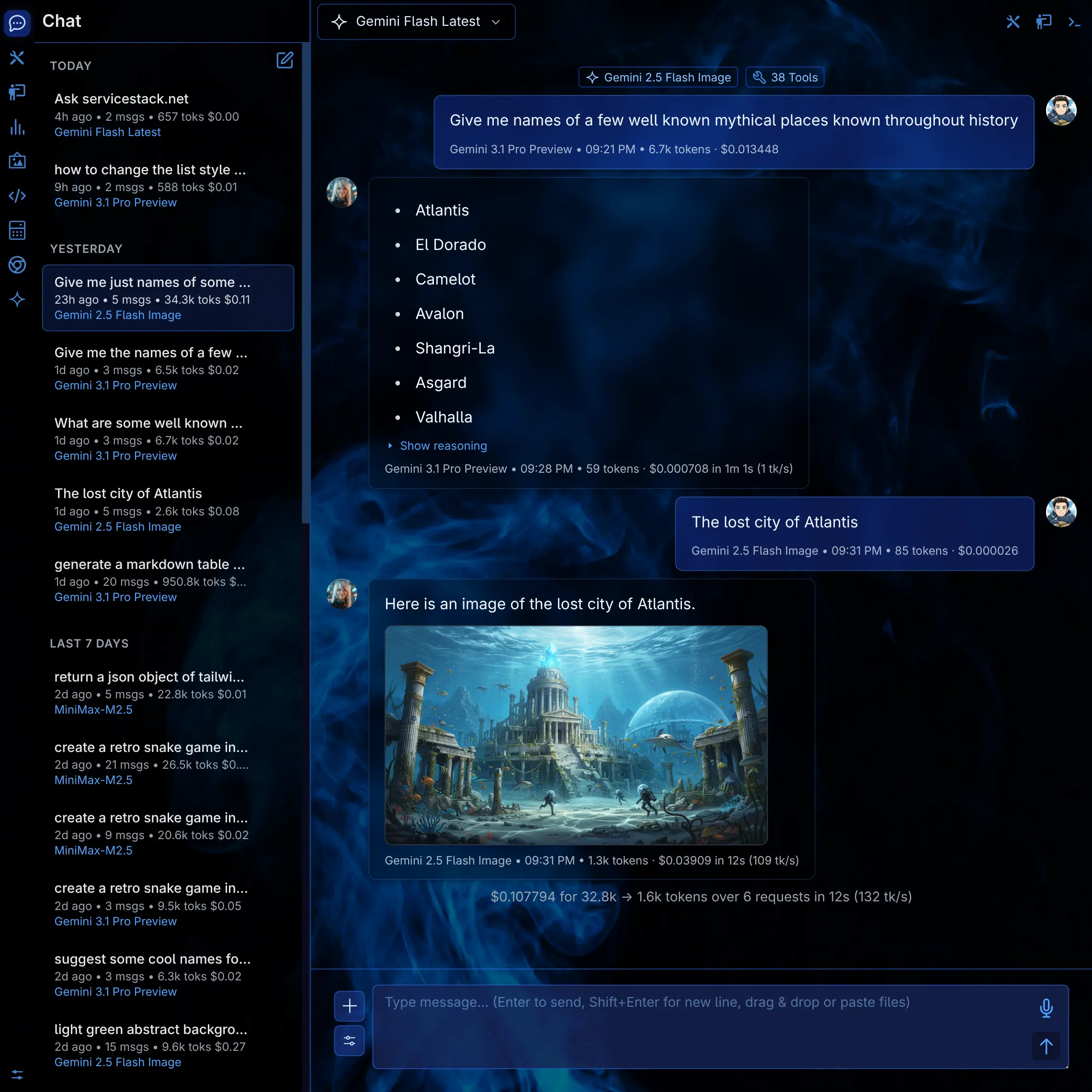
Eight handcrafted themes ship with it, and a profile can carry its own - so a team's workspace looks like theirs. Pick one to see it full size.
Typed APIs
The same gateway, from your own code
The providers, keys and approved models you configured for the Chat UI are the same ones your App calls - in-process from C#, or over the OpenAI-compatible endpoint from any language.
In-process, no HTTP
Inject IChatClient and your
code runs through the very same pipeline the Chat UI does:
- Provider selection, retry and failover
- The tool-execution loop
- Usage and cost accounting, in the same tables
- One place to rotate a key or approve a model
public class SupportServices(IChatClient chat) : Service
{
    public async Task<object> Any(SummarizeTicket request)
    {
        var api = await chat.ChatAsync(new() {
            Model = "claude-opus-5",
            Messages = [
                new() { Role = "user", Content = [
                    new AiTextContent {
                        Type = "text",
                        Text = $"Summarize: {request.Body}",
                    }
                ]}
            ]
        });

        return new SummarizeTicketResponse {
            Summary = api.Choices[0].Message.Content
        };
    }
}
Or over the wire, from anywhere
The gateway speaks OpenAI's wire format at
/v1/chat/completions, so existing
clients just work. And because the request is a ServiceStack API,
Add ServiceStack Reference
generates typed DTOs for it - no hand-written JSON, in 15 languages.
Same Bearer API Key as the Chat UI, so a script gets the same approved models and lands in the same accounting as everyone else.
Loading examples…
And the rest of it
The same Chat UX as llms.py, re-implemented as a ServiceStack plugin on Identity Auth, OrmLite and your App_Data folder.
Text, image & audio
Chat, generate images, synthesize and transcribe speech - from whichever providers you've enabled.
Agents & system prompts
Purpose-built agent profiles and a library of system prompts, editable per user.
Skills
Anthropic-style skill packages, installable per user or shared across the organization.
Gemini File Search
Build document stores and ground answers on them - RAG without standing up a vector database.
Projects
Per-user working folders that the filesystem tools are sandboxed to while a project is active.
Code execution, opt-in
Python, TypeScript, JavaScript and C# run in a temp directory with a stripped environment - off by default.
Media gallery
Everything uploaded or generated, deduplicated by content hash and browsable per user.
OpenAI-compatible API
Existing clients point at /v1/chat/completions and keep working.
Your database
Threads and accounting persist through OrmLite to any supported RDBMS. Schema updates apply on startup.
Add it to an App you already run
Add the package, register the plugin, set the provider API keys you want to use, and browse to
/chat.