React, Next.js and Vue Templates Upgraded to Vite+


A modern front-end project quietly collects tools before you write your first line of code. A dev server and a bundler. A linter with its plugins and its own config file. A type checker run as a separate step. A test runner with another config file. Each has its own CLI, its own dependencies and its own upgrade schedule, and each one is somewhere a template can drift out of date.
In ServiceStack v10.5, every React, Next.js and Vue project template replaces that stack with Vite+, the unified JavaScript toolchain from VoidZero, the team behind Vite, Vitest, Rolldown and Oxc.
One CLI, one config
Vite+ gives you a single vp CLI to develop, build, lint, format, type check and test, all configured from a single
vite.config.ts:
| Task | Before | Command | Now |
|---|---|---|---|
| Dev Server & Build | Vite 7 (Rollup + esbuild) | vp dev / vp build |
Vite 8 (Rolldown) |
| Linting | ESLint 9 + plugins | vp lint |
Oxlint, type-aware |
| Formatting | none | vp fmt |
Oxfmt |
| Type Checking | tsc (TypeScript 5) |
vp check |
TypeScript Go (TypeScript 7 in React) |
| Testing | Vitest 4 | vp test |
Vitest |
| All checks | multiple tools & configs | vp check |
format + lint + types in one pass |
Lint, format and test settings now live next to your dev server and build config, replacing the separate
eslint.config.js and vitest.config.ts files, with a lot fewer devDependencies to keep up to date:
import { defineConfig, lazyPlugins } from 'vite-plus'
import react from '@vitejs/plugin-react'
import tailwindcss from '@tailwindcss/vite'

export default defineConfig({
    // lazyPlugins skips loading plugins for `vp check/lint/fmt`
    plugins: lazyPlugins(() => [react(), tailwindcss()]),
    test: {
        environment: 'happy-dom',
        include: ['src/**/*.test.{ts,tsx}'],
    },
    lint: {
        plugins: ['oxc', 'typescript', 'unicorn', 'react'],
        categories: { correctness: 'error' },
        rules: {
            'typescript/no-explicit-any': 'error',
            'react/rules-of-hooks': 'error',
            'react/exhaustive-deps': 'warn',
            // new in Oxlint's correctness category, not in the previous ESLint config
            'typescript/no-floating-promises': 'warn',
        },
        options: {
            typeAware: true,
            typeCheck: true, // replaces `tsc -b`
        },
    },
    fmt: {
        semi: false,
        singleQuote: true,
        tabWidth: 4,
        printWidth: 160,
    },
})
One check for everything
The command you'll run most is npm run check. It formats, lints and type checks your entire front-end in a single
pass:
npm run check
Oxlint runs type-aware rules powered by TypeScript Go, and the React, Next.js, TanStack Start and Astro templates
are on TypeScript 7, so there's no separate tsc step to remember. Vue templates use vue-tsc to type check
their .vue Single File Components.
Oxlint, Oxfmt and the Rolldown bundler are built on Oxc, a Rust-based toolchain that VoidZero
describes as orders of magnitude faster than ESLint and Prettier, whilst Vite 8's Rolldown replaces both Rollup and
esbuild for production builds. The new type-aware rules also catch more real bugs than the ESLint config they
replace, e.g. no-floating-promises flags an async call whose errors would otherwise be silently lost.
Who builds what
Vite+ checks, lints, formats and tests every template. Whether it also runs the dev server and production build depends on the framework:
| Templates | Dev server & build | Check, lint, format & test |
|---|---|---|
react-static, react-spa, tanstack-static |
Vite+ (vp dev, vp build) |
Vite+ |
vue-static, vue-spa |
Vite+ (vp dev, vp build) |
Vite+, with vue-tsc for .vue files |
next-static, next-rsc, nextjs, next-saas, next-license |
Next.js | Vite+ |
astro-static |
Astro | Vite+ |
Either way you get the same commands and the same rules, so moving between templates, or between projects built from different templates, doesn't mean learning a different toolchain.
The same scripts in every template
Every template now shares the same npm scripts, run from its MyApp.Client folder:
npm run dev         # Start the dev server
npm run check       # Format + lint + type check
npm run lint        # Lint with Oxlint
npm run fmt         # Format with Oxfmt
npm run test        # Run tests in watch mode
npm run test:ui     # Run tests with the Vitest UI
npm run test:run    # Run tests once
npm run outdated    # Check for outdated dependencies
npm run upgrade     # Upgrade dependencies
Day to day you'll usually just run dotnet watch, which starts your .NET App and the front-end dev server together.
vp is installed locally as a dev dependency, so every script works out of the box without a global install. To run
vp commands directly you can optionally install its global CLI:
curl -fsSL https://vite.plus | bash
One code style, for people and AI Agents
Every template is now formatted with Oxfmt. The code you start from, the code you write and the code your AI Agent
writes all end up with the same style, so diffs only show the changes that matter. The commit that applied the new
formatting is listed in .git-blame-ignore-revs, so git blame still points at the change that last touched each
line rather than at the reformat.
Your editor, set up
Each template also includes a MyApp.code-workspace VS Code Workspace, which you can open from
File > Open Workspace from File... or with:
code MyApp.code-workspace
It adds the MyApp.Client front-end as its own root folder alongside your .NET solution, so you can develop, run and
debug both your UI and your C# App from the same sidebar, with each root getting its own tooling:
- Format & fix on save - JS and TS files (and
.vuefiles) are formatted with Oxfmt and auto-fixed with Oxlint on save, using the samevite.config.tsrules asvp checkand CI, whilst C# and Razor files keep their own formatters - Recommended extensions - VS Code offers to install the Vite+ Extension Pack (Oxc + Vitest) and the C# Dev Kit, plus the TypeScript 7 Native Preview language server for React and Next.js templates, or Vue (Official) for Vue templates
- Integrated testing - run and debug both your Vitest front-end tests and your NUnit .NET tests from VS Code's Testing sidebar
The same rules in CI and for your AI Agent
The GitHub Actions workflow in each template uses the same toolchain. It sets up Vite+ with cached dependencies and
runs a client job on every push that checks, tests and builds your front-end:
client:
  runs-on: ubuntu-latest
  steps:
    - uses: actions/checkout@v7

    - name: Setup Vite+ and install npm dependencies
      uses: voidzero-dev/setup-vp@v1.22.0
      with:
        node-version: '24'
        working-directory: ./MyApp.Client
        cache: true

    - name: check (format, lint, type check)
      run: vp check
      working-directory: ./MyApp.Client

    - name: test
      run: vp test run
      working-directory: ./MyApp.Client

    - name: build
      run: vp build
      working-directory: ./MyApp.Client
Each template's AGENTS.md has been updated as well, so an AI Agent working in your project knows to validate its
changes with npm run check and vp test, and that dtos.ts is regenerated automatically when your .NET App starts.
The rules that format your code on save are the same rules CI enforces and the same rules your agent checks against,
so a change that passes in one place passes in all three.
The template lineup
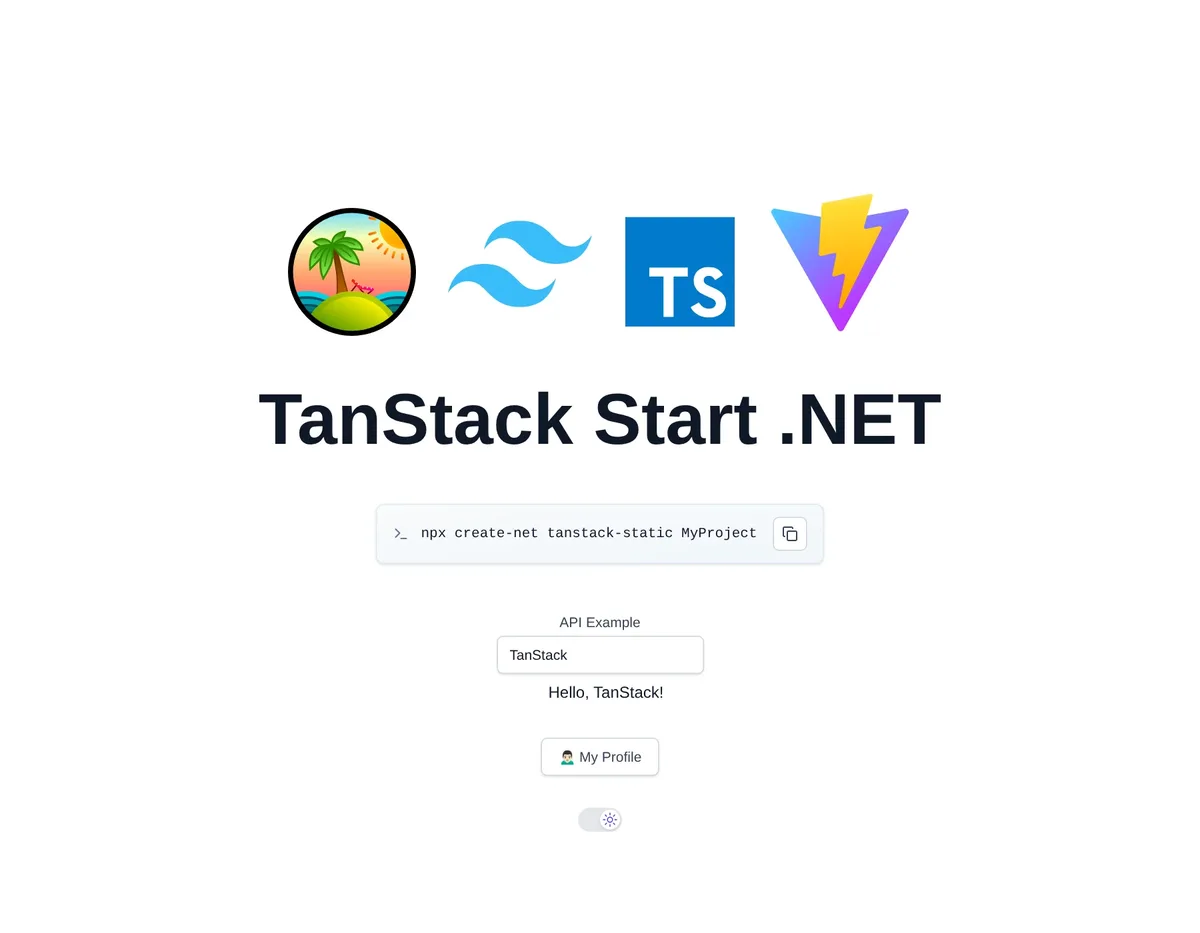
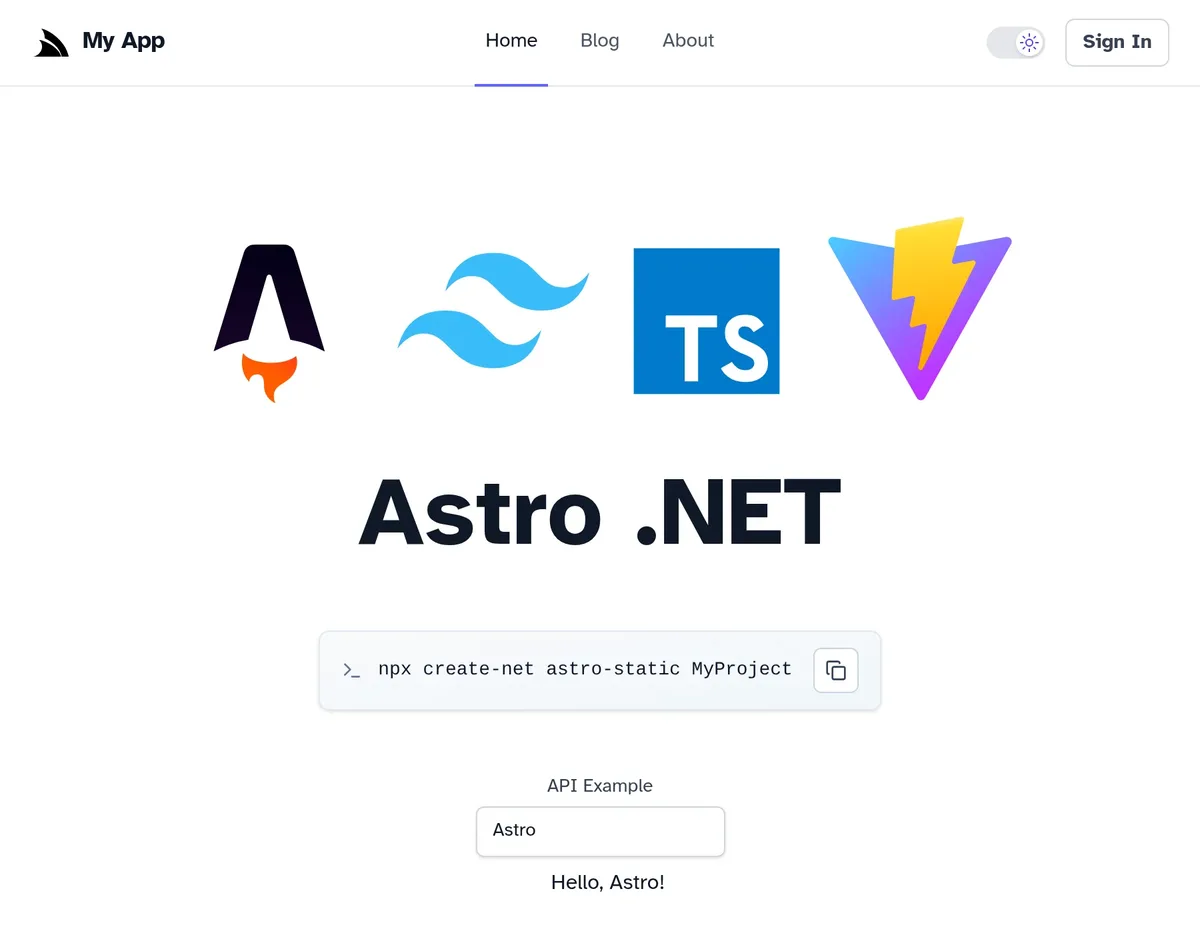
Every one of these templates now uses Vite+, including two new templates in this release:
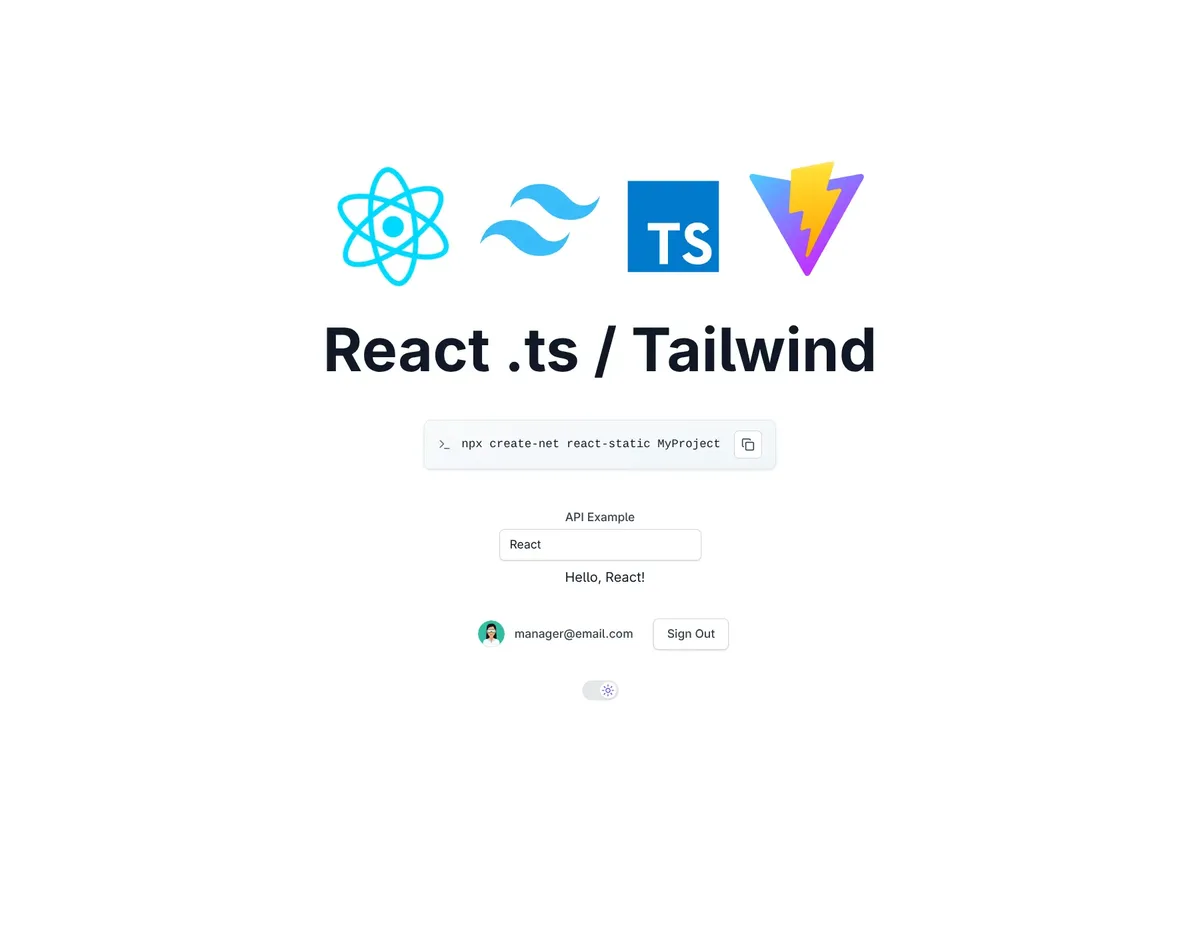
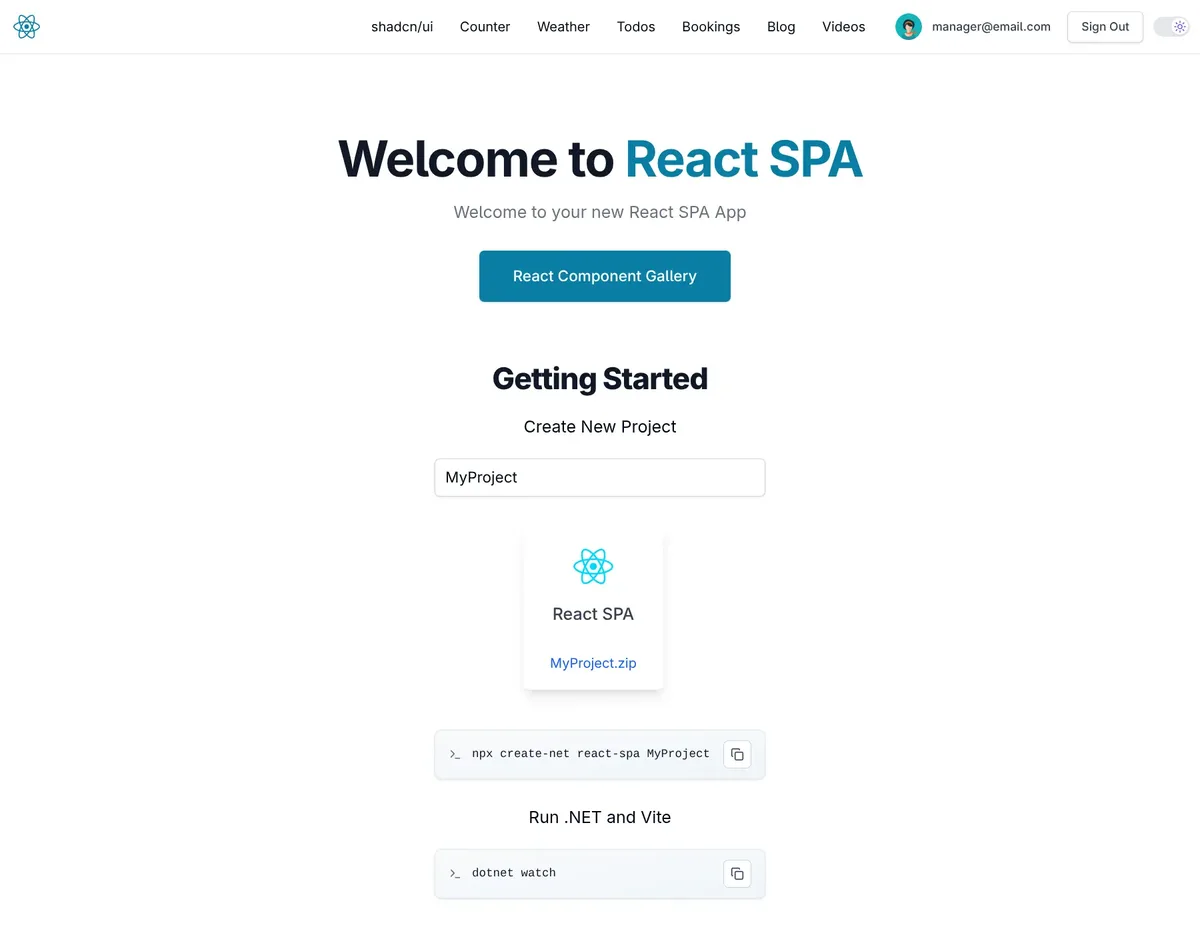
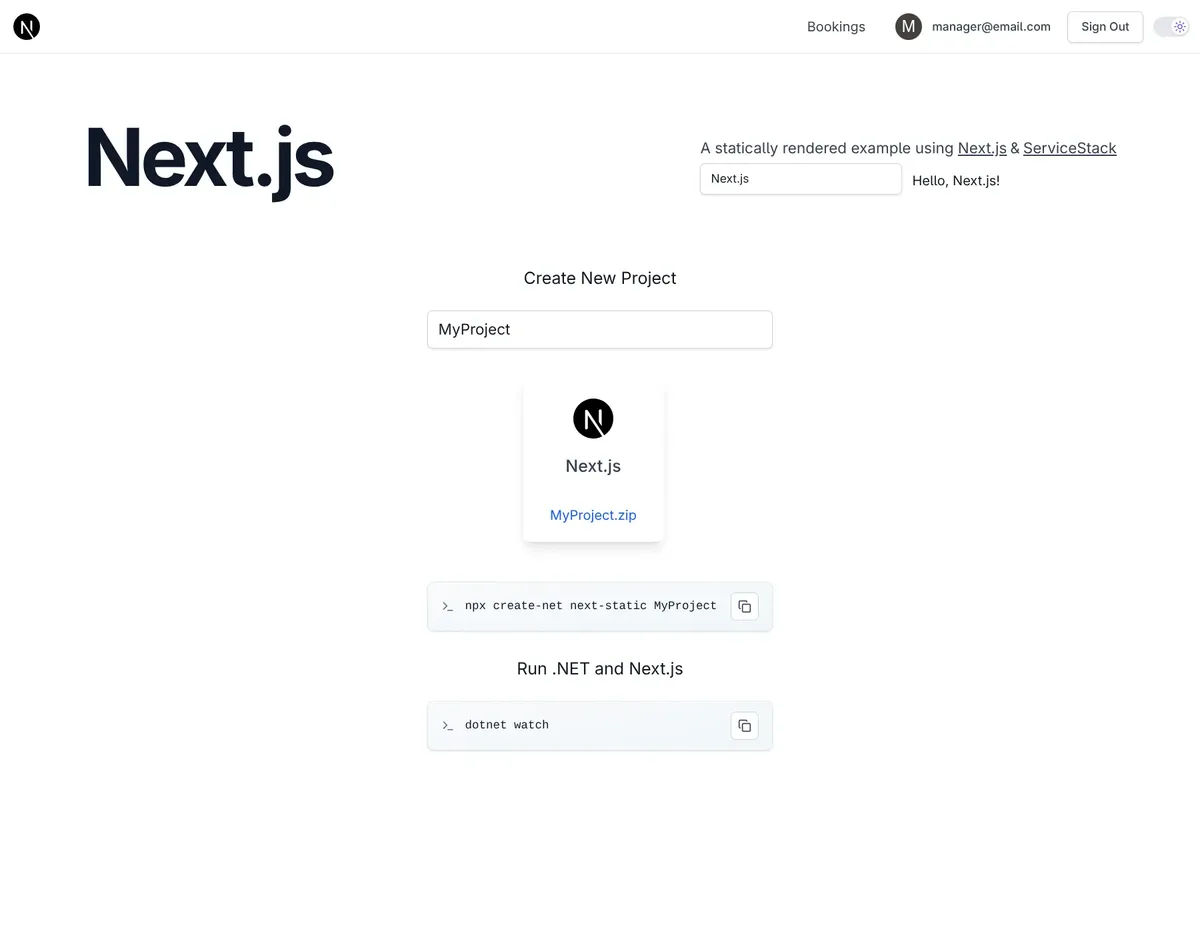
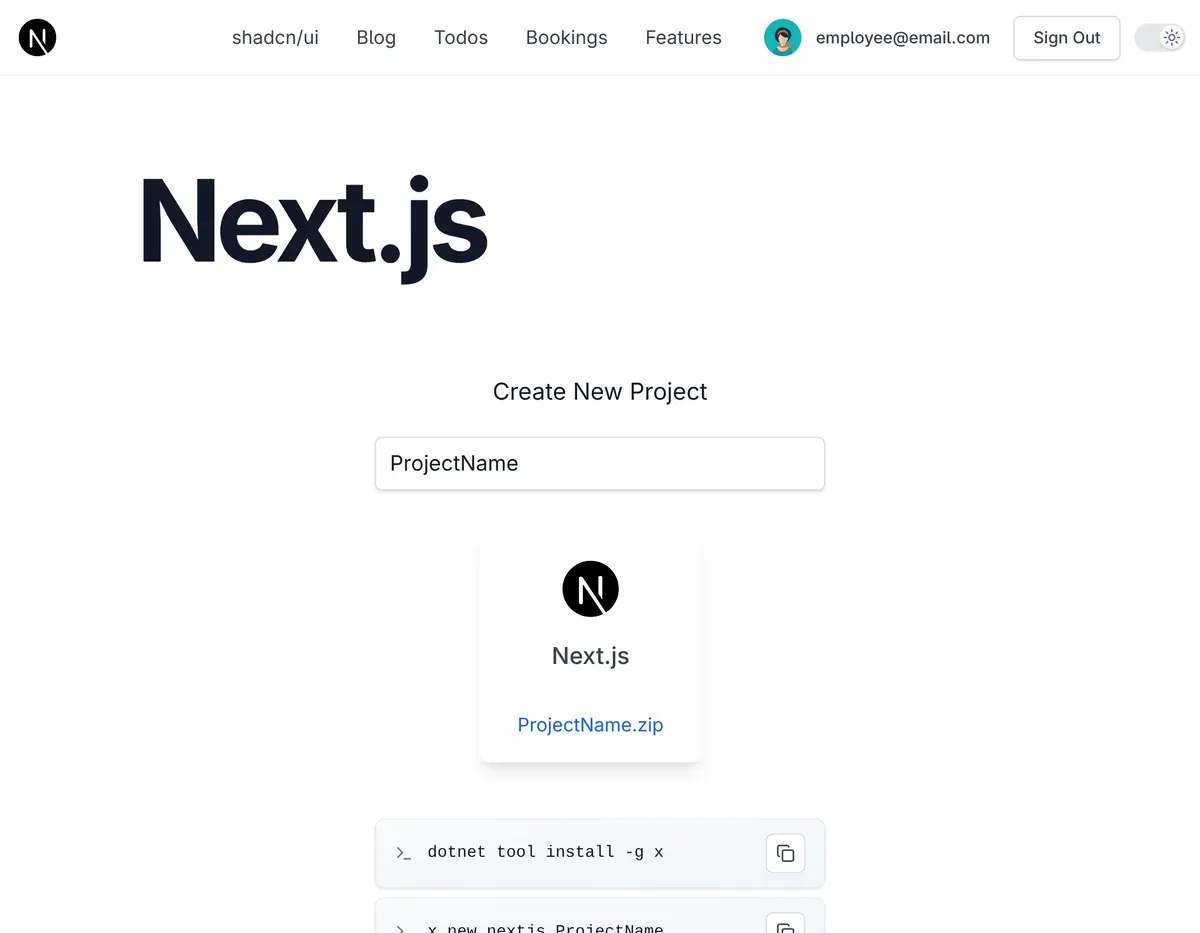
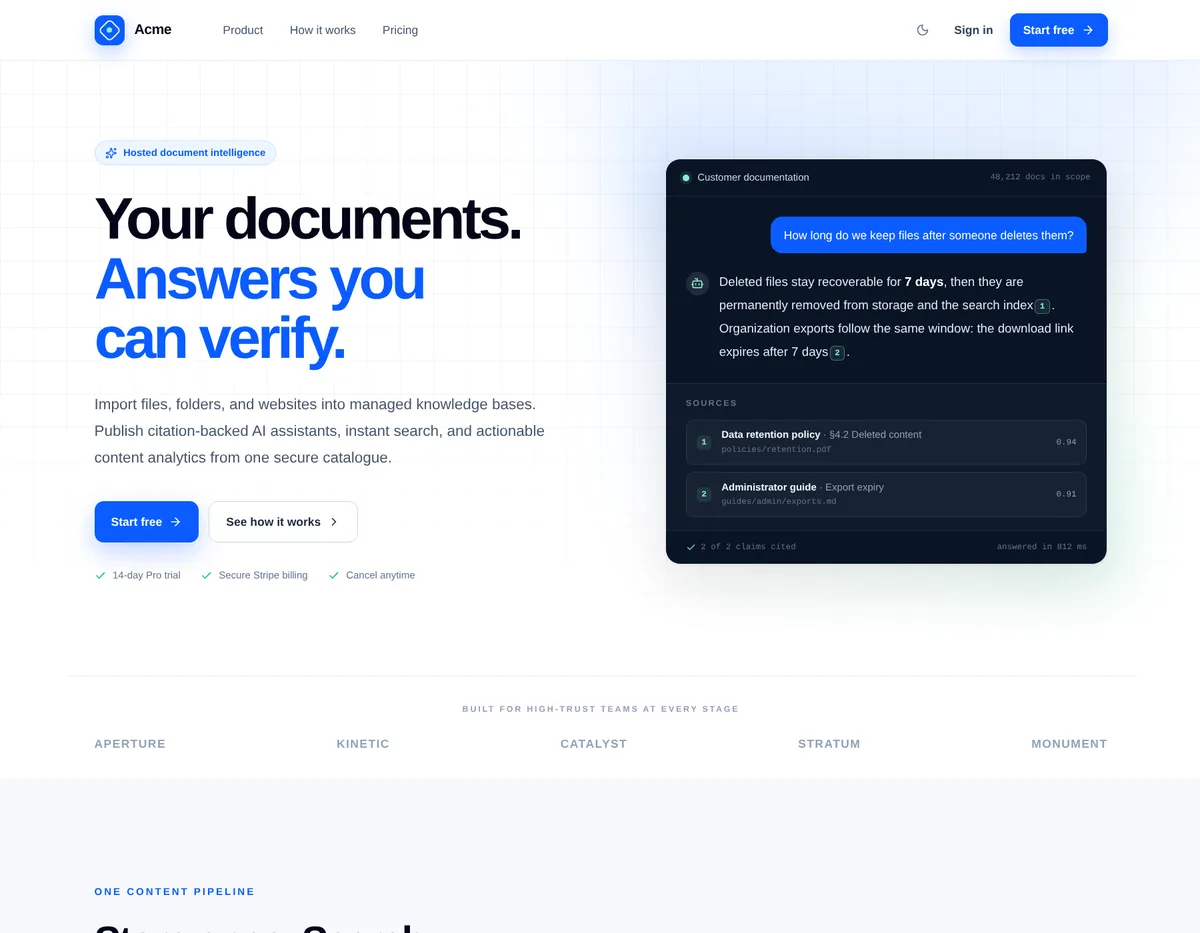
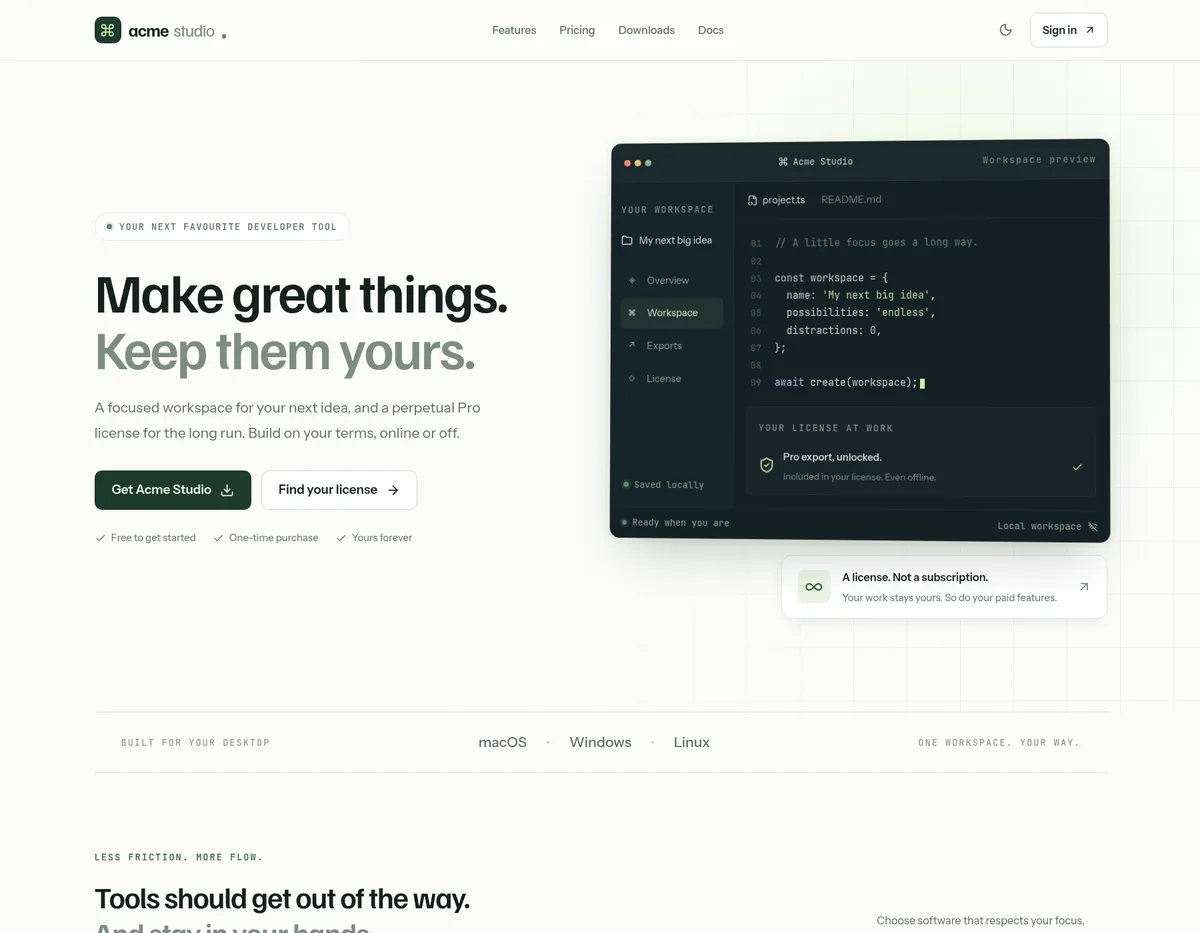
The Next.js templates also include next-rsc for React Server Components calling .NET APIs on the server, and we
introduced next-saas and next-license in earlier posts. For Vue there are
vue-static and the full-featured vue-spa.
TanStack Start gives you a prerendered React App with fully type-safe routing, and Astro is for content-first sites like blogs, docs and marketing pages that ship no JavaScript by default. We'll take a closer look at each of them in the next two posts.
Start one
Pick a template and enter your project name to copy the command to create it, or download it as a ready-to-run .zip:
Existing projects can adopt the same setup by following the Vite+ guide, and the v10.5 Release Notes cover the full list of changes.


