New Vibe Codable .NET 10 React Templates


Over the last few months our primary focus has been on enabling first-class support for React, this is a contrast from our own decade-long personal preference for Vue which has better affinity with HTML and its support for progressive enhancement enabling a Simple, Modern JavaScript development workflow without requiring npm or any build tools and why it was chosen for all of ServiceStack's built-in UIs. Whilst our focus for Blazor was driven by .NET's preference for Blazor given it's primary positioning by the .NET team.
Software Development has changed forever
Software Development has reached an inflection point where AI Models and tools are now good enough to build features in minutes, not hours and rewrite mid-sized application UIs in hours, not months. This fundamentally changes the economics of Software Development.
Whatever our developer preferences were have become significantly less important in the age of AI where the most important factor is now which frameworks AI Models are most proficient in.
The Optimal Stack for AI Development
With an AI-first development model, you're no longer writing the code directly, your task becomes feeding AI Models text prompts and context on what features to implement, so it's more important to choose a framework that AI Models understand well. Currently, that's:
- Next.js 16 - Modern React framework with excellent AI model familiarity
- React 19 - Component patterns that AI models understand deeply
- TypeScript - Type safety that helps AI generate correct code
- Tailwind CSS v4 - Utility-first styling that AI excels at composing
This stack represents the sweet spot where AI models have the most training data, the clearest patterns, and the best ability to generate cohesive, loosely coupled, high-quality code - where it's the de facto standard for instant AI-generated Apps from Replit, Lovable, Google's AI Studio, Vercel's v0 and Claude Code Web.
react-templates.net
The culmination of our work on React support is being poured into the new react-templates.net website:
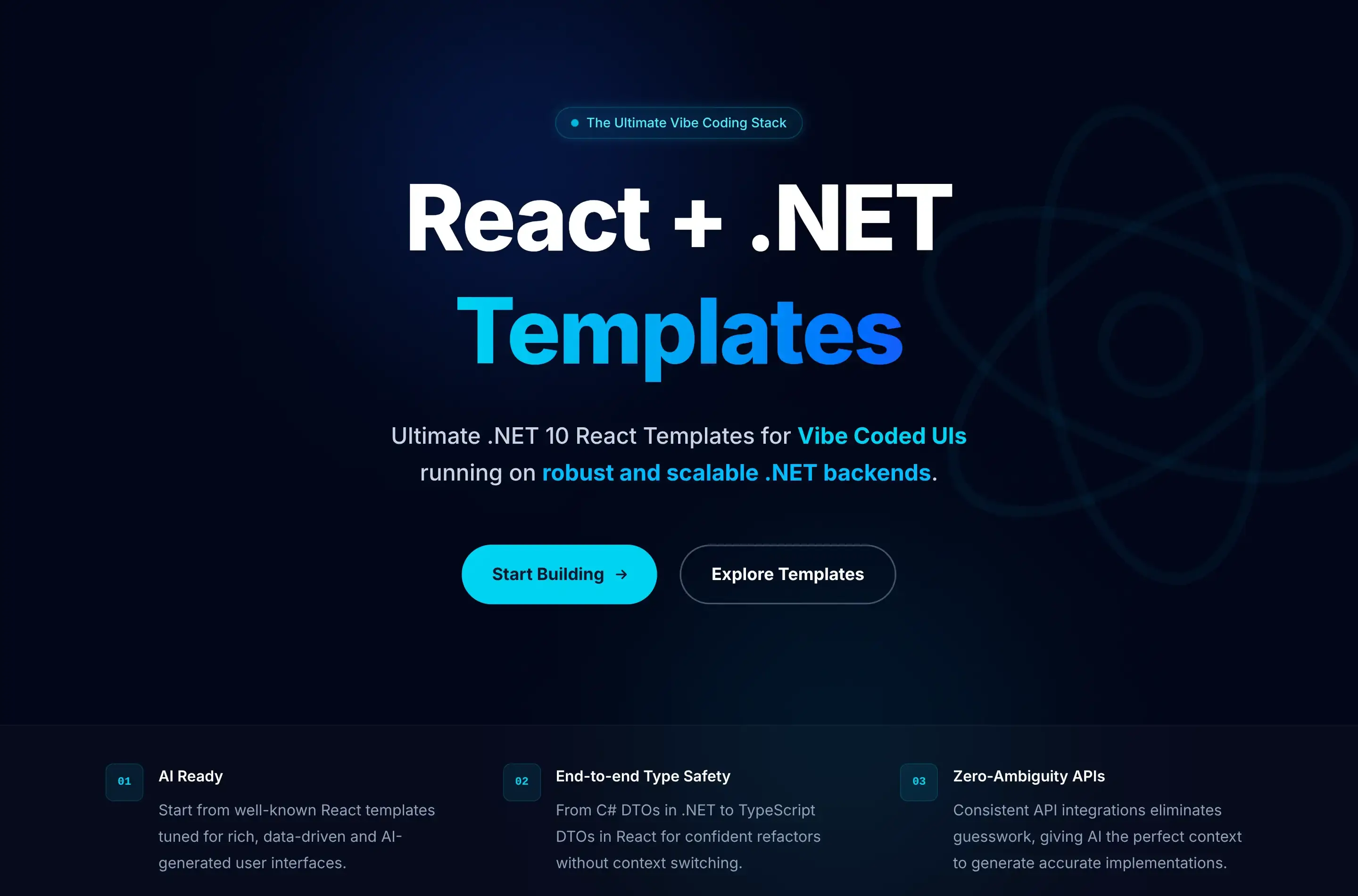
Ultimate Developer Experience
As we expect this to be the future of software development, we've focused on creating the best possible developer experience for all React templates, starting with removing the complexity of needing to manage 2 independent dev servers and local self-signed dev SSL certificates.
Instead you're able to run dotnet watch or dotnet run to run your React App like every other .NET App, where it's accessible at https://localhost:5001:

During development the new NodeProxy takes care of routing all non-matching routes to the underlying Node server, it also takes care of proxying the HotModuleReload (HMR) WebSocket connections of Next.js or Vite React Apps, where we finally get to experience the benefits that Vite/Next.js developers have been enjoying for years, with fast, stateful, iterative feedback loops.
Seamless fusion of .NET APIs, Razor Pages and React UIs
Another benefit of this architecture of the .NET App handling all Requests and only proxying unknown requests to the Node server is that it enables a seamless fusion of .NET Razor Pages and React UIs. As many customers have customized Identity Auth flows we've included the Tailwind Identity Auth Razor Pages from the razor template into all new .NET React Templates.
This ability to seamlessly integrate React components within Razor Pages enables a gradual migration strategy, allowing teams to incrementally modernize legacy ASP.NET websites by progressively replacing individual pages or sections with React UIs without requiring a complete rewrite or disrupting existing functionality.
.NET React Templates with Static Exports
All existing SPA Templates have only used static exports, where at deployment a production build of the Node App is generated and published together with the .NET App in its /wwwroot folder, utilizing static file serving to render its UI:

This continues to be the case for 4/5 of the .NET React Templates, starting with 2x new react-static and next-static minimal starting templates - perfect base for your next Vibe Coding project, starting with the simplest template:
Vibe Codable .NET React Templates
When your App needs the features from a full-featured Web Framework like Next.js with file-based routing and SEO you choose from the Next.js templates starting with:
Like React Static, Next.js Static is a static export of a Next.js App, but what about when you need the full power of Next.js? For that you can use:
Next.js in Production
Using full Next.js does mean we also need to have a Next.js runtime at production, which looks like:

Fortunately Docker simplifies managing both .NET and Node servers as a single deployable unit, with the next-rsc custom Dockerfile handling the orchestration.
Full-Featured React Templates
In addition to the minimal starting templates above, we've also created 2 full-featured React Templates providing a good reference implementation for integrating several React features including Blog, MDX, Todos and shadcn/ui components alongside .NET features like API Keys, AI Chat & Swagger UI.
Kamal Deployments
All deployments include the GitHub Action workflows to deploy your App to any Linux Server with Kamal using Docker, SSH and GitHub Container Registry (ghcr).
Where you can host it on a Hetzner US Cloud VM for as low as $5 per month or if you have multiple Apps you can deploy them all to a single VM which we're doing for our .NET Template Live Demos which runs 30 Docker Apps on a 8GB RAM/80GB SSD dedicated VM for $15 /month.
AI-Assisted Development with CLAUDE.md
As part of our objectives of improving developer experience and embracing modern AI-assisted development workflows - all new .NET React templates include a comprehensive AGENTS.md file designed to optimize AI-assisted development workflows.
What is CLAUDE.md?
CLAUDE.md and AGENTS.md onboards Claude (and other AI assistants) to your codebase by using a structured documentation file that provides it with complete context about your project's architecture, conventions, and technology choices. This enables more accurate code generation, better suggestions, and faster problem-solving.
What's Included
Each template's AGENTS.md contains:
- Project Architecture Overview - Technology stack, design patterns, and key architectural decisions
- Project Structure - Gives Claude a map of the codebase
- ServiceStack Conventions - DTO patterns, Service implementation, AutoQuery, Authentication, and Validation
- React Integration - TypeScript DTO generation, API client usage, component patterns, and form handling
- Database Patterns - OrmLite setup, migrations, and data access patterns
- Common Development Tasks - Step-by-step guides for adding APIs, implementing features, and extending functionality
- Testing & Deployment - Test patterns and deployment workflows
Extending with Project-Specific Details
The existing CLAUDE.md serves as a solid foundation, but for best results, you should extend it with project-specific details like the purpose of the project, key parts and features of the project and any unique conventions you've adopted.
Benefits
- Faster Onboarding - New developers (and AI assistants) understand project conventions immediately
- Consistent Code Generation - AI tools generate code following your project's patterns
- Better Context - AI assistants can reference specific ServiceStack patterns and conventions
- Reduced Errors - Clear documentation of framework-specific conventions
- Living Documentation - Keep it updated as your project evolves
How to Use
Claude Code and most AI Assistants already support automatically referencing CLAUDE.md and AGENTS.md files, for others you can just include it in your prompt context when asking for help, e.g:
Using my project's AGENTS.md, can you help me add a new AutoQuery API for managing Products?
The AI will understand your App's ServiceStack conventions, React setup, and project structure, providing more accurate and contextual assistance.
Getting Started
All new react-templates.net include AGENTS.md by default. For existing projects, you can adapt the template to document your App's conventions, patterns and technology choices.


