Astro + .NET for Content Sites That Ship No JavaScript by Default


Most of a blog, a docs site or a product page is just content: a header, an article and a footer. Yet many React sites ship a whole JavaScript framework to the browser to render it, then wait for it to load before the page becomes usable.
ServiceStack v10.5 adds a new template built on Astro, the web framework for content-driven websites. It's for content-first Apps like blogs, docs, marketing and product sites that still need interactive features, ServiceStack APIs and authentication from a .NET backend:
npx create-net astro-static MyProject
No JavaScript until a component needs it
Astro renders each page to HTML and CSS at build time. A React component without a client:* directive is rendered
to static HTML too, and none of its JavaScript is sent to the browser. Pages stay small and load fast, with great SEO
and Core Web Vitals scores, without you having to optimize for them.
Islands, hydrated when you choose
When a component does need to be interactive, you make it an island and choose when it loads:
| Directive | Hydrates |
|---|---|
client:load |
Immediately, on page load |
client:visible |
When it's scrolled into view |
client:idle |
When the browser is idle |
client:only |
Only in the browser, without being prerendered |
On the template's home page the install command is static HTML, whilst the API example next to it is an island that calls a ServiceStack API as you type:
---
import { ShellCommand } from 'react-net-templates'
import { HelloApi } from '../components/islands'
import Layout from '../layouts/Layout.astro'
---

<Layout>
    <!-- Rendered to static HTML at build time, with no JS -->
    <ShellCommand>npx create-net astro-static MyProject</ShellCommand>

    <!-- Interactive React island, hydrated in the browser -->
    <HelloApi client:load value="Astro" />
</Layout>
Many islands, one signed-in user
Each island is its own React root, so islands on the same page don't share React context. The template wraps each
interactive component with withApp(), which gives it the ServiceStack ClientContext for calling your APIs. The
first island to hydrate loads the App's metadata and the signed-in user, which every island on the page then shares:
import { withApp } from '@/lib/app'
import { appAuth } from '@/lib/auth'
import HelloApiComponent from './HelloApi'

export const HelloApi = withApp(HelloApiComponent)

/** Sign in link, or the signed-in user's avatar linking to their profile */
export const UserMenu = withApp(function UserMenu() {
    const { user, ready } = appAuth()
    if (!ready) return <span className="inline-block h-8 w-8" />
    //...
})
A user menu in the header, a profile button on the page and an API example further down can all show the same signed-in user, loaded once.
Write in Markdown, checked at build time
Content is Markdown and MDX. Blog posts live in a Content Collection, where every post's frontmatter is validated against a typed schema:
import { defineCollection } from 'astro:content'
import { glob } from 'astro/loaders'
import { z } from 'astro/zod'

const blog = defineCollection({
    // Load Markdown and MDX files in the `src/content/blog/` directory.
    loader: glob({ base: './src/content/blog', pattern: '**/*.{md,mdx}' }),
    // Type-check frontmatter using a schema
    schema: ({ image }) =>
        z.object({
            title: z.string(),
            description: z.string(),
            pubDate: z.coerce.date(),
            updatedDate: z.coerce.date().optional(),
            heroImage: z.optional(image()),
        }),
})

export const collections = { blog }
Forget a title or mistype a date, and the build fails and tells you which post is wrong, instead of publishing a broken page. Your content team gets the safety of a type checker without leaving Markdown.
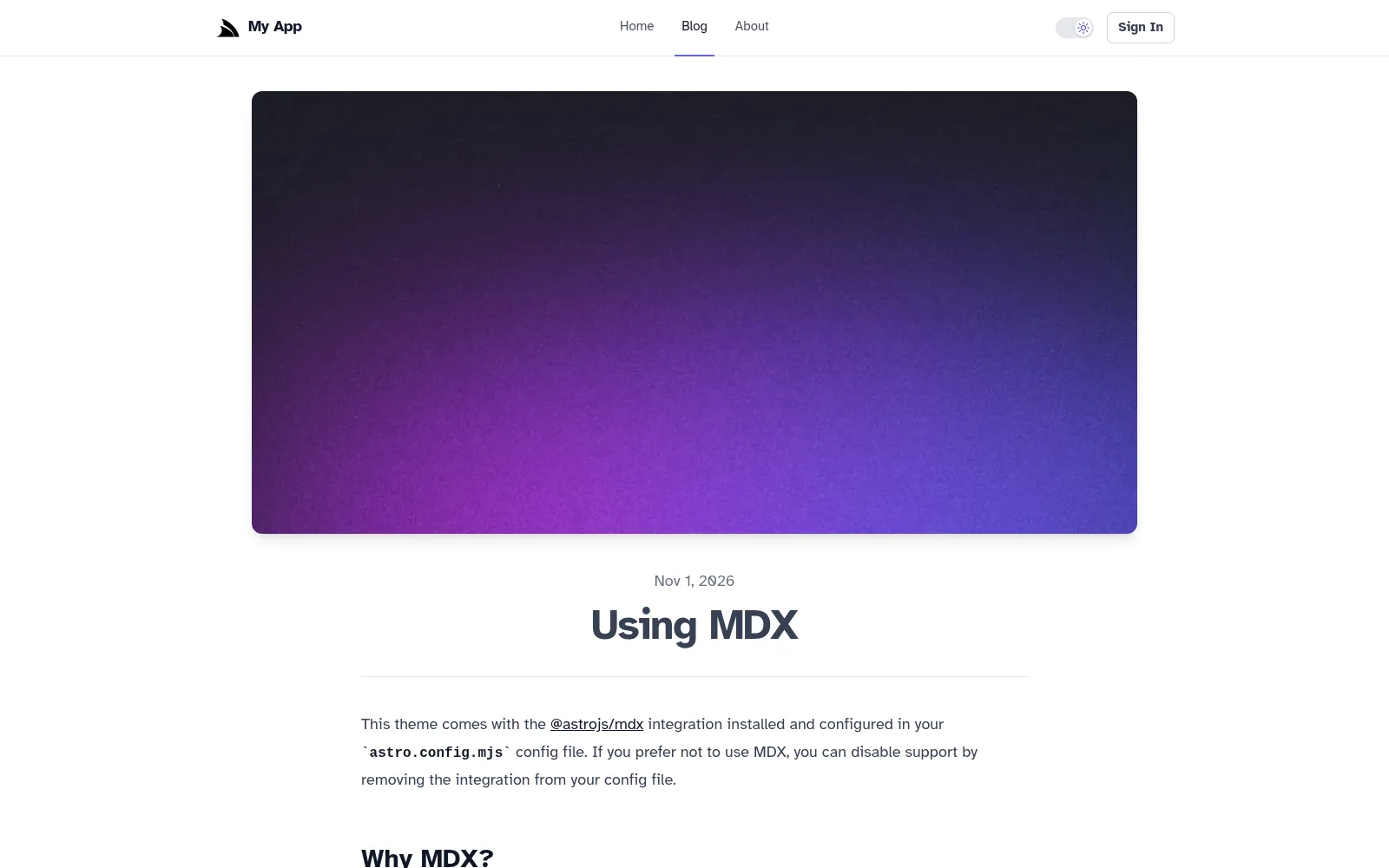
The blog comes complete with an index page, a page per post, an RSS feed at /rss.xml and a generated sitemap:

Just HTML, plus components
An .astro component is an HTML template with a small script at the top that runs at build time. There are no React
Server Components, no "use client" boundaries and no server/client component rules to learn, which makes pages
simple to reason about and easier for AI Agents to get right.
React is fully supported through the @astrojs/react integration, so you can reuse your existing React components and
the @servicestack/react component library. Astro's official integrations for MDX,
RSS, sitemaps and optimized images are already configured.
One .NET App, in development and in production
The template uses the same hybrid development model as our other templates:
- Development -
dotnet watchstarts both your .NET App and the Astro dev server, with ASP.NET Core proxying page requests to Astro, which renders each page on request. React islands update in place with HMR, whilst changes to.astroand Markdown files reload the page - Production -
npm run buildprerenders every page to HTML, e.g./blog/first-postbecomesblog/first-post.html, which is published toMyApp/wwwrootand served with clean URLs, with any unknown path returning the prerendered404.html
There's no Node.js server to deploy, run or secure in production. Static output is Astro's default rather than an export mode with features to avoid, so there are no unsupported APIs to work around, and your site deploys as part of your .NET App with the template's existing Docker and Kamal deployments.
The rules of a static site
No server means a few clear rules:
- Frontmatter runs at build time - the script at the top of an
.astrofile runs when the site is built, so per-user data and authenticated APIs are called from React islands in the browser instead - Dynamic pages are listed at build time - routes like
blog/[...slug].astrolist every page withgetStaticPaths(), so data that changes at runtime is fetched from a ServiceStack API in an island:
---
import { getCollection, render } from 'astro:content'
import BlogPost from '../../layouts/BlogPost.astro'

export async function getStaticPaths() {
    const posts = await getCollection('blog')
    return posts.map((post) => ({ params: { slug: post.id }, props: post }))
}

const post = Astro.props
const { Content } = await render(post)
---

<BlogPost {...post.data}>
    <Content />
</BlogPost>
- Pages are prerendered signed out - pages that depend on the signed-in user render their island with
client:only, e.g. the auth-protected profile page:
---
import { Profile } from '../components/islands'
import Layout from '../layouts/Layout.astro'
---

<Layout title="Profile">
    <!-- client:only: the profile depends on the signed-in user, so it's only rendered in the browser -->
    <Profile client:only="react" />
</Layout>
These rules are also written into the template's AGENTS.md, so an AI Agent knows which Astro features to use and
which to avoid.
Everything else you'd expect
It's still a full ServiceStack App:
- ASP.NET Core Identity Auth - sign in, sign up and account management, with an auth-protected
/profilepage - React 19 islands calling typed ServiceStack APIs with
JsonServiceClient - Dark Mode - with a toggle that remembers the user's preference
- AutoQuery CRUD - the same Bookings APIs as our other templates, managed from the built-in Admin UI and explored in the API Explorer
- Vite+ for formatting, linting, type checking and testing
Start one
Content pages that are just HTML, React islands where you need them, Markdown that's checked before it's published, and nothing but your .NET App to run in production:
npx create-net astro-static MyProject
Read more in the astro-static docs and the v10.5 Release Notes.


