API Rate Limiting


Every public API eventually meets a client that calls it too often. It might be a buggy retry loop, a script someone forgot to stop, a customer syncing everything at once or someone trying to guess passwords. Your APIs slow down for everyone else, your database takes the load, and the third-party services you pay for per call send you the bill.
Rate limiting stops this at the edge of your App. Each client gets a budget of requests, and anything over it is turned away with HTTP 429 Too Many Requests before it costs you anything.
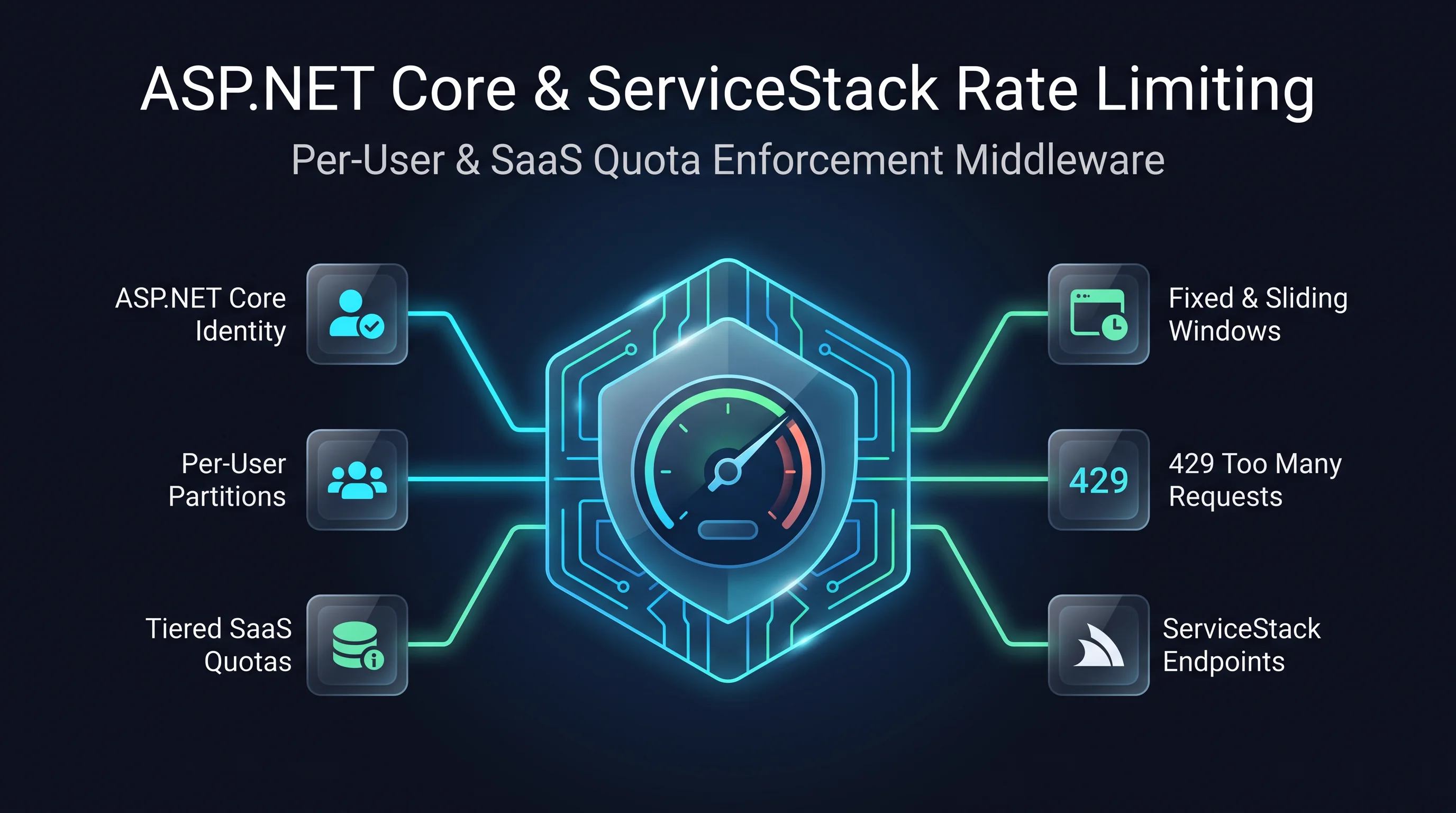
ASP.NET Core already ships a good rate limiter. It handles permits, queueing, rejections and metrics for fixed windows, sliding windows, token buckets and concurrency limits. What was missing was a simple way to apply it to ServiceStack APIs. ServiceStack v10.3 adds that:
- Attach a policy to a Request DTO with ServiceStack's
[RateLimiting]or Microsoft's[EnableRateLimiting]attribute - Share one budget across a group of APIs by binding a policy to a
[Tag] - Enforced everywhere an API can be called: explicit routes,
/apiURLs, format URLs and autobatch requests - Rejected before your service runs, so an over-limit request costs almost nothing
- Checked on startup, so ambiguous or bypassable configurations fail when your App starts, not in production
Limit an entire workflow with one policy
Rate limits usually protect a resource rather than a single endpoint. When "orders" are expensive, you want to limit how much order work a client can do, whether they're listing, placing or cancelling orders. Giving each endpoint its own allowance means a client gets three times the budget you intended.
With ServiceStack you define the policy once, using ASP.NET Core's AddRateLimiter, and bind it to a tag:
builder.Services.AddRateLimiter(options =>
{
    options.RejectionStatusCode = StatusCodes.Status429TooManyRequests;
    options.AddFixedWindowLimiter("orders", limiter =>
    {
        limiter.PermitLimit = 60;
        limiter.Window = TimeSpan.FromMinutes(1);
        limiter.QueueLimit = 0;
    });
});

var app = builder.Build();
app.UseRouting();
app.UseRateLimiter();
app.UseServiceStack(new AppHost(), options =>
{
    options.MapEndpoints();
    options.RateLimitTag("orders", "orders");
});
Every operation tagged orders now draws from the same orders budget. You can also name the
policy directly on a Request DTO:
[Tag("orders")]
public class ListOrders : IGet, IReturn<ListOrdersResponse> { }

[Tag("orders")]
public class CancelOrder : IPost, IReturn<CancelOrderResponse> { }

[RateLimiting("orders")]
public class PlaceOrder : IPost, IReturn<PlaceOrderResponse> { }
Try spending the budget below, then switch to a separate policy per API to see how much more a client could get away with:
APIs without a policy, like GetProfile above, aren't affected. Rate limiting is opt-in, so upgrading
doesn't change the behavior of any existing API.
Keep your DTOs free of ASP.NET Core
Request DTOs often live in a shared ServiceModel project that's referenced by .NET clients, desktop apps
and other services. The [RateLimiting] attribute is defined in ServiceStack.Interfaces, so these
projects can declare their policy without taking a dependency on ASP.NET Core.
If you'd rather use Microsoft's own attributes, [EnableRateLimiting] and [DisableRateLimiting] work on
Request DTOs as well. You can also bind a policy from your App's configuration, without touching the DTO at all:
app.UseServiceStack(new AppHost(), options =>
{
    options.MapEndpoints();
    options.RateLimitOperation<GenerateReport>("reports");
});
No ambiguity, no surprises
An operation can end up with more than one binding: a tag, an attribute and some configuration. ServiceStack resolves them in a simple order:
options.RateLimitOperation<T>()in your App's configuration[RateLimiting]or[EnableRateLimiting]on the Request DTO- A
[Tag]bound withoptions.RateLimitTag()
Bindings can agree with each other, but they can never quietly disagree. If two bindings name different
policies, or an operation is tagged with two tags bound to different policies, or [DisableRateLimiting]
is combined with a policy, ServiceStack throws on startup and tells you which operation to fix. You'll
never find out in production that an API has been running under the wrong limit. Try it:
[DisableRateLimiting] is also how you exempt an operation from a global limiter, e.g. to keep health
checks and webhooks from being throttled.
Enforced on every route
A rate limit is only as good as its weakest route. ServiceStack APIs can be called from several URLs, and it only takes one unmetered URL for a client to ignore your limits. ServiceStack applies the policy to all of them:
| Route | Example | |
|---|---|---|
| Explicit routes | POST /orders |
✓ Limited |
| JSON API | POST /api/PlaceOrder |
✓ Limited |
| Format URLs | POST /api/PlaceOrder.json |
✓ Limited |
| Autobatch requests | POST /api/PlaceOrder[] |
✓ Limited |
| Legacy pre-defined routes | POST /json/reply/PlaceOrder |
Not mapped |
Rate limiting runs in ASP.NET Core's middleware, so this requires ServiceStack APIs to be served by
ASP.NET Core Endpoint Routing. Keep MapEndpoints() at
its default force: true so legacy ServiceStack routes aren't served. If a rate-limited App is configured
in a way that could leave a route unmetered, it fails on startup instead of running without its limits.
Since the limiter runs before ServiceStack, an over-limit request is rejected with a 429 before its Request DTO is deserialized, its filters run or your service is called.
Choose the limiter that fits
A named policy can use any of ASP.NET Core's built-in limiters, or a custom policy of your own. They all bind to ServiceStack APIs in the same way:
Per-user budgets
A single shared budget protects your servers, but it lets one busy client use up everyone's allowance. For SaaS APIs you'll usually want one budget per user, which you get by partitioning a policy by the authenticated user:
builder.Services.AddRateLimiter(options =>
{
    options.RejectionStatusCode = StatusCodes.Status429TooManyRequests;
    options.AddPolicy("per-user", context =>
    {
        var userId = context.User.FindFirstValue(ClaimTypes.NameIdentifier);
        return userId != null
            // Each signed-in user gets their own bucket of 100 requests a minute
            ? RateLimitPartition.GetTokenBucketLimiter(userId, _ => new TokenBucketRateLimiterOptions {
                TokenLimit = 100,
                TokensPerPeriod = 100,
                ReplenishmentPeriod = TimeSpan.FromMinutes(1),
                QueueLimit = 0,
            })
            // Anonymous callers share a much smaller budget per IP
            : RateLimitPartition.GetFixedWindowLimiter(
                context.Connection.RemoteIpAddress?.ToString() ?? "anonymous", _ => new FixedWindowRateLimiterOptions {
                    PermitLimit = 10,
                    Window = TimeSpan.FromMinutes(1),
                    QueueLimit = 0,
                });
    });
});

var app = builder.Build();
app.UseRouting();
app.UseAuthentication(); // must run before the limiter to partition by user
app.UseRateLimiter();
The limiter runs before ServiceStack does, so it partitions on the ASP.NET Core principal in
HttpContext.User. Make sure UseAuthentication() comes before UseRateLimiter(), as shown above, so
the user is known when the limiter runs. The same approach works for per-tenant or per-API Key budgets,
using whichever claim identifies them.
Things to know
- Limits are per App Server. ASP.NET Core's built-in limiters keep their counters in memory, so with 3 App Servers behind a load balancer, a 60 requests/minute policy allows up to 180 in total. For a quota shared across servers, use a distributed policy, e.g. backed by Redis, or enforce it at your API gateway.
- Friendly rejections. Use
options.OnRejectedto add aRetry-Afterheader or a custom error body. ServiceStack's generated service clients surface a 429 like any other failed API call. - Metrics included. ASP.NET Core's limiter publishes its own metrics for leased and rejected requests, which you can collect alongside the new ServiceStack OpenTelemetry metrics.
- Not the same as Job rate limits. API rate limiting controls how fast clients can call your APIs. To control how fast your App calls someone else's API, use the new Background Jobs queue rate limits, also in this release.
Get Started
API Rate Limiting is available in ServiceStack v10.3 for all ASP.NET Core Apps using Endpoint Routing. To add it to an existing App:
- Define your named policies with
builder.Services.AddRateLimiter() - Add
app.UseRateLimiter()afterUseRouting(), and afterUseAuthentication()for per-user policies - Bind policies to your APIs with
[RateLimiting],[EnableRateLimiting],RateLimitTag()orRateLimitOperation<T>()
See the v10.3 Release Notes for everything else in this release, and the Rate Limiting docs for more on configuring ASP.NET Core's rate limiter.


